

Screenshots

MOD features
• On custom firmware like MIUI or One UI, Lucky Patcher patches may not work properly due to system limitations (though you can still give it a try). • ROOT Required: Root access is needed to apply the Lucky Patcher Android core patches: "Signature verification is always correct" and "Disable apk integrity check". • Important: Install the SafetyNet Fix Magisk module (by kdrag0n / Displax). • Incompatible with pure AOSP without GMS (Gspace will not work either, as the app cannot be unlinked from Google Play Services). • PRO Unlocked (Dreambooth, Retake, and Video features are excluded). • Secret menu enabled (trigger by tapping with 3 or 4 fingers). • No Ads (All advertisements removed). • Compressed graphics (mdpi) for smaller size and smoother performance. • Disabled onboarding tutorial, Terms of Service, Dreambooth flow, Retake flow, and the red web button. • Disabled all analytics and tracking (Crashlytics, Firebase, Facebook). • Cleaned up unnecessary files. • Supported Languages: ru, en, cn, hk, tw. • Troubleshooting: If you run into the "Oh! error" after generating 5 photos, hold three fingers anywhere on the screen and choose "Delete user" in the popup menu.
Method 2 (If the app fails to install or crashes): Installation on non-standard firmware such as MIUI or One UI (Root and Lucky Patcher required) Step-by-step guide: 1. Install the official version from Google Play. 2. Download the MOD APK from ApkUnlimit. 3. In Lucky Patcher, select "Rebuild and install". 4. Use the file manager to navigate to the downloaded MOD file. 5. Tap the file and select "Integrate dalvik code to already installed application". 6. Wait for the integration process to complete.
Description
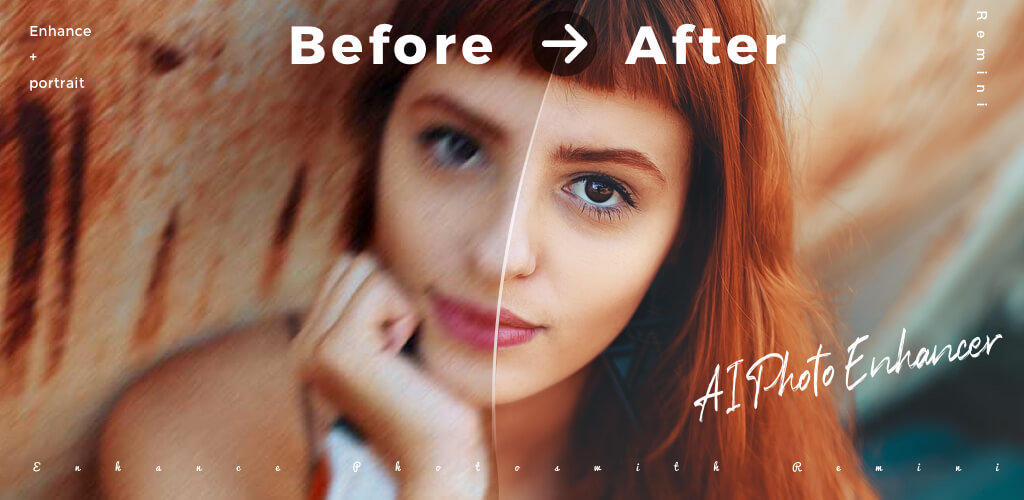
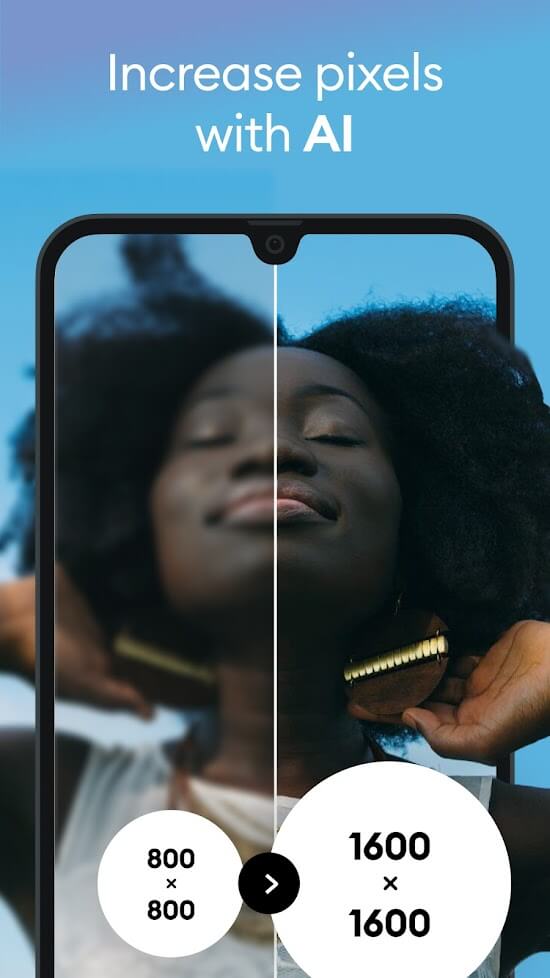
Remini Mod APK – AI Photo Enhancer is a powerful editing tool that revitalizes and sharpens your images, effortlessly transforming vintage, faded pictures into crisp, modern masterpieces.
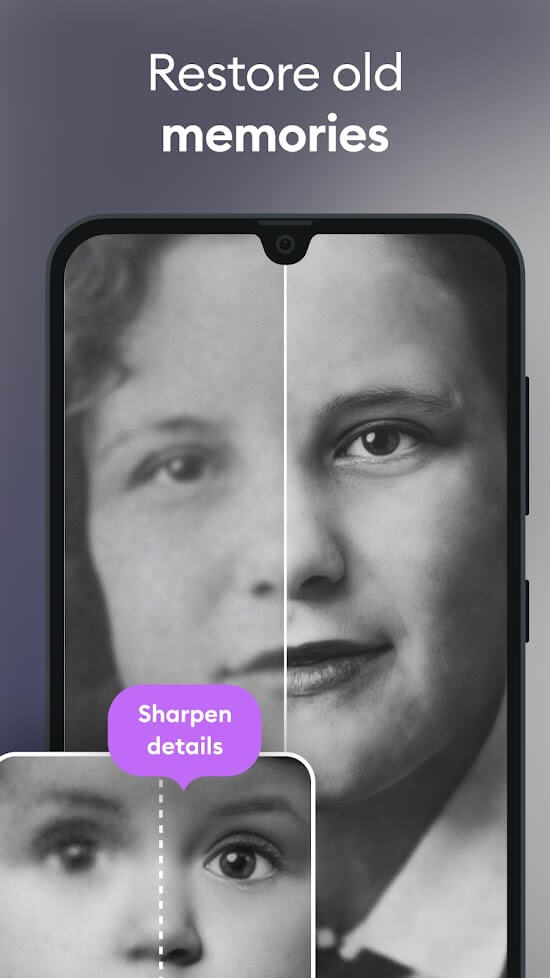
Remini – AI Photo Enhancer is the ultimate utility for anyone looking to dramatically boost the quality of their favorite photos and videos. Packed with state-of-the-art AI technology, this must-have app allows you to restore aged portraits into clear, studio-grade visuals or fine-tune everyday shots to achieve crystal-clear definition. It is the perfect solution for breathing new life into precious family memories and low-res photos of your loved ones.
In addition to mobile devices, Remini features a convenient web platform, enabling you to process and upload pictures directly from your PC whenever you like.
RESTORE BLURRY PHOTOS
Harnessing cutting-edge artificial intelligence, Remini – AI Photo Enhancer seamlessly turns grainy, out-of-focus snapshots into sharp, professional-grade images. Forget about tricky manual adjustments—a single tap is all it takes for the smart algorithms to work their magic.
Once installed, you can create an account and explore the app at no cost, which includes three free photo enhancements each day. Accessing continuous edits beyond this daily limit typically requires a paid subscription. To fix a picture, simply tap the Enhance button, pick your photo, and let the tool do the heavy lifting. Be sure to keep the app open during processing so you do not lose your progress. The time required to enhance your file will vary based on the original image quality.
RESTORE VINTAGE PHOTOS & VIDEOS
Beyond reviving vintage pictures, Remini also lets you enhance and restore old video footage. The process is much like choosing a photo, though processing videos naturally requires more time. You can conveniently preview the final result before saving it straight to your device. Furthermore, the built-in camera tool provides manual controls for lighting, contrast, and clarity to capture better shots from the start.
UNLOCK PRO MEMBERSHIP
The standard free version provides basic access, but upgrading to a Pro account unlocks the app's full potential and exclusive utilities. While standard users pay a recurring monthly or annual subscription fee for these advanced restoration features, a Pro tier delivers maximum clarity and astonishingly realistic photo enhancements.
AUTOMATIC HISTORY & SAVE FEATURE
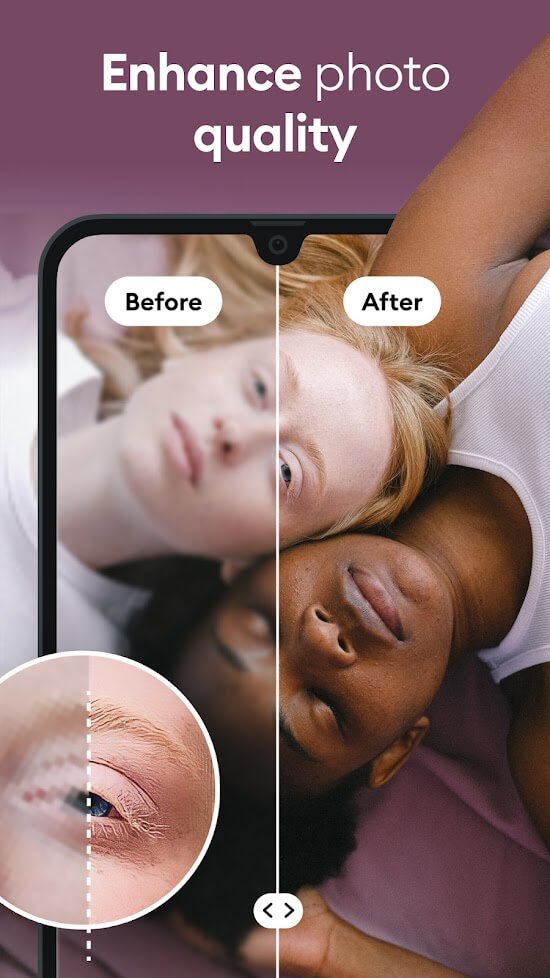
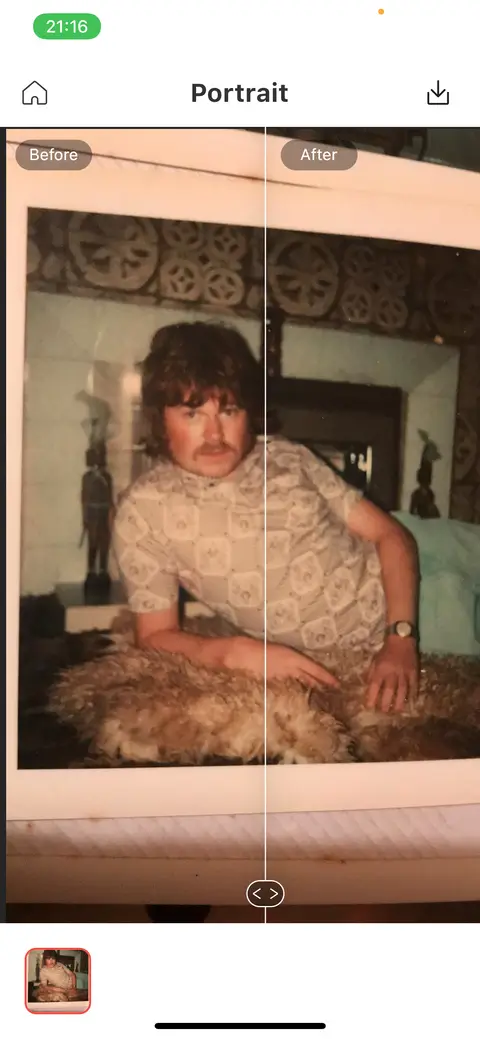
Once your media is restored, Remini automatically saves the finished files to your local storage and logs them into your History tab, ensuring you never misplace an edited favorite. The app also features an interactive before-and-after comparison slider. Just drag your finger across the screen or pinch-to-zoom to inspect every fine detail, giving you a clear, side-by-side look at the remarkable transformation.
INTUITIVE USER INTERFACE
Remini boasts a clean, modern English interface that anyone can navigate with ease. Well-organized categories, neatly arranged editing tools, and an eye-friendly color palette deliver a smooth user experience. You can even snap a fresh selfie directly in the app and retouch it instantly, producing studio-quality results in seconds without needing any complex photo editing skills.
How Remini Works
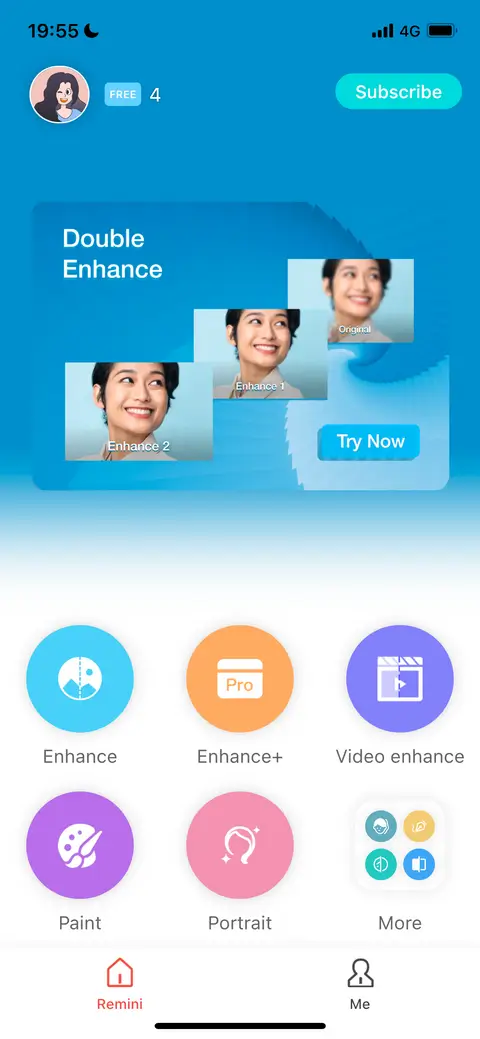
Upon opening the app, you will be greeted by the primary dashboard featuring several core options. Tools such as Enhance, Paint, and Portrait are open for general use, whereas premium options like Enhance+ and Video Enhance are reserved for subscribers. On Android, users can readily access both the standard Enhance tool and the upgraded Enhance+ mode.
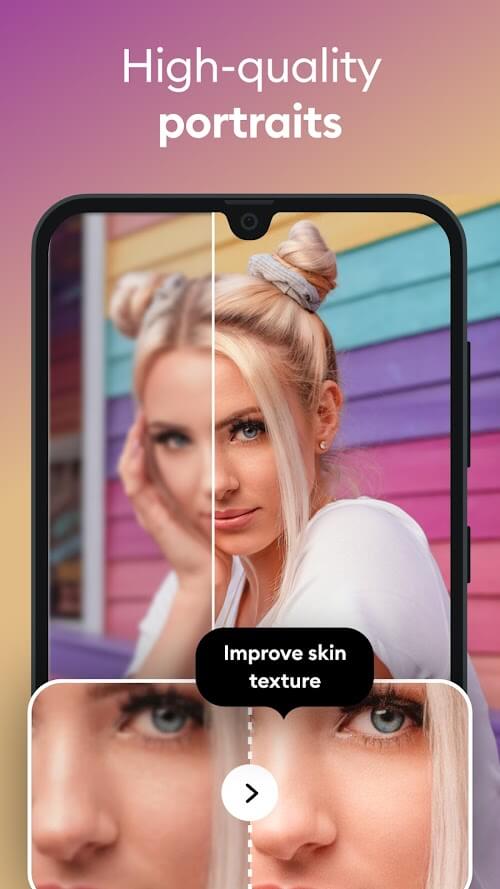
The core Enhance tool revitalizes low-res and blurred images, while Paint transforms your snapshots into artistic, stylized paintings. Portrait mode uses advanced facial recognition AI to sharpen facial details for flawless headshots. Tapping More reveals additional utilities, including the Colorize tool, which brings black-and-white photos to life with natural, automated coloring.
KEY FEATURES
- Revive old pictures and vintage video clips in ultra-high definition.
- Keep track of all your processed creations in the built-in History tab.
- Unlock Pro privileges to access exclusive editing and restoration utilities.
- Intuitive, clean interface fully accessible in English.
- Capture selfies directly inside the app and enhance them on the spot.
How to install
- Download the APK file above to your phone.
- Allow “Install unknown apps” when prompted.
- Open the downloaded APK and tap Install.
- If the package includes OBB/XAPK data, follow the bundled instructions.
MOD APKs are modified builds, so Play Protect may show a warning. Install only if you trust the file; use at your own risk.