

Screenshots
Description
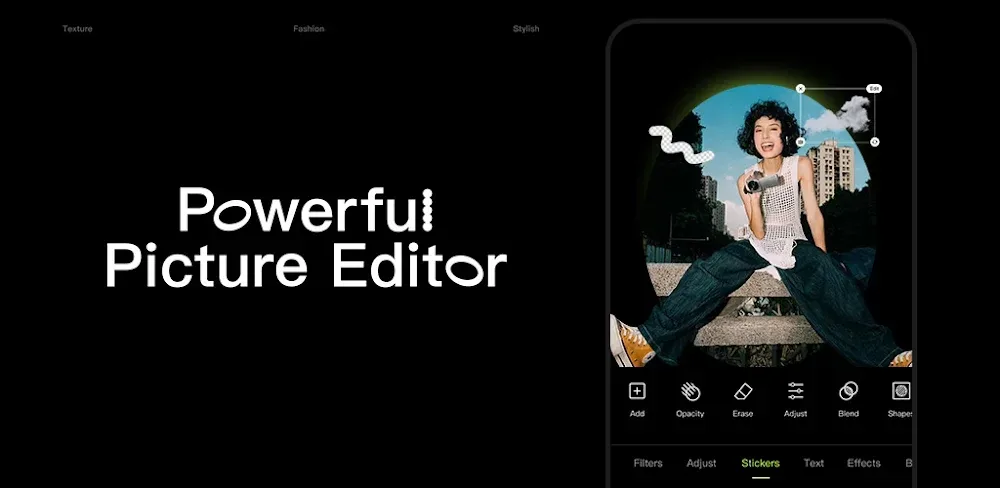
Take your mobile photography to the next level with Hypic! Effortlessly edit images using smart AI tools, stunning creative filters, and natural-looking portrait retouching for studio-grade results in seconds.
Unlock the app's full potential with this updated release. Hypic Photo Editor MOD APK comes with VIP Unlocked, giving you complete, unrestricted access to every pro filter and premium retouching feature without paying for a subscription.
What’s Modified in Hypic Photo Editor
- VIP Unlocked: Grants instant access to all premium assets, including exclusive filters, advanced portrait tools, and smart AI enhancement features.
Version 9.2.0 comes in at 251.4M with package name com.xt.retouchoversea. Because this APK is signed with a custom key, please uninstall any official Google Play version before installing.
About Hypic Photo Editor
Crafted by Bytedance Pte. Ltd., Hypic Photo Editor brings desktop-grade post-processing power directly to your Android device. Driven by advanced artificial intelligence, the app bridges the visual gap between mobile snapshots and professional studio photography. Instead of struggling with steep learning curves common in traditional software, creators can use Hypic's streamlined toolset to effortlessly achieve their desired aesthetic. The intelligent engine automatically analyzes images to recommend optimal tweaks and lighting fixes, while still leaving full manual control in your hands so both casual users and pro photographers can fine-tune every detail.
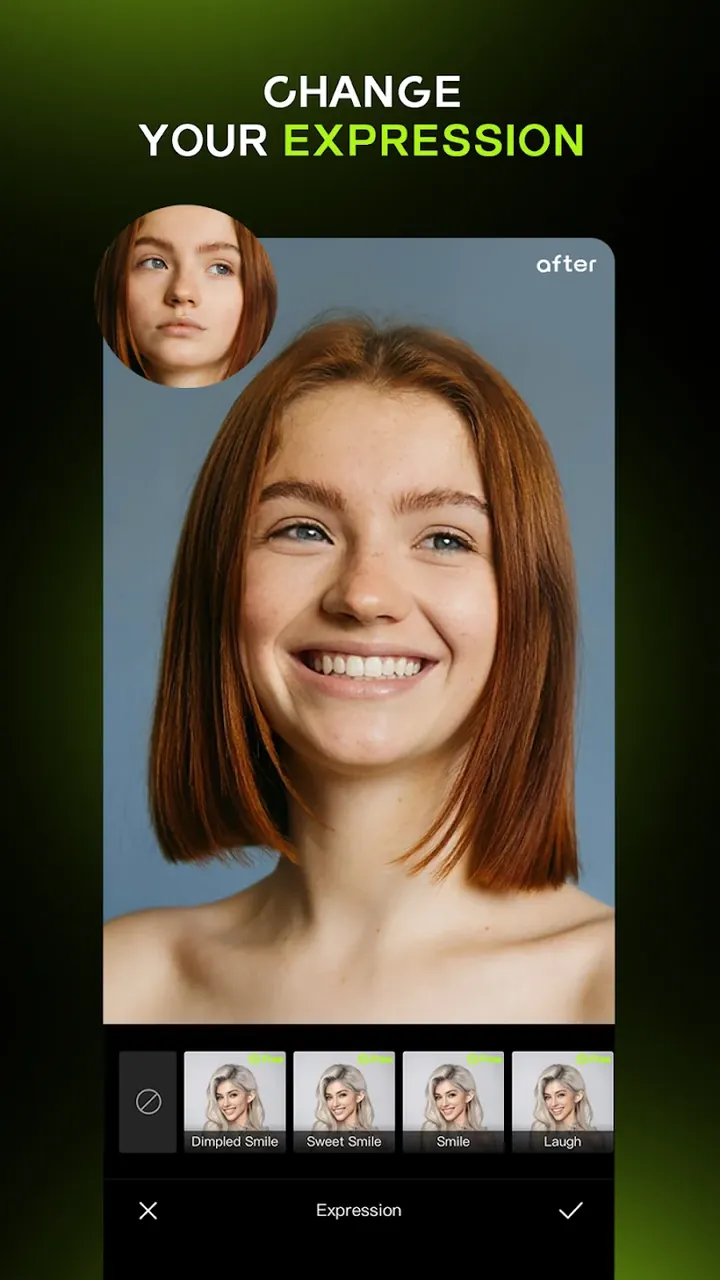
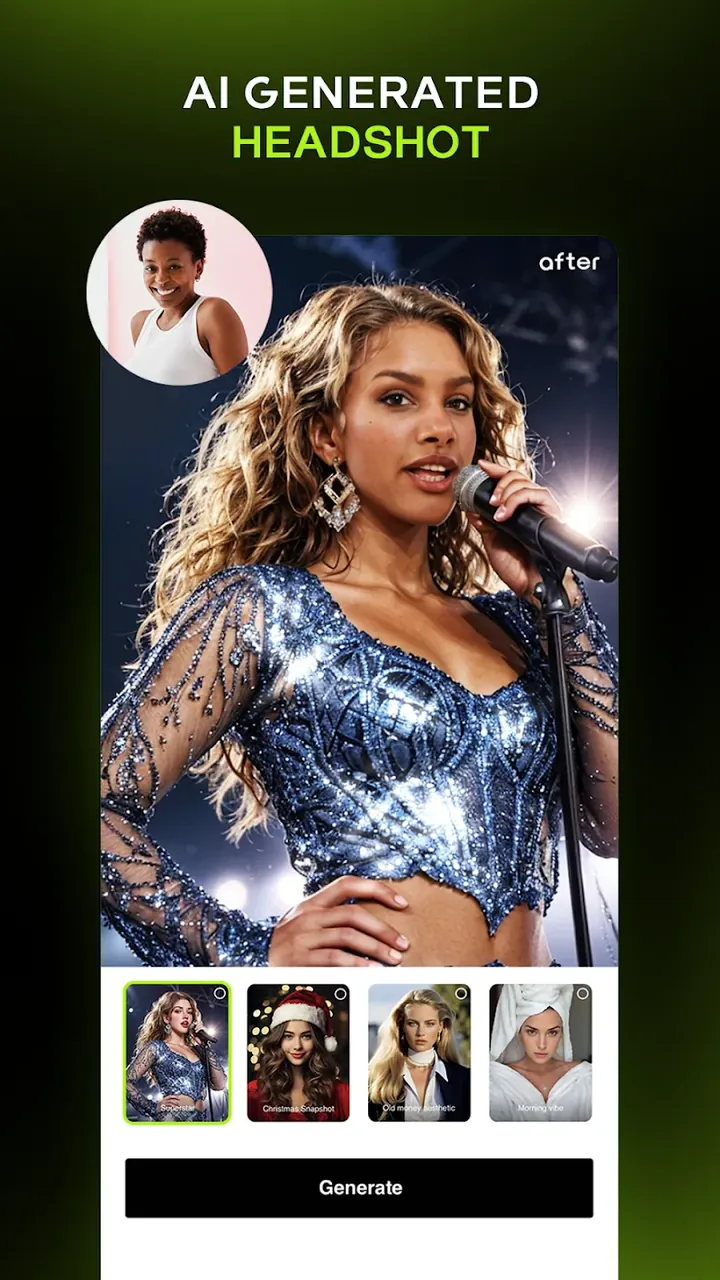
Hypic's dedicated portrait suite focuses specifically on high-end beauty and facial enhancement. Unlike generic photo editors that rely on heavy, artificial-looking presets, this module is built to preserve the natural character of your subjects. It delivers nuanced control over delicate facial elements—letting you perfect expressions like an authentic smile while AI-driven algorithms smoothen skin textures naturally without erasing realistic skin details. This targeted toolkit makes it easy to bring creative visions to life and generate flawless, magazine-ready portraits with minimal effort.
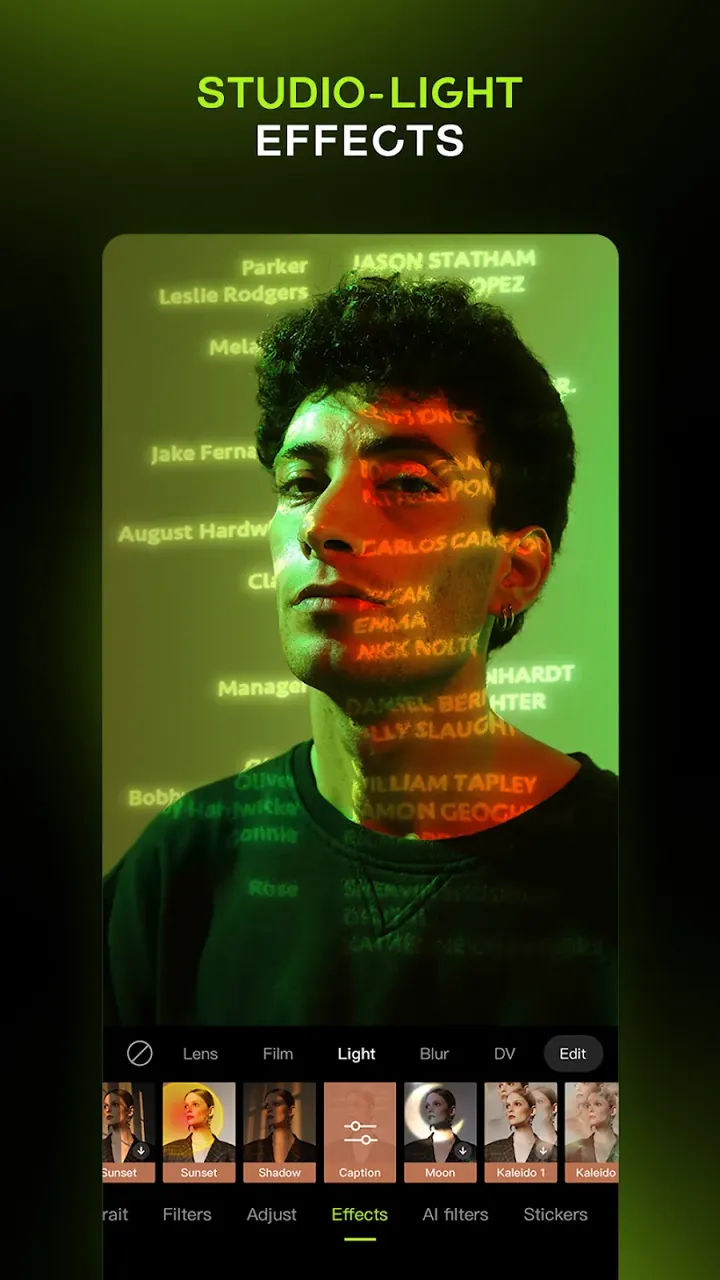
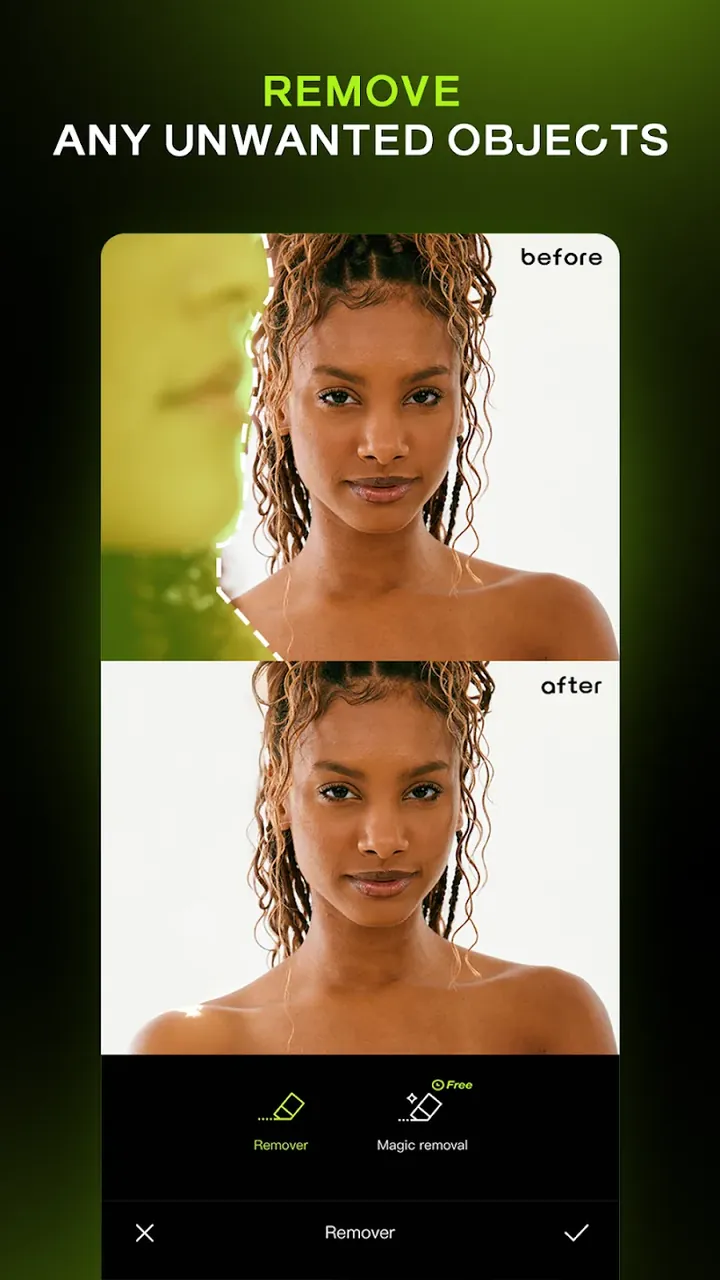
Whether you need quick color touch-ups or bold stylistic transformations, Hypic provides an extensive selection of creative effects ranging from vintage film looks and cinematic color grading to playful cartoon aesthetics. The AI algorithms excel at recovering hidden shadow details and balancing overall exposure, restoring clarity to elements often lost on smartphone camera sensors. Users can also experiment with virtual hair styling and color changes, making it easy to test out a fresh new look before making a real-world commitment.
For deep manual post-processing, the app offers comprehensive professional controls including HSL sliders, precise tone curves, and smart edge-aware masking. These sophisticated tools give editors the freedom to isolate specific areas and apply selective adjustments without disturbing the rest of the composition—ideal for balancing intricate lighting or fixing busy backgrounds. Thanks to a non-destructive editing workflow with real-time rendering, you can experiment with multiple creative variations and instant previews while preserving the original image quality completely intact.
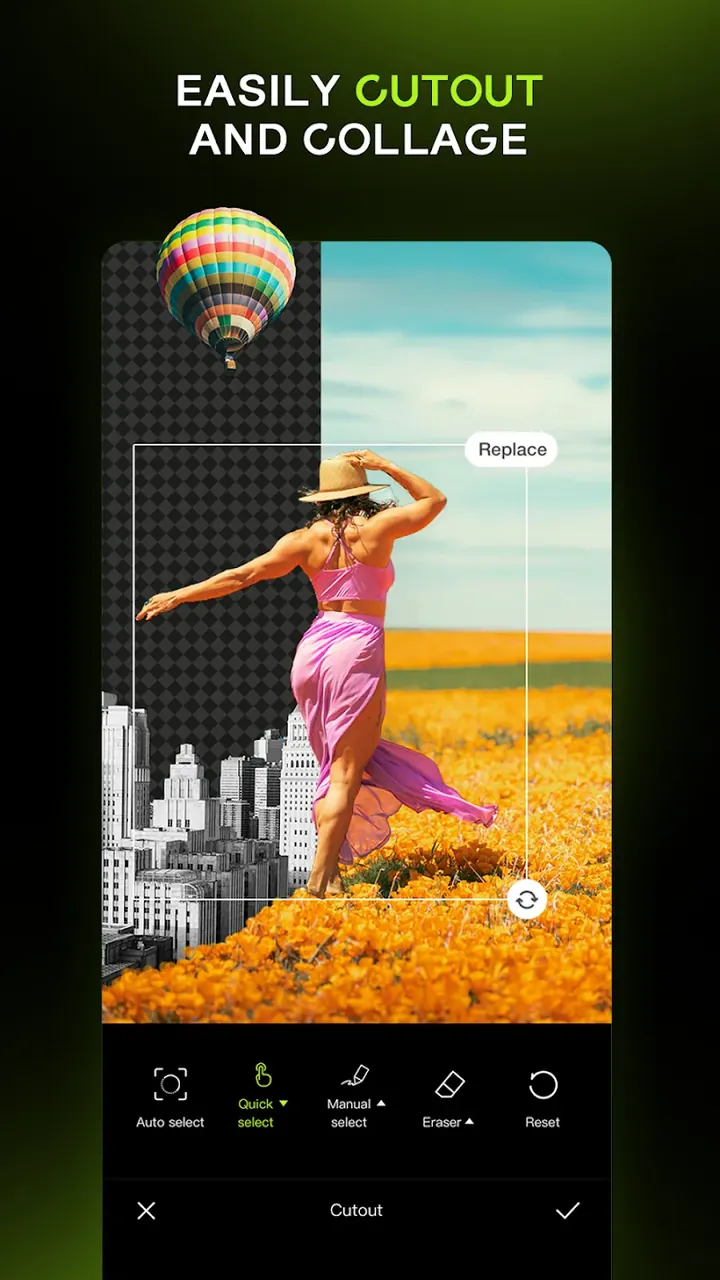
Efficient photo editing is central to this app. Its batch processing feature enables rapid edits for multiple photos, allowing users to apply the same adjustments to an entire album. Designed for mobile efficiency, the app's batch processor handles hundreds of images swiftly. The AI Cutout tool removes backgrounds and replaces them with photos, designs, or media. It automatically isolates subjects using AI trained to recognize common objects, making it ideal for background removal across various image types.
The Smart Edit feature simplifies editing for beginners by automating HSL and curves adjustments via AI. It analyzes photos to optimize clarity and color balance. This app functions as both an automated camera and a full-featured editor. It offers thousands of creative options, from virtual hairstyling to batch processing, replicating studio-grade tools on mobile. Users gain access to professional-level editing capabilities previously reserved for high-end equipment and training.
Key Features
- Portrait Photo Editor (Contour & Skin Enhancements)
- Smile Enhancement Tools
- AI Filters (Vintage, Cinematic, Cartoon Styles)
- AI-Driven Clarity, Color, and Lighting Adjustments
- Shadow Detail Recovery
- Batch Photo Editing for Entire Albums
- Virtual Hairstyling with Color Preview
- AI Cutout Tool (Background Removal/Replacement)
- Smart Edit for Automated Fixes
- HSL and Curves Adjustments
- Selective Masking
- Non-Destructive Editing Workflow
- Real-Time Preview
- Mobile-Optimized Batch Processing Engine
Related MOD APKs
- CapCut – Video Editor
- Capcut MOD
- Ulike
- Picsart Photo Editor
FAQ
Is Premium Unlocked in Hypic Photo Editor MOD APK?
The Hypic Photo Editor 9.2.0 MOD includes VIP features unlocked. It operates identically to the Bytedance Pte. Ltd. version with all premium functions enabled post-installation.
What's the Latest Hypic Photo Editor MOD APK Version?
The 9.2.0 MOD aligns with the Bytedance Pte. Ltd. update from August 26, 2026. Older versions are not hosted here. Update by reinstalling over your current app; uninstall previous versions if signature errors occur.
Is Hypic Photo Editor MOD APK Safe to Download?
The Hypic Photo Editor 9.2.0 MOD from Bytedance Pte. Ltd. includes VIP features. It received a 4.1/5 rating from 331 users. No root required; expect a Play Protect warning during installation—always download from this site.
Does Hypic Photo Editor MOD APK Remove the Watermark?
This version includes VIP Unlocked. Note that watermark removal is a premium feature in Hypic Photo Editor. After installation, verify by checking the export screen.
How to install
- Download the APK file above to your phone.
- Allow “Install unknown apps” when prompted.
- Open the downloaded APK and tap Install.
- If the package includes OBB/XAPK data, follow the bundled instructions.
MOD APKs are modified builds, so Play Protect may show a warning. Install only if you trust the file; use at your own risk.