

Screenshots
Description
Game Booster 4x Faster Mod APK is a powerful tool that enhances device performance during gameplay. It offers both automatic and manual options for fine-tuning various system parameters with greater control over game settings.
The Game Booster 4x Faster MOD APK delivers a modified build where all premium features are fully unlocked. This allows access to advanced optimization tools and settings that are normally locked in the standard version.
What’s Modified in Game Booster 4x Faster
- Unlock all premium features of the app, granting full access to restricted optimization tools and advanced settings without any purchase requirements.
Version 2.1.5 of Game Booster 4x Faster MOD APK is a 8M file under the package name com.g19mobile.gamebooster. This re-signed build cannot be installed as an update over the official store version.
About Game Booster 4, Faster
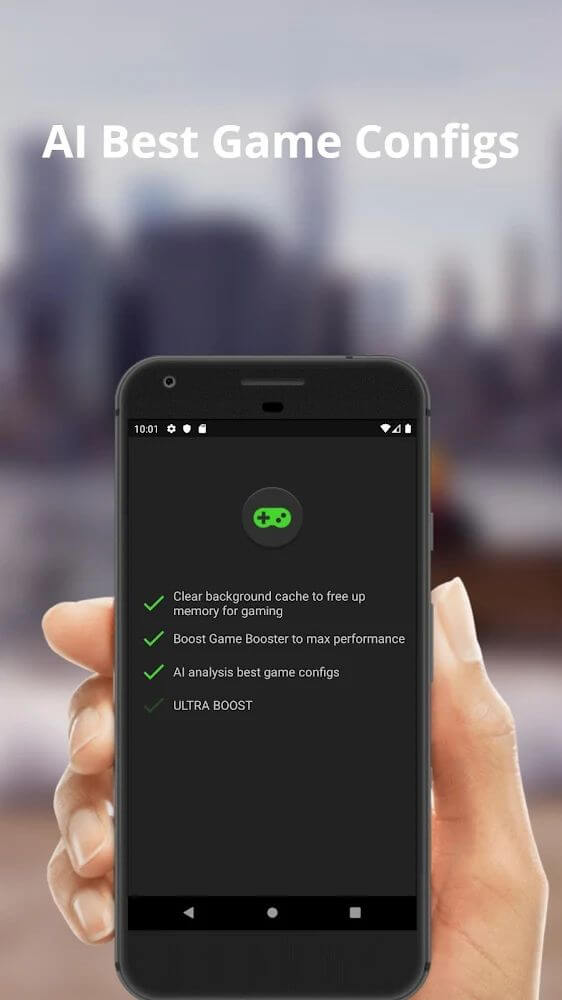
Game Booster 4x Faster is a mobile optimization tool that enhances device capabilities for gaming. It works by making system-level adjustments to allocate resources to gaming apps before launch, creating a stable and efficient gaming environment on devices with limited hardware resources.
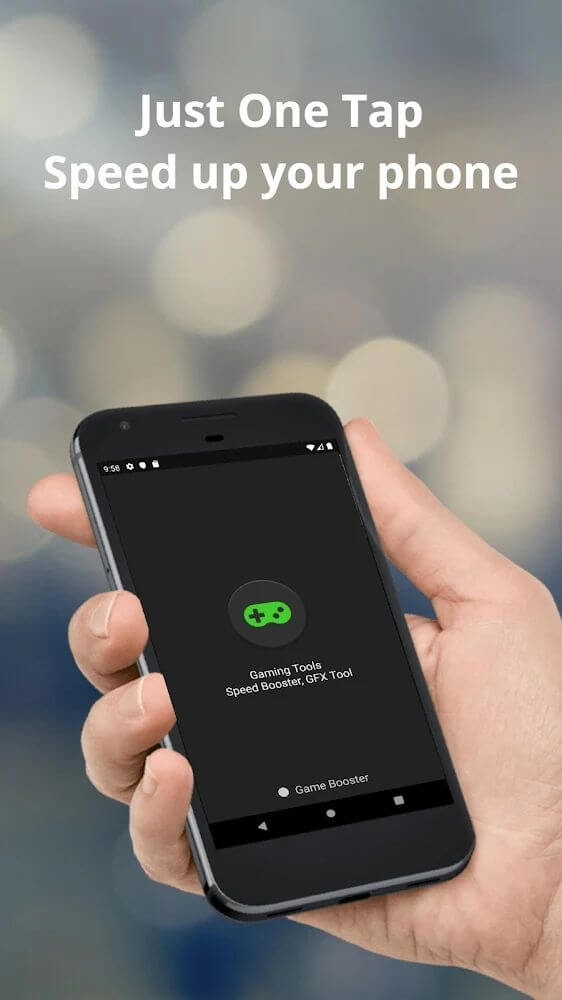
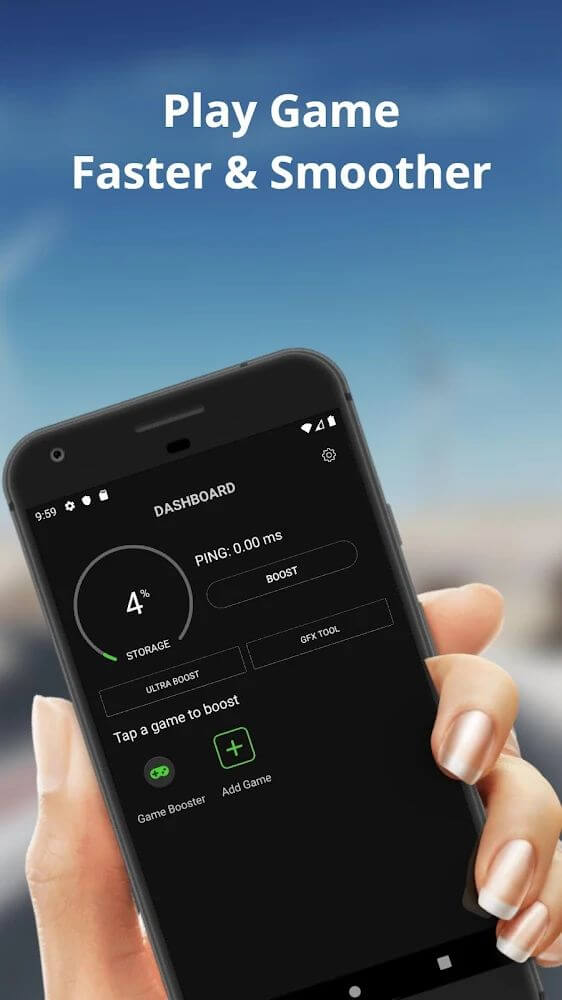
The app features a simple interface with a single main button. Tapping this button displays all installed gaming apps, allowing users to select, manage, or remove games from the system. Launching managed games requires only tapping the app icon.
Optimization options include both automated and manual settings. The automated mode adjusts system parameters based on user load profiles to boost stability for games like PUBG and Free Fire. Manual adjustments let users customize controls and settings according to personal preferences.
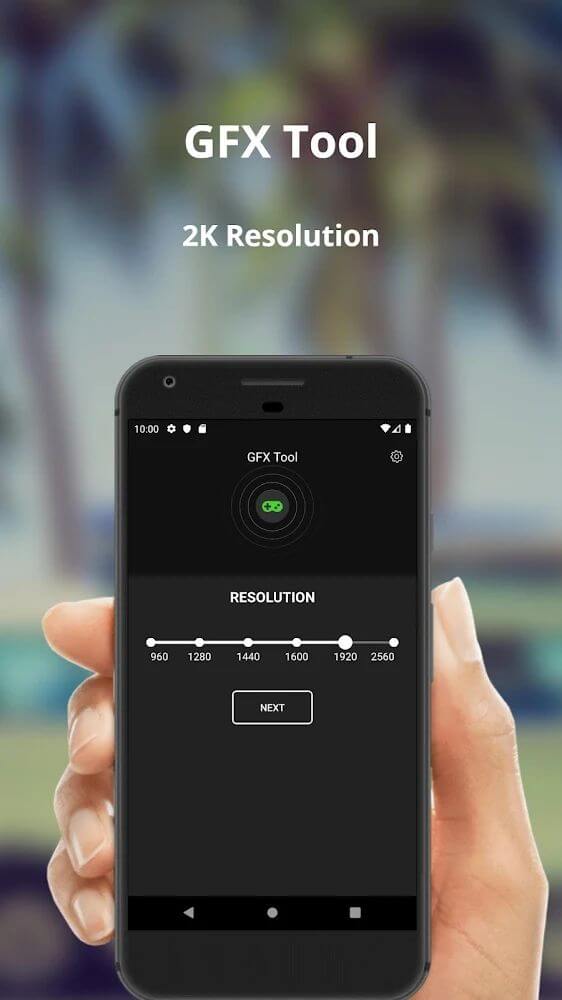
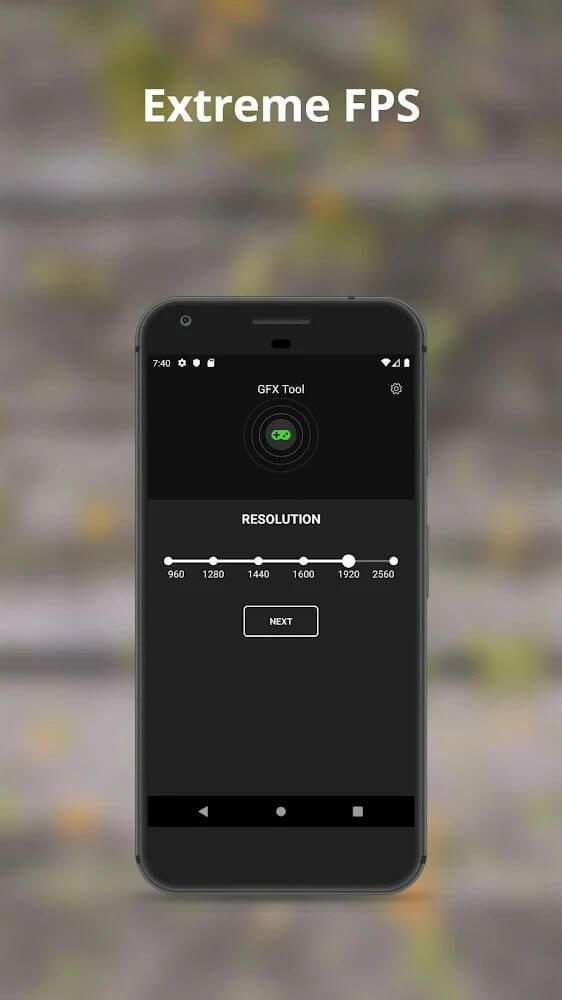
Users can modify display resolution settings to match game requirements and device screen size. This is particularly useful for large-screen devices, helping achieve optimal visuals while reducing system load. Resolution adjustments improve gaming performance by balancing quality and resource usage.
FPS settings are also adjustable. While higher FPS improves frame rates, it can increase power consumption and cause stuttering. Mobile devices are typically limited to 30Hz refresh rates, so adjusting FPS to 60 or higher may affect performance. High-end devices can benefit from these settings for smoother gameplay.
Graphics quality settings allow users to balance performance with visual fidelity. Adjustments to resolution, FPS, and graphics quality require careful trade-offs based on device capabilities. Lower-end devices often need reductions in these settings to maintain playable performance.
Key Features
- Manual game selection interface
- Automatic performance optimization mode
- Manual resolution adjustment tools
- FPS unlocking and stabilization options
- Graphics quality enhancement and reduction settings
- Support for high-demand games like PUBG and Free Fire
- Visual optimization for improved stability
Related MOD APKs
- Game Booster 4x Faster Pro
- MovieBox ID: Stream Movies, TV Shows, K-Dramas, and Anime for Free
- KWGT Kustom Widget Pro
- SnapTube
FAQ
Is Premium Unlocked in Game Booster 4x Faster MOD APK?
This 2.1.5 build of Game Booster 4x Faster features Premium Unlocked. It operates similarly to the G19 Mobile version, with modifications available immediately after installation.
What is the Latest Version of Game Booster 4x Faster MOD APK?
This 2.1.5 version matches the G19 Mobile release from August 26, 2026. We don't retain older versions here. Update by installing this file over your current app; if Android shows a signature conflict, remove the previous build first.
Is Game Booster 4x Faster MOD APK Safe to Download?
This 2.1.5 version of Game Booster 4x Faster is the G19 Mobile app with Premium Unlocked. It has a 3.8 rating from 30 users. No root is required. A Play Protect alert may occur during installation, so always download from this page.
Can I Use Game Booster 4x Faster MOD APK on PC or iPhone?
This Android file won't install on iPhone or iPad. To use the 8M package on a computer, run it in an Android emulator like BlueStacks or LDPlayer by dragging the file into the window.
How to install
- Download the APK file above to your phone.
- Allow “Install unknown apps” when prompted.
- Open the downloaded APK and tap Install.
- If the package includes OBB/XAPK data, follow the bundled instructions.
MOD APKs are modified builds, so Play Protect may show a warning. Install only if you trust the file; use at your own risk.