

Screenshots


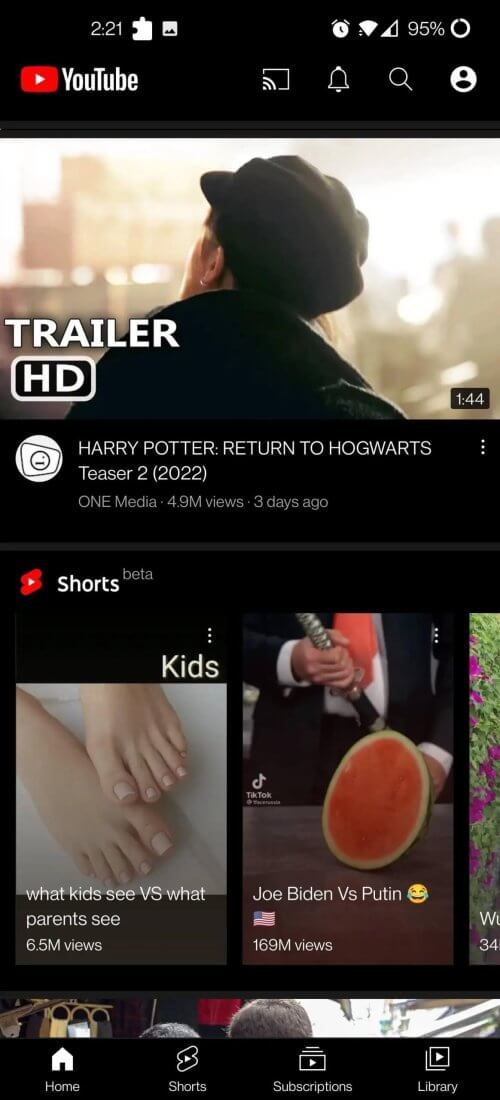
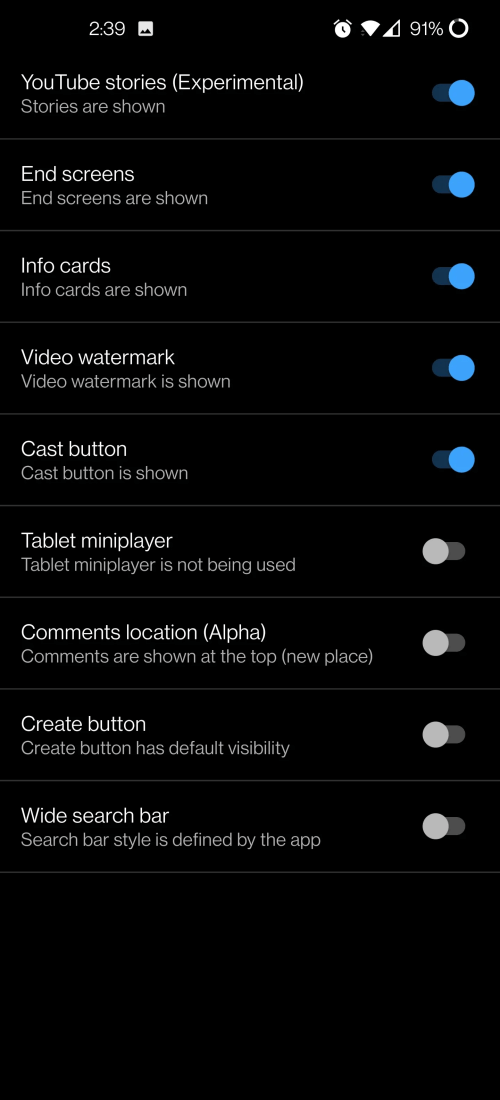
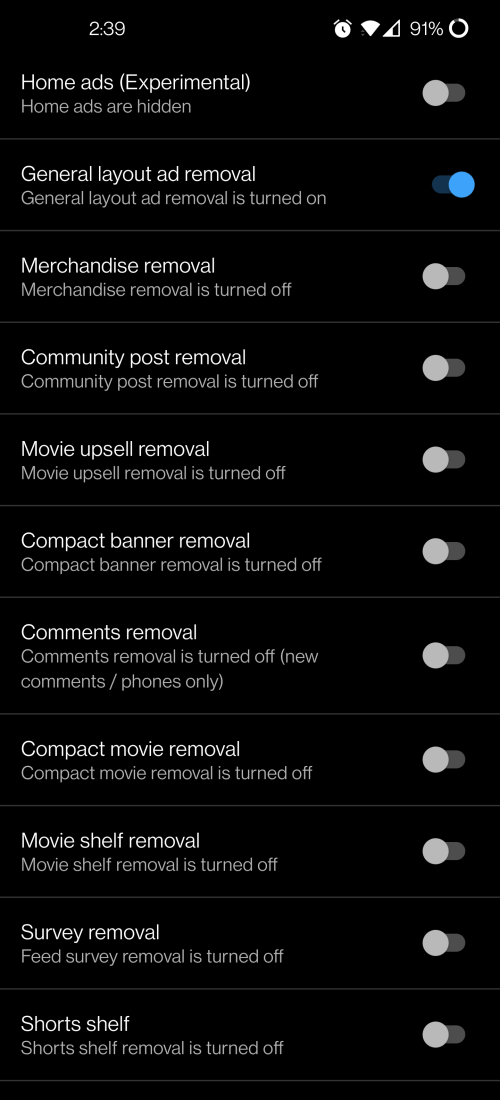
Description
Although YouTube Vanced was discontinued, Android users will always appreciate how simple and convenient it was. Fortunately, the wait for a proper successor is over, as powerful new alternatives now deliver the same beloved features alongside a smoother, modernized interface.
YouTube ReVanced APK is the true successor to Vanced. While still receiving regular updates and active development, this client incorporates all classic YouTube Vanced features alongside essential bug fixes to keep the legacy alive. Below is a detailed look at the YouTube ReVanced app on ApkUnlimit.
Can Run Alongside Official YouTube
Much like the original Vanced mod, YouTube ReVanced functions as a standalone alternative client for Android. This allows you to keep both apps on your device and easily fall back to the standard version whenever needed. You don't have to worry about compatibility issues or uninstalling the official YouTube app to use ReVanced.
Compatible with Both Rooted and Non-Rooted Devices
Installing YouTube ReVanced on Android is quick and straightforward, whether your phone is rooted or completely non-rooted. When the project was initially introduced, many users were deterred by the requirement to manually build their own custom APK packages from scratch.
That hesitation made complete sense, as extracting dependencies and compiling modded files manually is tedious, especially if you prefer a hassle-free, ready-to-install APK. Moreover, many assumed root access was mandatory for this setup, which is definitely not the case with YouTube ReVanced.
Built-In Ad Blocking (No Ads)
With integrated ad-blocking technology, YouTube ReVanced filters out banner promotions and unskippable video ads so you can enjoy uninterrupted streaming. This provides a vastly superior watching experience without unexpected disruptions. While supporting content creators through ad revenue is important, intrusive ads can often get in the way.
It can be frustrating when multiple unskippable ads delay video playback, particularly when searching for quick tutorials or critical information. Sitting through several irrelevant commercial breaks ruins the flow, making an ad-free viewing experience a welcome upgrade.
Background Playback Support
There is no need to rely on split-screen mode just to multitask on your phone. ReVanced lets you watch content in a movable Picture-in-Picture (PiP) floating window while texting or browsing the web. You can also minimize the player completely and listen to pure background audio while using other apps or locking your screen.
Background playback is especially valuable for anyone who enjoys listening to podcasts, music mixes, or audio lectures while working on their phone. It is equally handy when running errands or doing household chores, plus streaming audio-only helps preserve mobile data and battery life.
How to install
- Download the APK file above to your phone.
- Allow “Install unknown apps” when prompted.
- Open the downloaded APK and tap Install.
- If the package includes OBB/XAPK data, follow the bundled instructions.
MOD APKs are modified builds, so Play Protect may show a warning. Install only if you trust the file; use at your own risk.