

Screenshots
Description
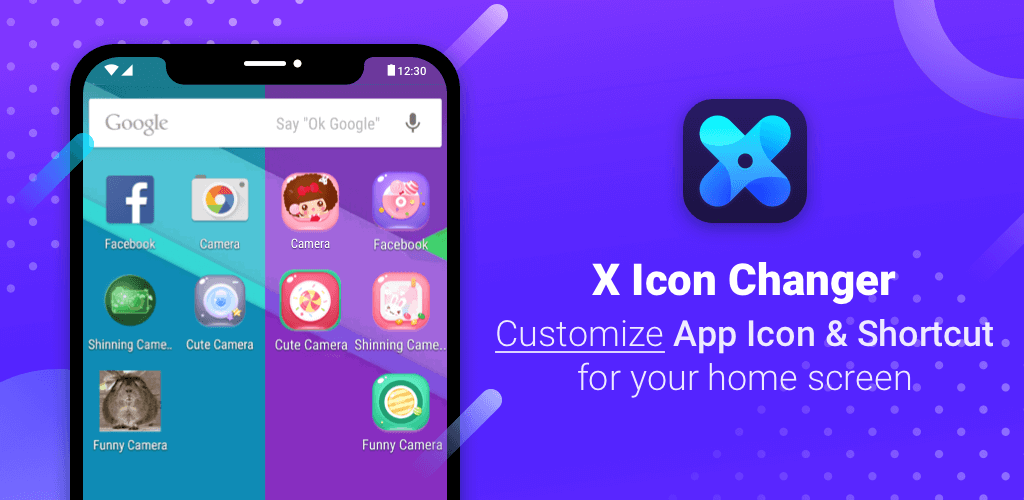
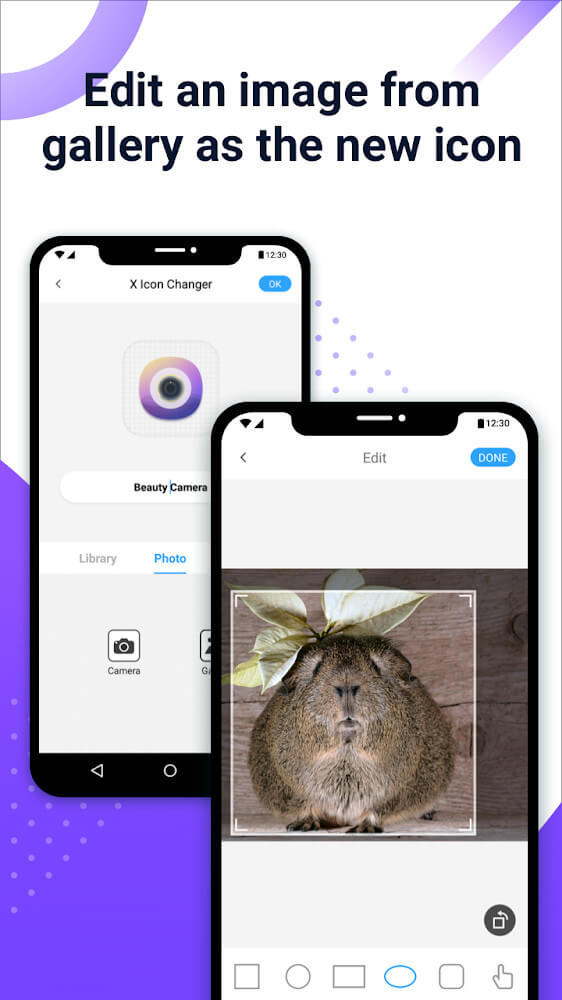
X Icon Changer – Change Icons is a versatile personalization app that gives you the freedom to customize and replace icons for any app on your Android device. You can easily select your favorite photos directly from your phone gallery or choose from stylish built-in icon packs. With these powerful tools, giving your home screen a vibrant, aesthetically pleasing makeover has never been easier.
SIMPLE, FAST, AND EASY TO USE
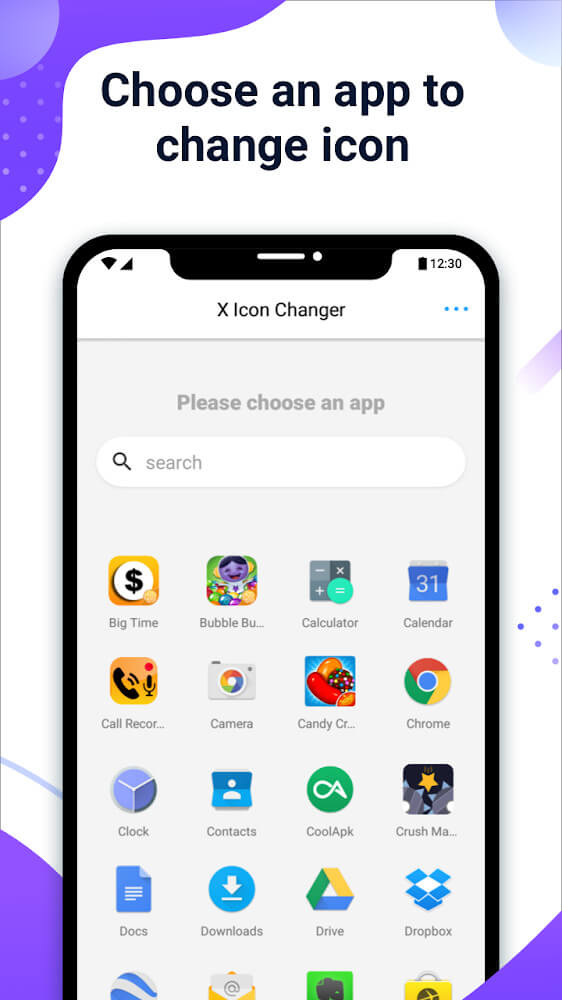
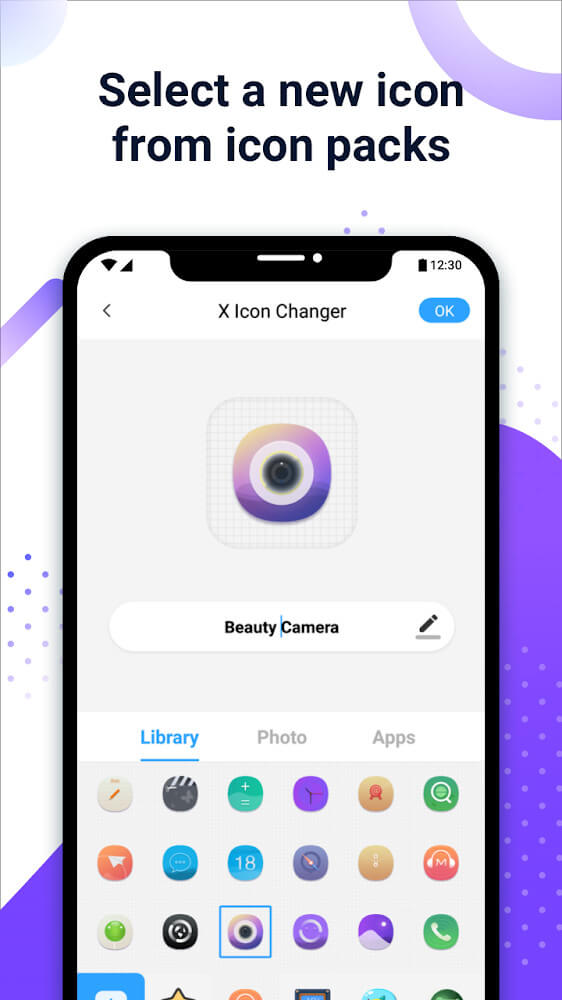
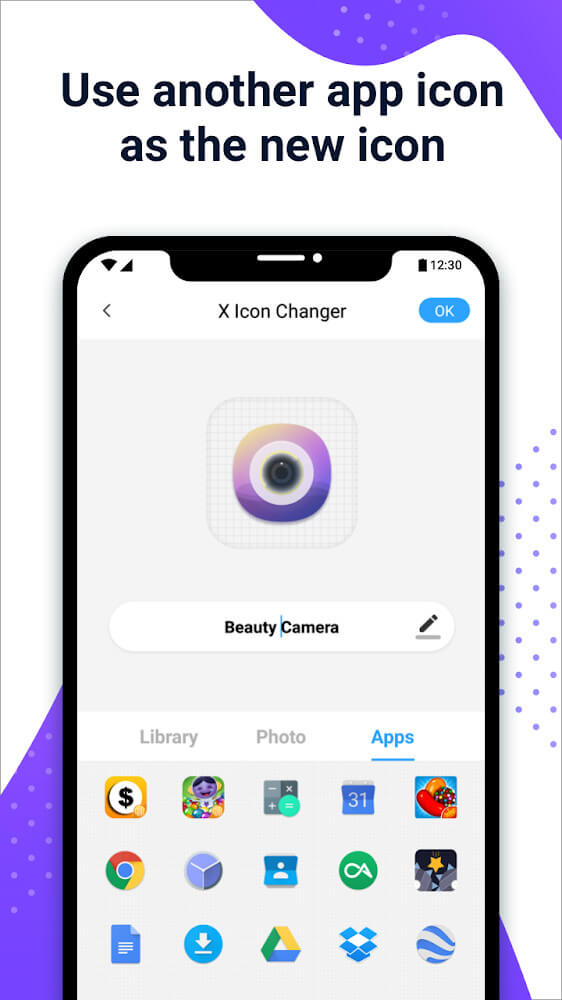
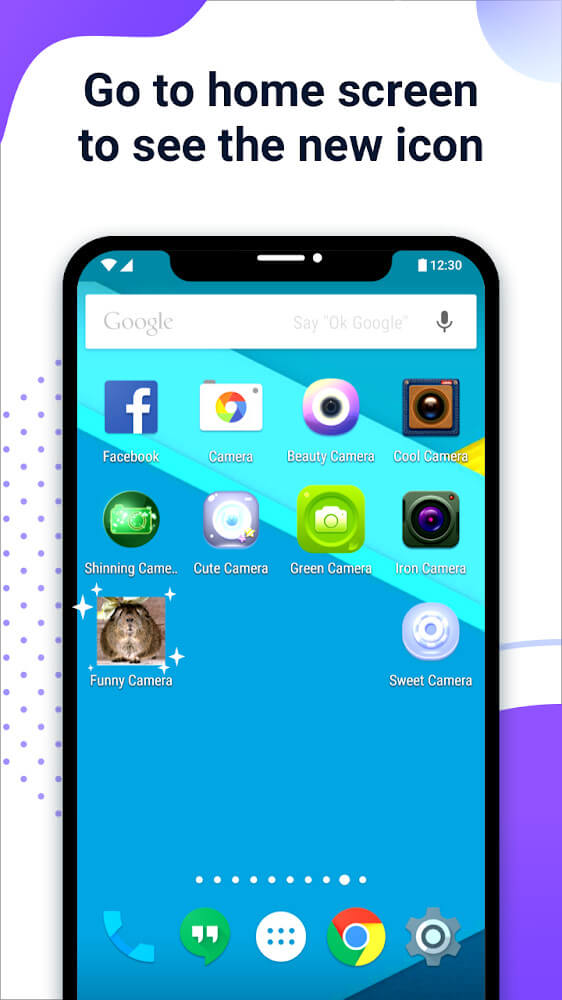
Customizing your device with X Icon Changer takes just a few effortless steps. Start by selecting the application you wish to modify, choose a stunning new icon from the library or your photo gallery, and set it in place instantly. You can also edit and rename the shortcut to keep your app drawer neat and easily recognizable, allowing every user to craft a uniquely personalized interface.
ANIMATE YOUR ICONS WITH CUSTOM GIFS
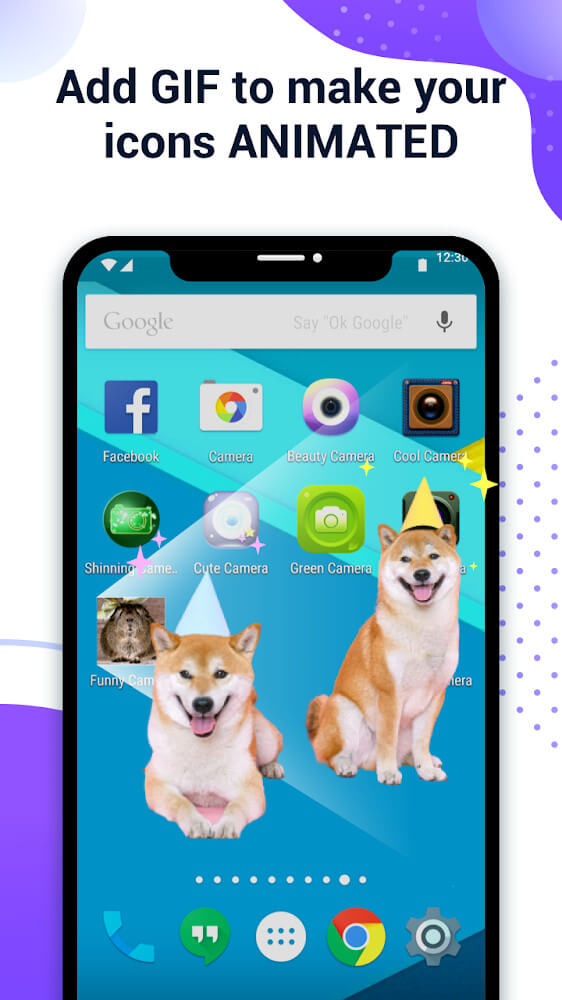
Want to make your screen stand out even more? X Icon Changer lets you attach animated GIF files directly to your icons, creating eye-catching and dynamic visual effects. Unleash your creativity by designing gorgeous themes with smooth color palettes and appealing layouts. Explore endless possibilities and transform your mobile interface into a visual masterpiece today!
COMPLETELY FREE FOR EVERYONE
This application offers a great space to express your creativity, packed with practical customization features and regular monthly updates. Best of all, it is completely free to download and use without worrying about hidden license fees. Whether you are a student or a busy professional looking to add a fresh splash of color to your phone, X Icon Changer is built for everyone to enjoy.
DISCOVER IDEAS FROM COMMUNITY DESIGNS
Running low on inspiration? Browse through creative home screen setups crafted by other users across the community. Use these stylish templates and layouts as a reference to design your own ideal smartphone interface.
How to install
- Download the APK file above to your phone.
- Allow “Install unknown apps” when prompted.
- Open the downloaded APK and tap Install.
- If the package includes OBB/XAPK data, follow the bundled instructions.
MOD APKs are modified builds, so Play Protect may show a warning. Install only if you trust the file; use at your own risk.