
Screenshots
Description
With Voice Changer MOD APK on ApkUnlimit, you get complete access to the VIP edition right out of the box, unlocking every premium sound effect and professional audio tool. This modified version lifts all restrictions from the original release, letting you experiment freely with every voice avatar and sound tuning feature without limits.
What’s Modded in Voice Changer
- VIP Unlocked: Gives you full access to all premium subscription perks, including every exclusive voice avatar and advanced audio editing setting.
This release is version 1.02.108.0722 with an APK size of 26M under the package name voicechanger.voiceeffects.soundeffects.voiceavatar. Please note that because this package has a modified signature, it cannot be installed directly over the official version from the app store.
About Voice Changer
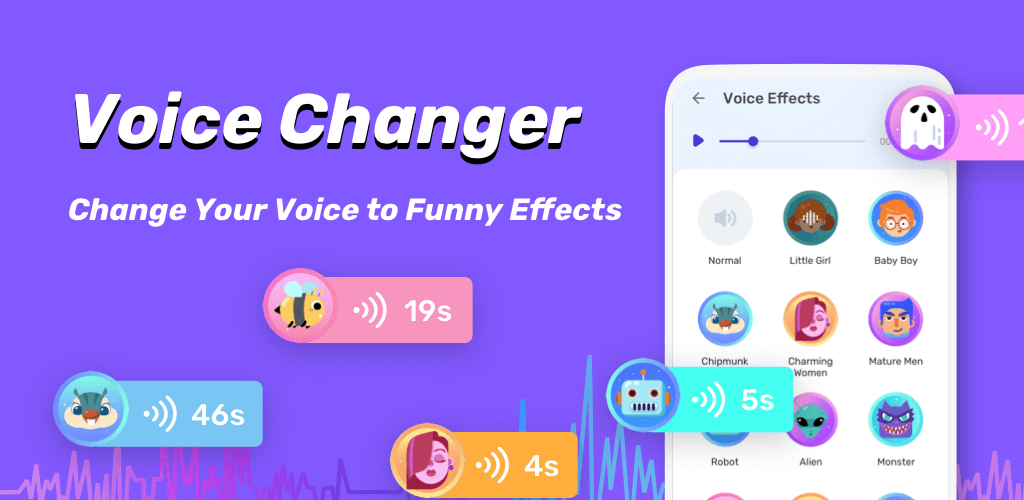
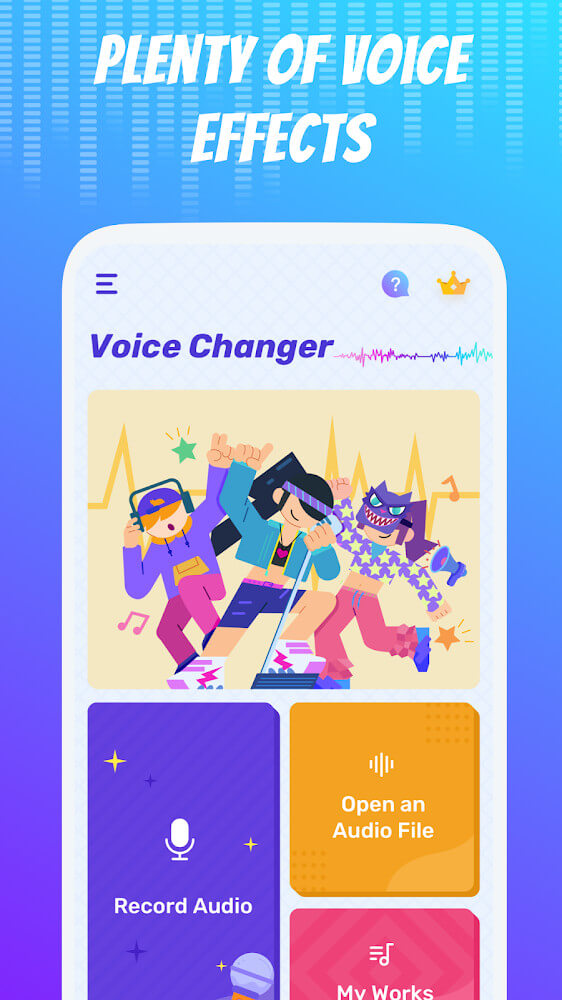
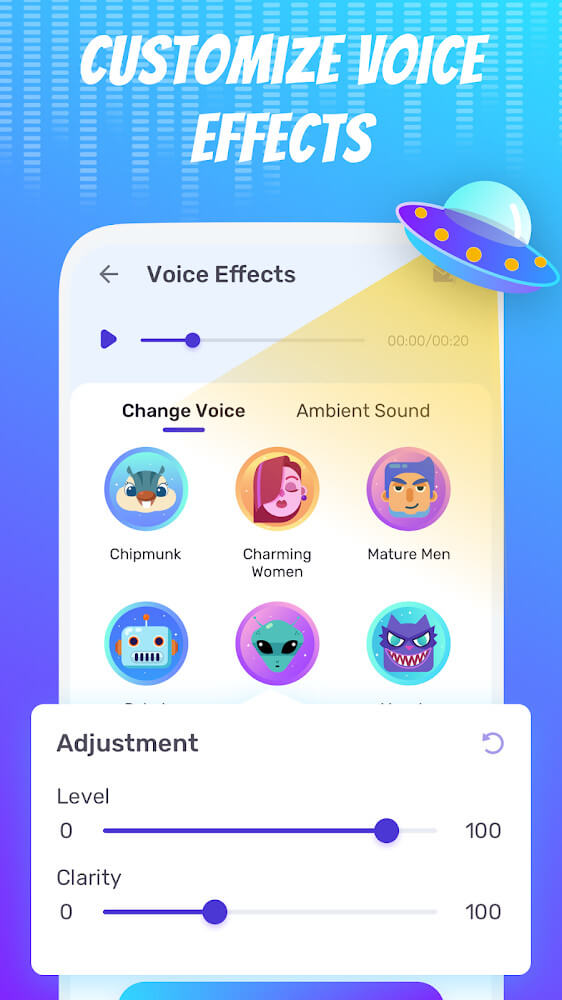
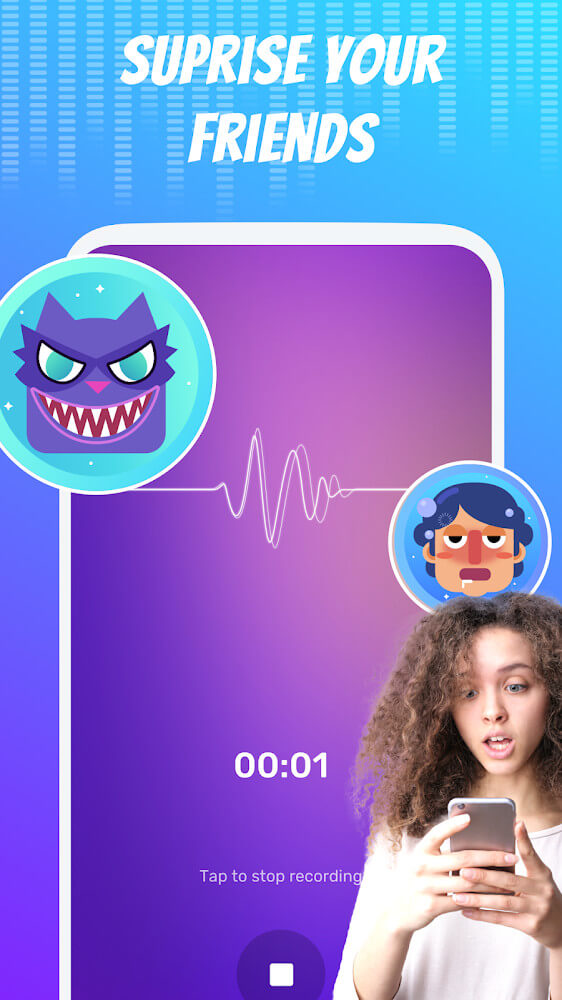
Voice Changer is a versatile vocal processing tool designed to transform your voice. You can either record fresh voice clips straight in the app or import pre-existing sound files from your device. Once your track is loaded, you can transform it using an array of creative voice avatars, instantly sounding like a different gender, robotic creature, or fantasy species. You can also fine-tune parameters such as pitch, speed, and vocal tone to create truly custom audio effects.
Beyond its wide selection of voice avatars, the real highlight of the application lies in its multi-layered post-production workflow. Much like layering adjustments in a photo editor, it lets you tweak audio tracks on several levels through an intuitive step-by-step process. You can balance volume levels, sharpen clarity, and strip away background noise caused by heavy vocal processing. Thanks to these comprehensive editing controls, you can craft pristine audio tracks suitable for everything from hilarious prank messages to polished presentations.
The app also comes equipped with an innovative video voice-changing mode. To get optimal results, wearing headphones is recommended since you capture both video and voice in real time, synchronizing your speech with the on-screen action. Once recorded, you can morph your voice into an alien, male, or female tone, then seamlessly replace the original video soundtrack with the altered track. This handy dubbing tool lets you produce entertaining, synchronized video voiceovers that look and sound far more natural than basic voice dubs.
Exporting and managing your audio is fast and hassle-free. All processed sounds are exported in universal audio formats that work smoothly across standard media players and Android devices, allowing you to use your customized clips anywhere outside the app. An integrated storage library keeps all your saved projects neatly organized, so you can freely import new files, export finished tracks, or revisit your favorite creations whenever you need them.
To keep your library organized, the app features a built-in file manager that catalogs your exported creations by name. If you ever misplace an audio clip in your device storage, you can quickly locate it right from this list. Projects remain stored securely without expiration, giving you instant access to your previously modified sounds without having to start from scratch.
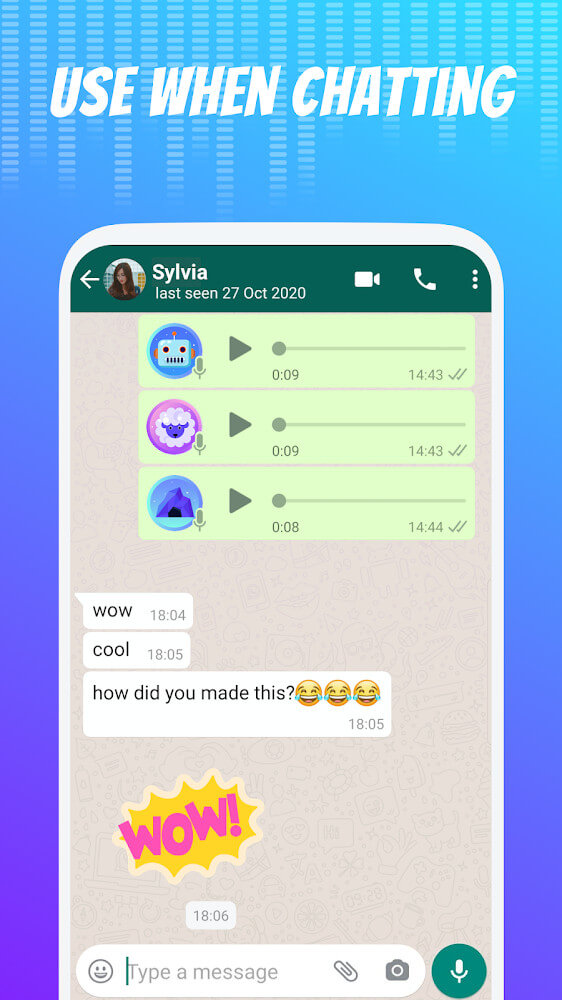
Ultimately, Voice Changer brings fun and humor to your daily social interactions. Finished voice clips can be shared instantly across your favorite messaging and social apps. Highly popular among teens and young adults for pulling playful pranks, it delivers a fun, stress-relieving way to entertain friends with hilarious audio effects. Thanks to its rich toolkit and user-friendly interface, anyone can jump right in and enjoy the creative possibilities of voice modification.
Key Features & Highlights
- Male Voice Filter Avatar
- Female Voice Filter Avatar
- Alien Voice Effect Avatar
- Volume & Sound Level Controls
- Audio Clarity & Pitch Adjustment
- Simultaneous Video Recording
- Studio-Quality Audio Export
- Built-in Music Player
- Recent Editing History
- Saved Works & File Management
- Audio Capture & Voice Preparation
- Quick Social Media Sharing
Related MOD APKs
- Audio Editor Pro
- To Do List
- My Diary
- Music Player
Frequently Asked Questions
Is VIP Unlocked in Voice Changer – Voice Effects MOD APK?
Yes, this release of Voice Changer – Voice Effects (1.02.108.0722) features VIP Unlocked. Based on the official version from Dairy App & Notes & Audio Editor & Voice Recorder, every premium feature and audio filter is unlocked and fully functional the moment you finish installing.
What is the latest version of Voice Changer – Voice Effects MOD APK?
The current build available on ApkUnlimit is version 1.02.108.0722 from Dairy App & Notes & Audio Editor & Voice Recorder, released on August 13, 2026. Only the newest build is hosted here. You can update simply by installing this APK over your existing setup; if a signature error appears, remove the previous version before reinstalling.
Is downloading Voice Changer – Voice Effects MOD APK safe?
Yes, this modified build of Voice Changer – Voice Effects 1.02.108.0722 by Dairy App & Notes & Audio Editor & Voice Recorder includes VIP Unlocked and runs safely without requiring root access. It holds a solid 3.7 rating from 85 user reviews. You can safely disregard any Play Protect warnings during setup, provided you download the package directly from ApkUnlimit.
Can I install Voice Changer – Voice Effects MOD APK on PC or iOS?
Because this is a native Android package, it cannot be installed on iOS devices like the iPhone. To run this 26M APK file on a PC, use an Android emulator such as BlueStacks or LDPlayer: launch the emulator and simply drag and drop the file into the window to install.
How to install
- Download the APK file above to your phone.
- Allow “Install unknown apps” when prompted.
- Open the downloaded APK and tap Install.
- If the package includes OBB/XAPK data, follow the bundled instructions.
MOD APKs are modified builds, so Play Protect may show a warning. Install only if you trust the file; use at your own risk.