
Screenshots
Description
With this To Do List MOD APK, you gain immediate access to all Pro features, giving you the complete suite of premium organization and planning tools. This modified version unlocks the software's full capabilities, removing all restrictions found in the standard release.
What’s Modified in To Do List
- Pro Unlocked: Unlocks all premium features, settings, and advanced organizational tools completely free.
This build is version 1.03.11.0423 with a file size of 23M under the package name todolist.scheduleplanner.dailyplanner.todo.reminders. Please note that the APK is re-signed, so it cannot be installed directly over the official version from the app store.
About To Do List
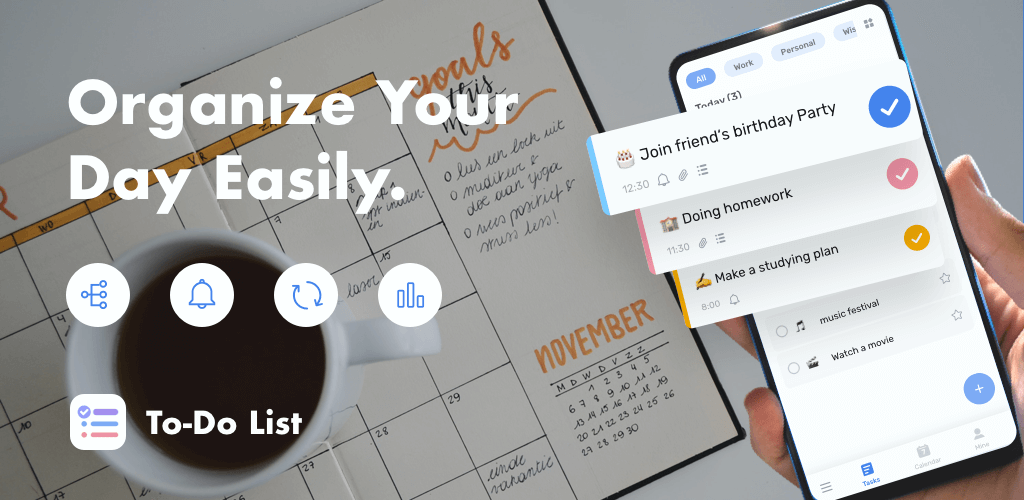
To Do List is designed to help you structure both personal routines and professional responsibilities in an efficient, orderly manner. Rather than letting tasks devolve into unstructured notes, the app delivers a clean, well-organized framework that keeps your agenda clear from day one. Its streamlined design makes transitioning away from messy paper checklists quick and effortless. You can conveniently monitor your progress throughout the day, and because of the application's lightweight build, it runs swiftly and smoothly across any Android device.
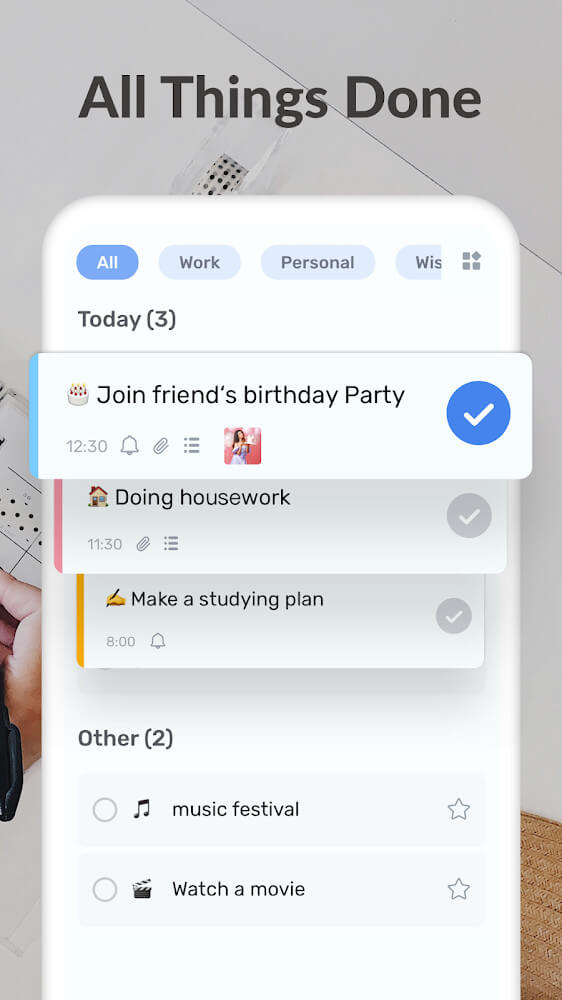
Take control of your schedule with a smarter, highly productive approach to time management. Unlike basic checklist apps where you must organize everything by hand, this application helps highlight tasks based on their relative importance. For busy professionals managing heavy workloads, identifying urgent actions can be challenging; here, visual daily summaries make critical tasks instantly recognizable. This clarity relieves mental clutter, increases your overall output, and ensures you never miss a vital meeting or deadline.
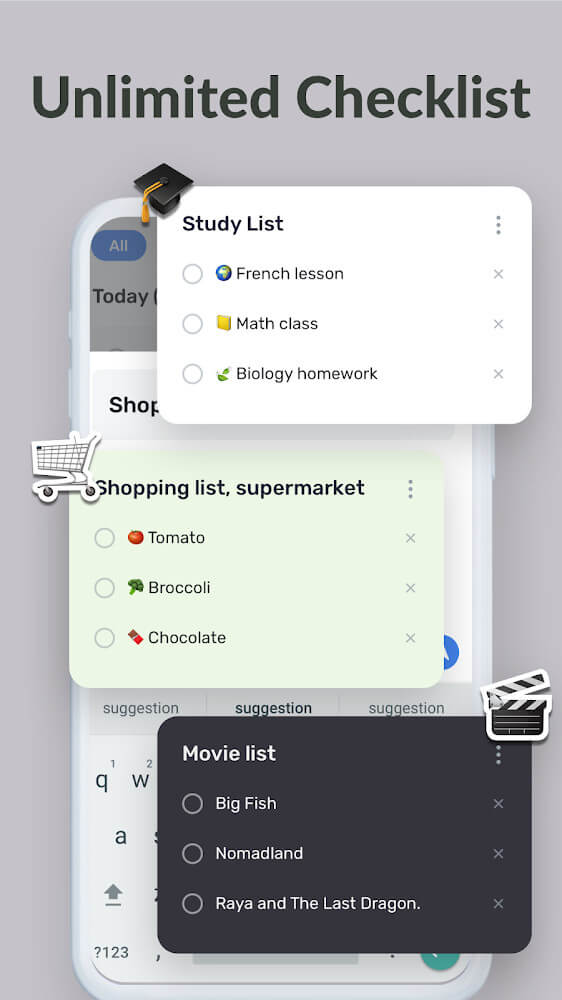
Operating the app is straightforward and centered around flexible checklist management. You can generate and organize as many custom lists as you need, such as grocery checklists, study targets, workout plans, or routine household chores. Moving items between lists or adjusting your entries is seamless. The application also features a visual goal-tracking system marked by a green checkmark upon completion, providing satisfying motivation to keep knocking out your daily goals.
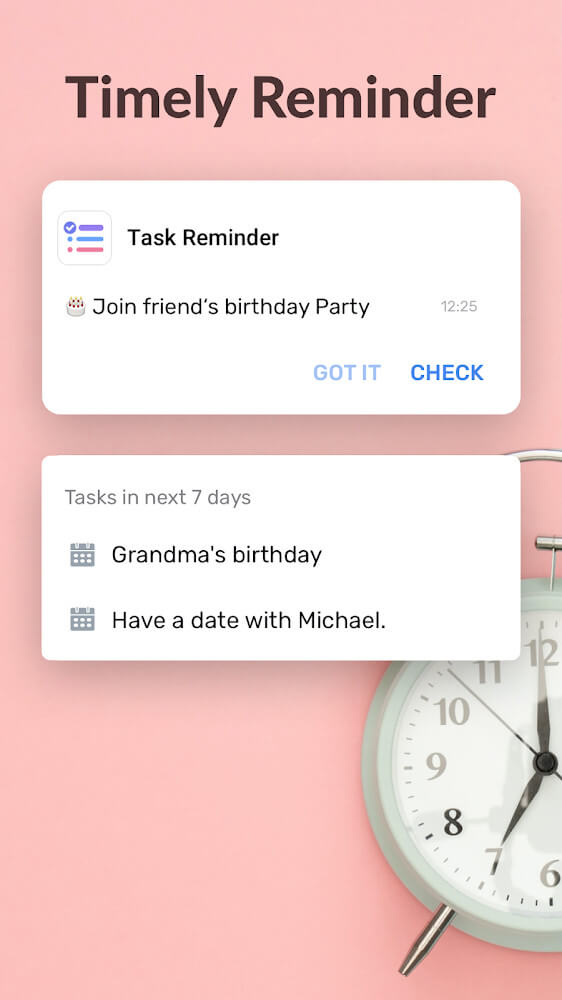
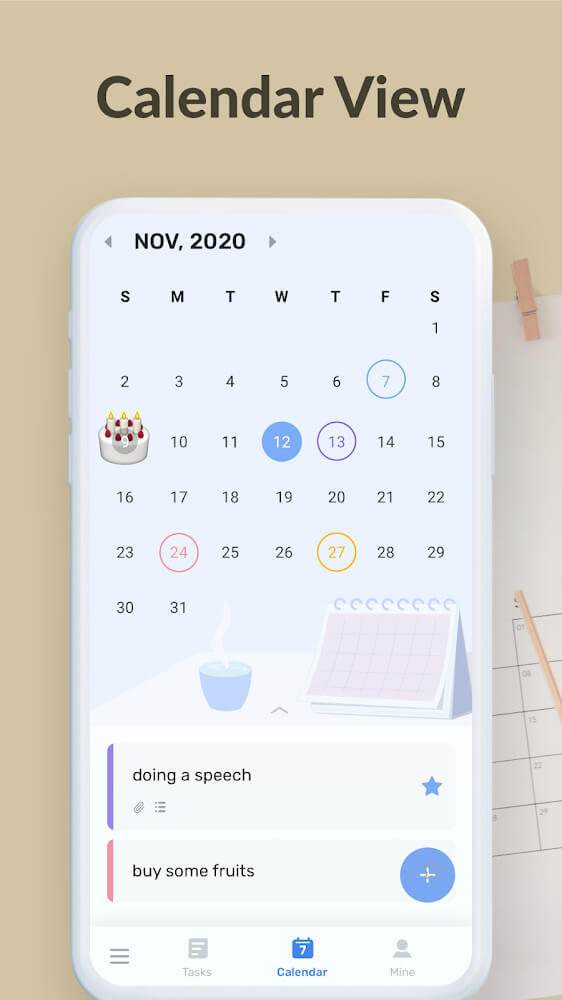
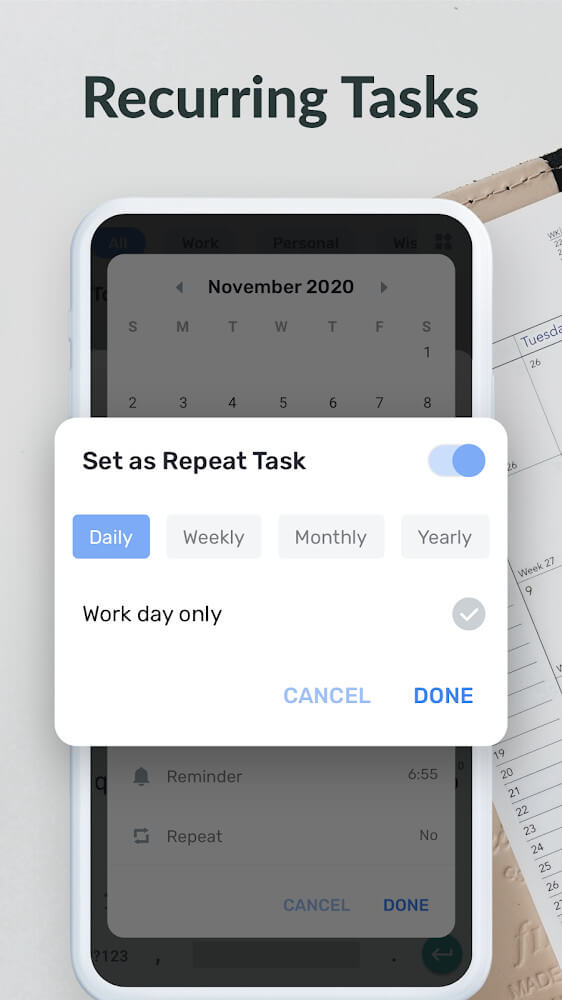
Effective scheduling is another cornerstone of the app. It brings together practical tools to balance your work and personal life, including a calendar and an integrated reminder system. You can schedule alerts that prompt you to tackle specific actions right on time. Whether you have trouble sticking to a schedule or simply juggle too many assignments to keep track of, these timely prompts help you manage your day and switch between responsibilities with maximum efficiency.
With convenient home screen widgets, you can keep your daily to-do lists right at your fingertips without even opening the app. This seamless integration ensures your crucial tasks remain visible throughout the day, serving as an effective reminder right on your smartphone. Tapping the widget lets you instantly review or update task statuses on the fly, turning your mobile home screen into a powerful productivity dashboard. Designed to help you effortlessly hit your daily milestones, this task manager delivers a versatile toolkit tailored to streamline your routine and elevate your organization.
Key Features
- Smart, structured task organization
- Priority markers for critical tasks
- Visual progress tracking with checkmarks
- Custom category lists for diverse workflows
- Ready-made templates for shopping and workouts
- Customizable interface icons for personalized lists
- Integrated time-tracking and productivity utilities
- Built-in calendar with timely reminder alerts
- Quick-access home screen widgets
Related MOD APKs
- Voice Changer – Voice Effects
- Audio Editor Pro
- My Diary
- Music Player
FAQ
Is Premium unlocked in To Do List MOD APK?
Yes, this 1.03.11.0423 build of To Do List comes with Pro Unlocked. Much like the Dairy App & Notes & Audio Editor & Voice Recorder edition, all premium tools are fully enabled right after you complete the installation.
What is the latest version of To Do List MOD APK?
The latest available release is 1.03.11.0423, corresponding to the Dairy App & Notes & Audio Editor & Voice Recorder build from August 13, 2026. ApkUnlimit only keeps the newest versions on offer. Simply install this package over your current version to update, or remove the old app first if you run into a signature mismatch.
Is To Do List MOD APK safe to download?
Absolutely. The To Do List 1.03.11.0423 file provided on ApkUnlimit delivers the complete Dairy App & Notes & Audio Editor & Voice Recorder experience with Pro Unlocked capabilities. It holds a 3.8 rating across 266 user reviews and works without root permissions. You can safely disregard standard Play Protect installation prompts, provided you download directly from ApkUnlimit.
Can I use To Do List MOD APK on PC or iPhone?
This Android APK cannot be installed directly on an iPhone or iPad running iOS. To run this 23M APK on Windows or Mac, launch an Android emulator such as BlueStacks or LDPlayer and drag the file into the program to install it.
How to install
- Download the APK file above to your phone.
- Allow “Install unknown apps” when prompted.
- Open the downloaded APK and tap Install.
- If the package includes OBB/XAPK data, follow the bundled instructions.
MOD APKs are modified builds, so Play Protect may show a warning. Install only if you trust the file; use at your own risk.