

Screenshots

Description
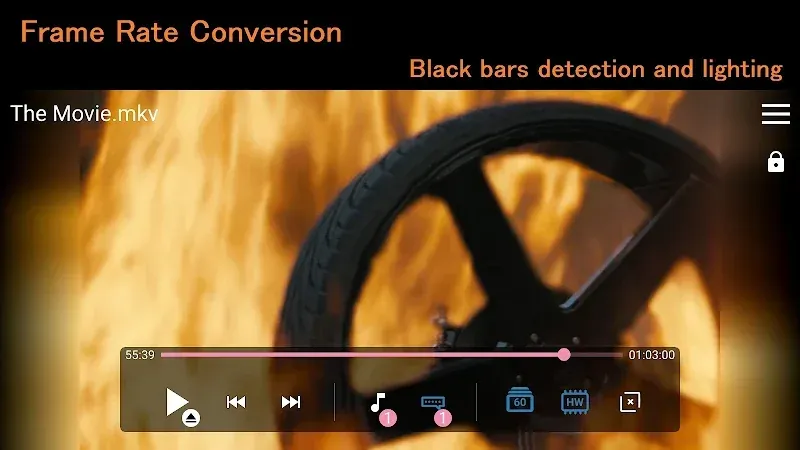
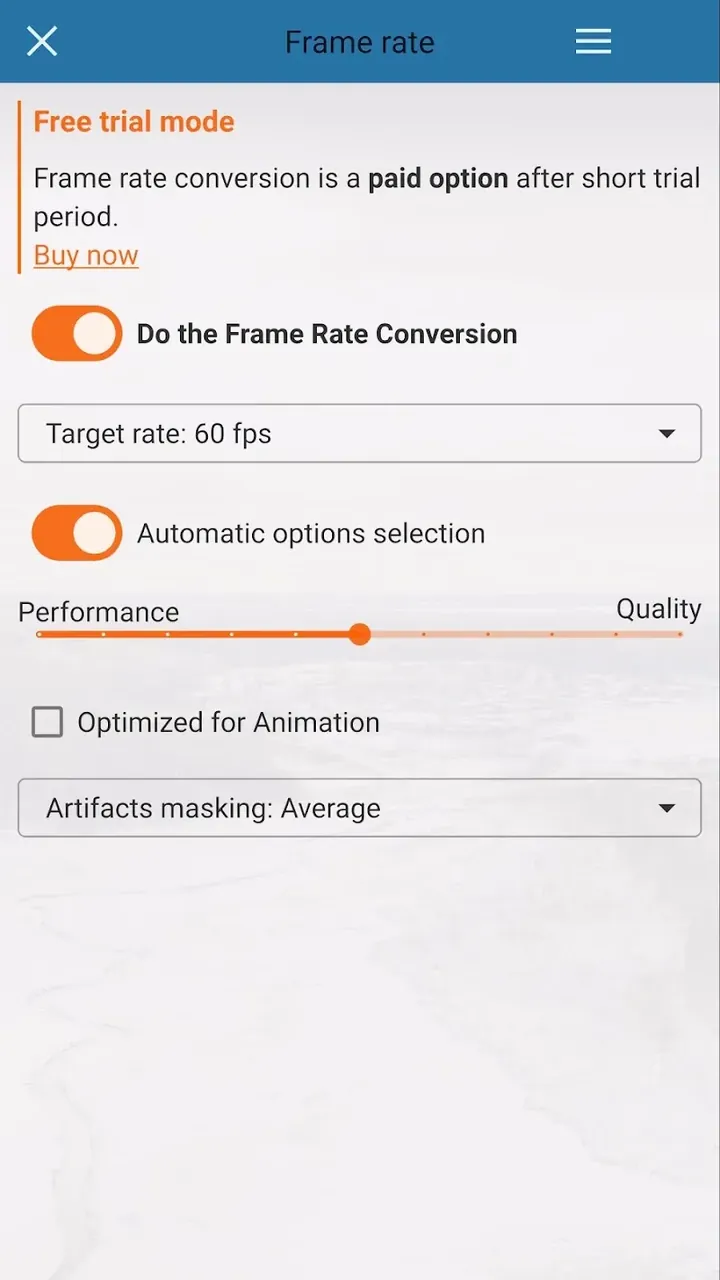
Enhance your video experience with SVPlayer MOD APK. Leverage advanced MEMC technology to convert 24FPS footage into smooth 60FPS+ in real-time for cinematic quality.
This build offers a Premium Unlocked experience for SVPlayer MOD APK, granting access to all motion enhancement tools. It removes standard restrictions to enable unrestricted use of the high-frame-rate playback engine.
What's Modified in SVPlayer
- Unlocks all premium features within the app, granting full access to advanced motion interpolation settings and high-frame-rate playback options without standard restrictions.
Version 1.8.0 has a file size of 65 MB and uses the package name com.svpteam.svp. This build is re-signed and cannot be installed as an update over the official store version.
About SVPlayer
SVPlayer enables older media to be played on modern devices. Newer mobile devices have higher display refresh rates, such as 90Hz, 120Hz, and 144Hz. However, video content is typically 24, 25, or 30 FPS. Hardware displays frames in the order received, leading to judder and blur with fast content. SVPlayer uses techniques to boost frame rates for a smoother experience.
The foundation of this technology is in the SmoothVideoProject (SVP) algorithms. These algorithms use MEMC to analyze consecutive frames, estimating motion. Unlike traditional frame blending, SVP uses mathematical logic to predict element positions. Traditional playback is choppy, causing elements to blend and lose detail, especially with fast motion.
This engine performs real-time calculations, a unique feature compared to most engines. Desktop systems typically require post-processing, saving videos in intermediate formats for smoother playback. This app eliminates that step, utilizing mobile GPU hardware acceleration and video decoding hardware. High-quality frame interpolation is achieved with minimal processing, enabling real-time viewing without saving videos.
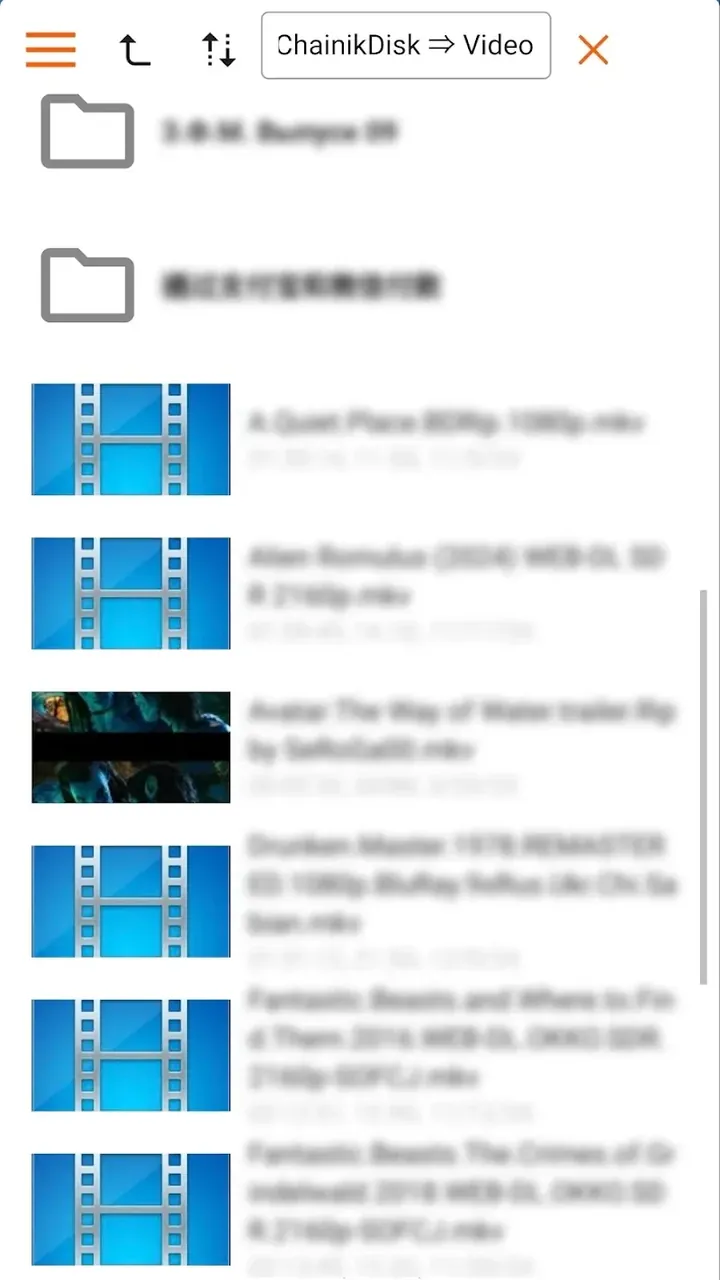
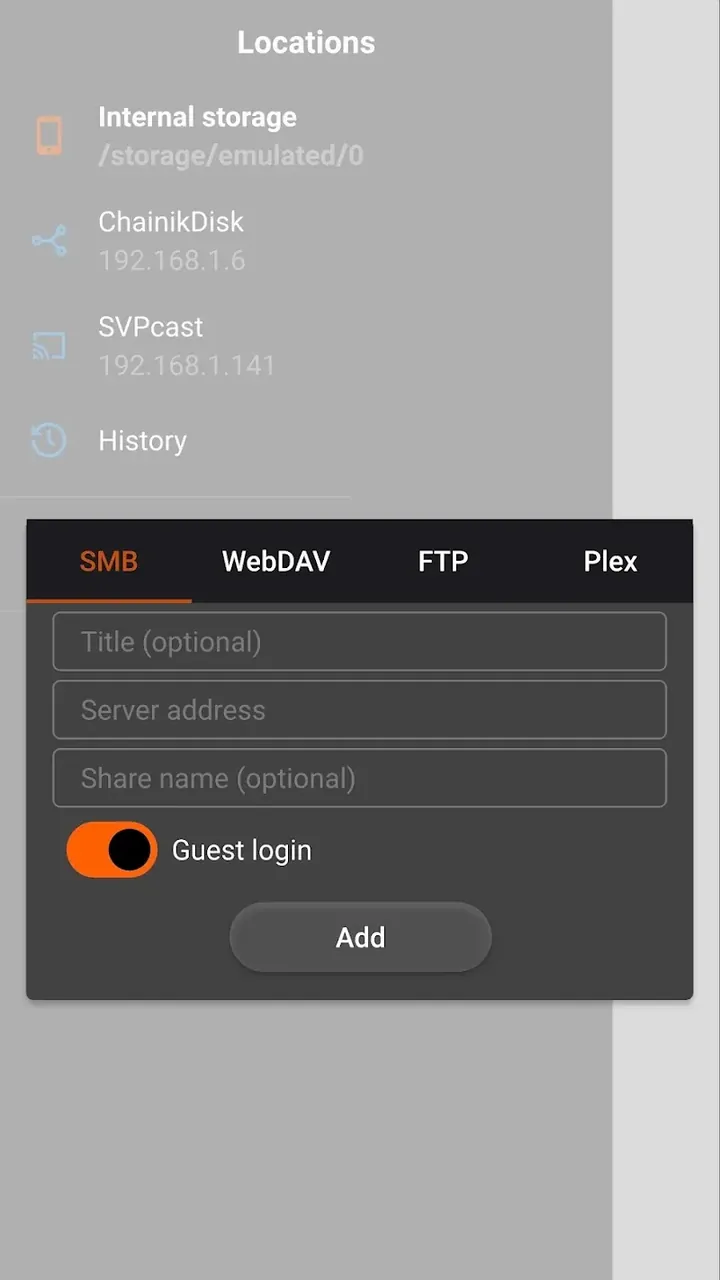
The player supports various video formats, allowing direct playback without conversion. This enables a local media library. While the library contains media with varying frame rates, the player can render at higher frame rates, enhancing the video experience. The app includes a file manager to locate media on the device or storage, eliminating the need for a separate file manager. This is particularly useful when enhancing media frame rates. Overall, the app is ideal for users looking to improve video frame rates on their storage.
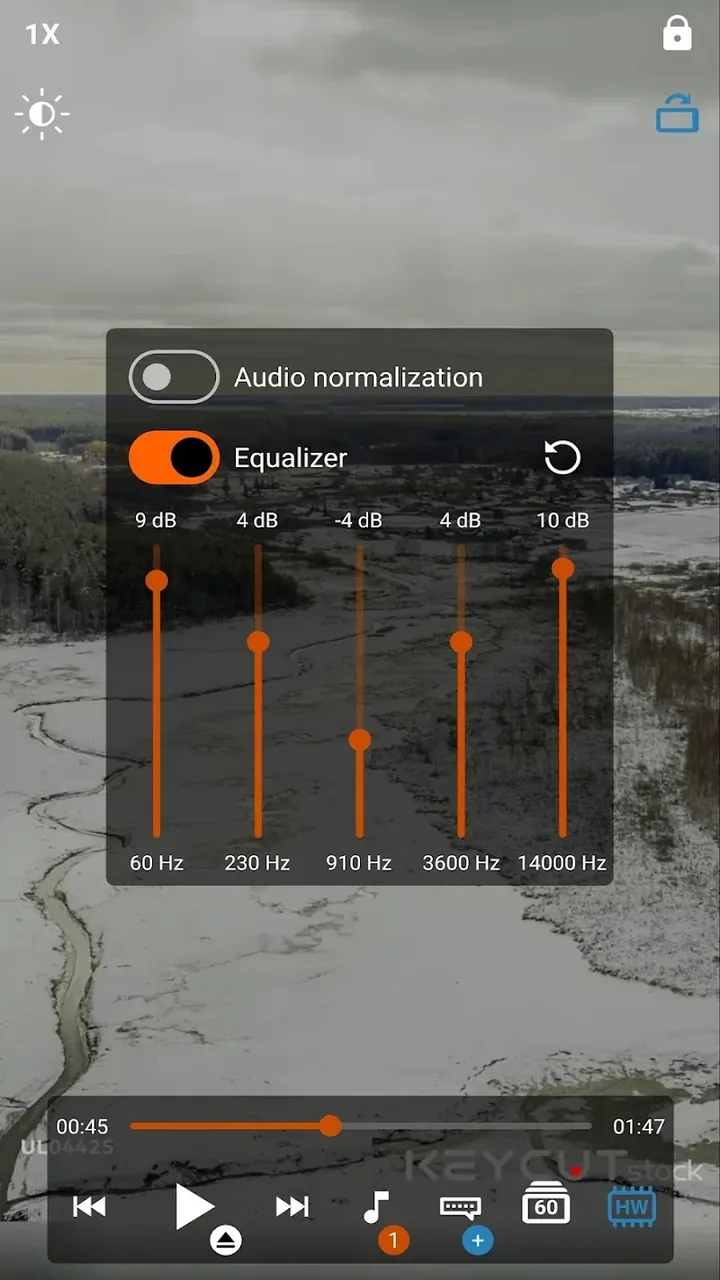
Customizability is a fundamental aspect of user experience, and we've designed the app to offer extensive options for personalization. Some users may find the fluid motion created by interpolation unsettling, often referring to it as the 'soap opera effect.' For these users, the app provides a setting to reduce interpolation intensity. Conversely, others may prefer enabling interpolation to enhance blur and noise reduction. The app's interpolation functionality works by estimating missing frames, using this data along with movement direction to minimize blur and noise in moving elements. For example, it can smooth out a sideways camera pan in a scene. Traditional video playback can cause stuttering during such pans, but the app's interpolation feature generates additional frames to eliminate this issue.
Mobile software must prioritize efficiency, and this app is engineered to manage system resources effectively. It aims to push mobile display capabilities while considering battery longevity. On Apple devices, it leverages GPU decoding and hardware acceleration to reduce system load. For Android, it utilizes hardware decoding with adaptive settings to deliver high-quality H.264 and H.265 playback at various frame rates and interpolation levels. The app maximizes hardware utilization beyond standard video/audio formats to enhance mobile entertainment experiences.
Key Features
- Advanced MEMC Technology
- SVP Motion Interpolation Algorithms
- Real-Time 60FPS Conversion
- Universal Format Support
- Hardware Decoding Optimization
- Integrated File Browser
- Granular Interpolation Intensity Control
Related MOD APKs
- CapCut – Video Editor
- Capcut MOD
- Youtube Vanced
- FilmoraGo
FAQ
Is Premium unlocked in SVPlayer MOD APK?
In this SVPlayer MOD APK build (1.8.0), Premium functionality is unlocked. All other features operate as in the official SVP Team LLP release, with changes active immediately after installation.
What is the latest version of SVPlayer MOD APK?
The current build is v1.8.0, aligned with SVP Team LLP's release, last updated on August 26, 2026. Older versions are not maintained here. To update, install the new build over the existing one; if Android reports a signature conflict, uninstall the previous version first.
Is SVPlayer MOD APK safe to download?
SVPlayer MOD APK v1.8.0 on ApkUnlimit is the original SVP Team LLP app with only Premium Unlocked modified. 43 users have rated it 4/5 here. It does not require root access. A Play Protect warning during installation is expected, so always download from this page.
Does SVPlayer MOD APK remove the watermark?
Pro functionality is unlocked in this build (Premium Unlocked). In SVPlayer, watermark-free exports are part of the Pro tier, so verify the export settings after installation.
How to install
- Download the APK file above to your phone.
- Allow “Install unknown apps” when prompted.
- Open the downloaded APK and tap Install.
- If the package includes OBB/XAPK data, follow the bundled instructions.
MOD APKs are modified builds, so Play Protect may show a warning. Install only if you trust the file; use at your own risk.