

Screenshots
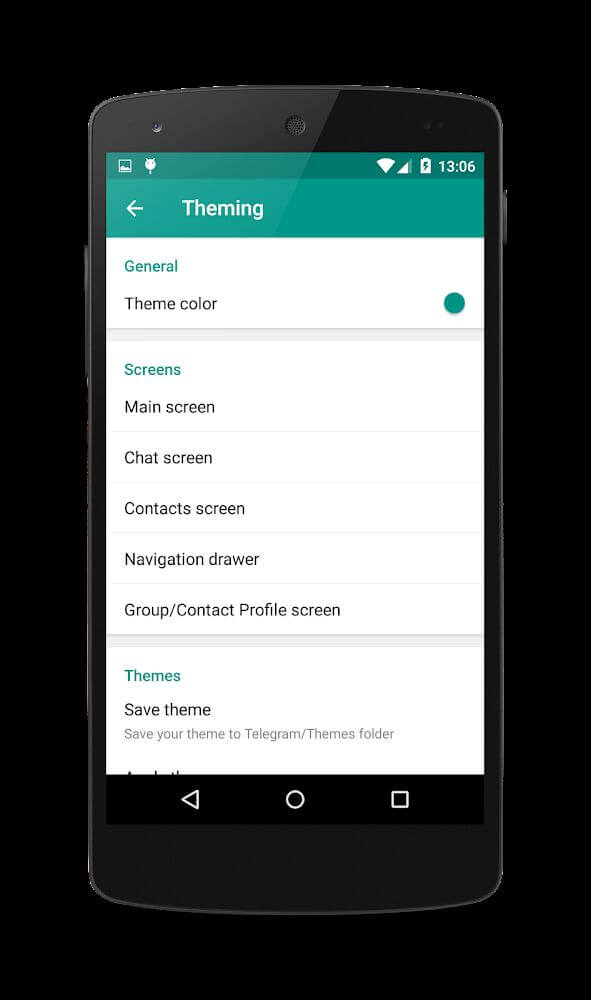
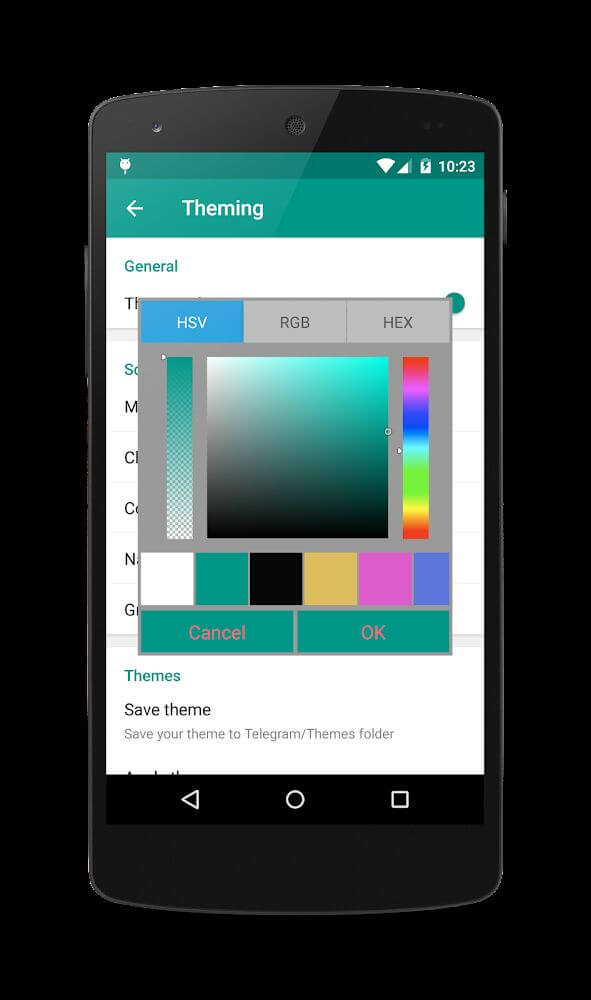
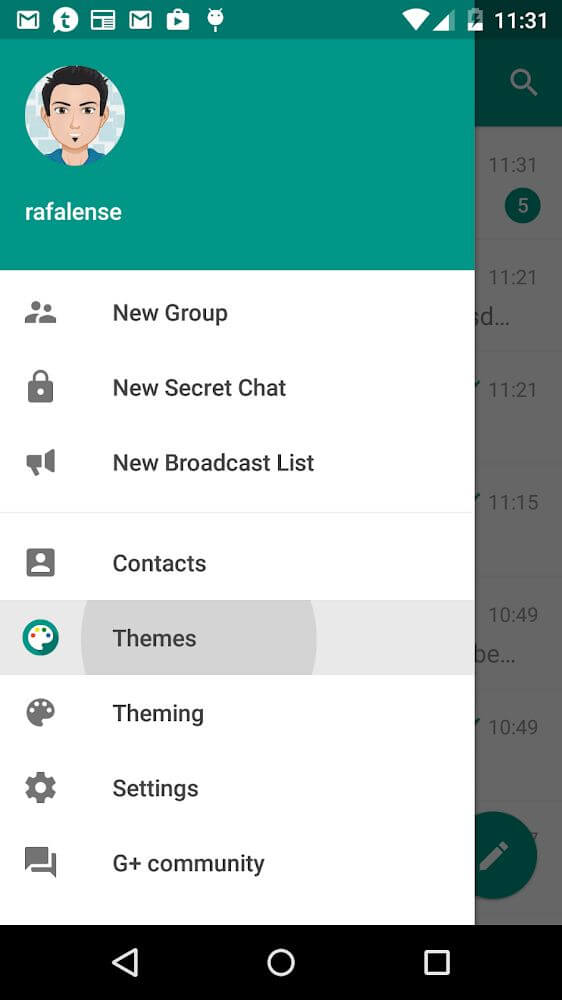
MOD features
Unused languages and duplicate graphics have been removed, alongside the addition of custom visual assets. The startup splash screen has been disabled for faster loading. Best enjoyed with a black theme or night mode. Additionally, the build number has been increased to prevent forced update prompts.
Description
Plus Messenger stands out as one of the most reliable and capable messaging apps available for Android today. Loaded with versatile utilities, it transforms everyday communication by offering customizable group naming, effortless multimedia sharing, and enhanced chat convenience.
The Plus Messenger MOD APK delivers a refined and ad-free messaging experience by stripping out unnecessary languages and duplicate assets while adding sleek custom visual enhancements. Fully optimized for dark and AMOLED themes, this version comes with an elegant black launch screen and complete removal of sponsored advertisements.
What’s Modified in Plus Messenger
- Removed redundant language packs and duplicate visual assets to drastically shrink the overall storage footprint.
- Integrated custom graphic resources and disabled the stock splash screen for instant, responsive app launching.
- Fine-tuned the entire user interface to blend flawlessly with deep black themes and dark mode layouts.
- Increased the internal build version code to block annoying prompts for official store updates.
- Conducted deep graphical optimization, removed sponsored promotional ads, and blocked sponsor proxy channels.
- Replaced the default bright white boot screen with an eye-friendly, pure black splash screen.
- Detached the app from Google Play Services dependencies for improved standalone performance.
- Stripped out useless internal classes and third-party tracking components like HockeyApp.
- Blocked telemetry and analytics collection while disabling unused sensors, keeping essential light and proximity sensors intact.
- Preserved complete functionality for GPS location sharing, address lookups, and in-app map rendering.
- Integrated modern webpack architecture and updated the application package signature.
This build is version 12.10.1.0 with a lightweight file size of 54M under the package name org.telegram.plus; because the signature has been modified, you must uninstall any official version before installing this APK.
About Plus Messenger
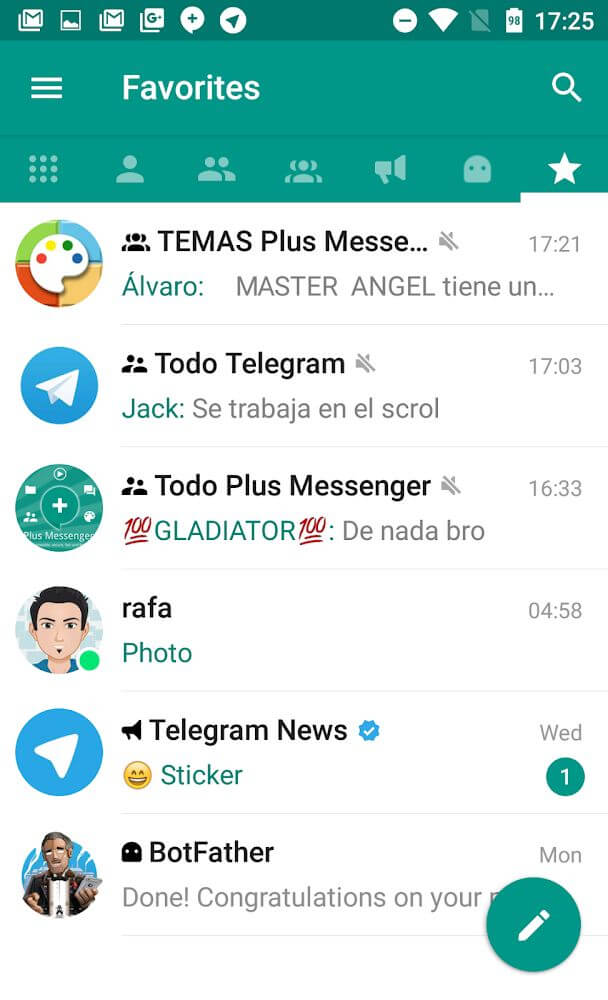
Plus Messenger takes conventional messaging to the next level by delivering powerful organization and productivity tools. Built around an intelligent tabbed interface, the home screen neatly sorts your chats into categories such as favorite contacts, unread messages, group chats, and channels. This structured layout saves considerable time by separating urgent inquiries from casual discussions. Users enjoy complete freedom to reorder, add, or hide tabs to match their everyday workflow, streamlining their inbox and keeping important conversations front and center. For individuals handling busy schedules across work and family, this streamlined tab layout keeps every conversation structured and easy to reach.
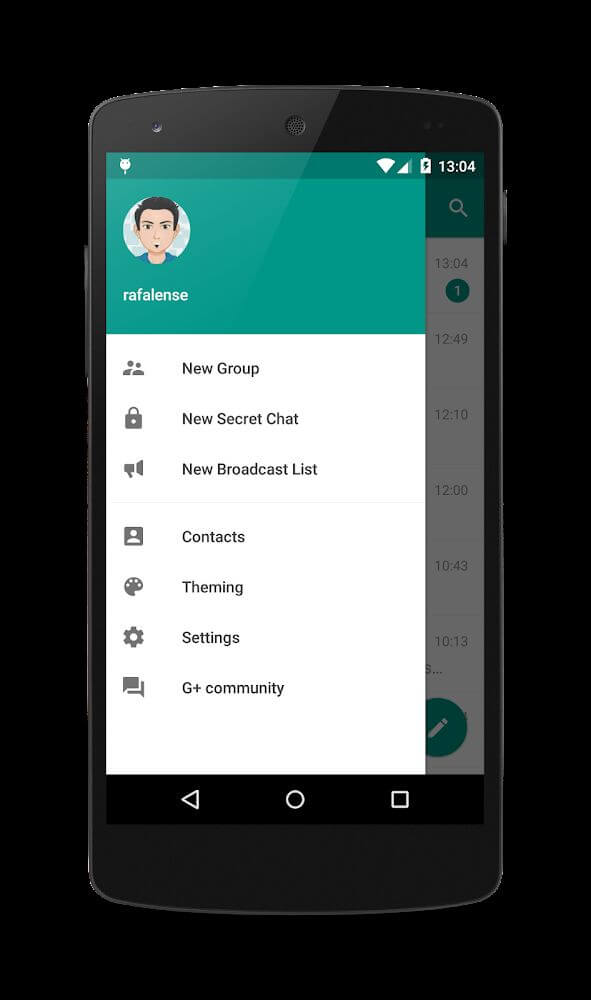
Beyond outstanding interface customization, the app provides exceptional account management flexibility. It allows users to keep up to 10 accounts active simultaneously on a single Android device. This setup is ideal for entrepreneurs, digital marketers, and power users who need to maintain distinct professional, business, and personal identities. Swift account switching ensures you can monitor and reply to messages across every profile in seconds without the hassle of repeated logins, making it a reliable solution for fast-paced multitasking.
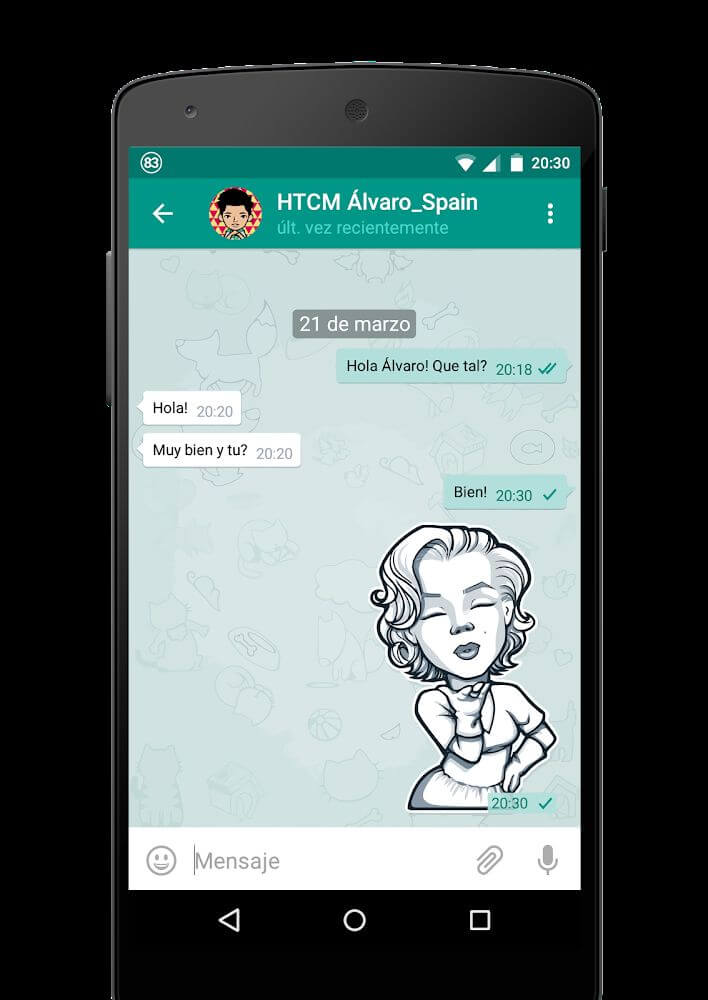
Comprehensive group settings and robust file management further expand your messaging capabilities. Group chats can be customized with distinct naming schemes to help you immediately spot family chats, social clubs, or work teams. In addition, the platform serves as an efficient hub for exchanging and archiving important documents and files. Built-in backup and restore options protect your custom chat tabs and configurations, enabling lightning-fast data recovery and ensuring zero downtime when retrieving essential messages or documents.
Plus Messenger enhances your daily communication workflow with superior pinning capabilities and streamlined sticker management. You can pin up to 100 essential chats or specific messages right at the top of your feed, ensuring newer texts never push your key discussions out of sight. This generous 100-item pin threshold far surpasses standard messaging platforms, giving you seamless control over critical task discussions and project updates. The app also lets you save up to 20 favorite stickers for lightning-fast replies during conversations. Additionally, a powerful activity tracking system allows you to configure personalized notifications for designated contacts—alerting you immediately when they come online, start typing, or deliver a message. With these real-time cues, you no longer have to continuously check the app to monitor your most important contacts.
Key Features
- Dedicated tabs for favorite chats, unread conversations, and groups.
- Seamless multi-account support for up to 10 accounts on a single device.
- Custom naming for individual group chats to eliminate confusion.
- Convenient backup and restore options for chat folders and messages.
- Pin up to 100 critical messages directly to the top of your chat list.
- Quick-access storage for up to 20 of your favorite stickers.
- Instant alerts when selected contacts come online or start typing.
Related MOD APKs
- Truecaller
- Telegram
- Truecaller
- Psiphon Pro
FAQ
What features are unlocked in Plus Messenger MOD APK?
This updated Plus Messenger 12.10.1.0 package includes tailored Optimized modifications while retaining all core capabilities of the rafalense release. Every tweak activates automatically as soon as the installation finishes.
What is the latest version of Plus Messenger MOD APK?
The latest available build is version 12.10.1.0, based on the rafalense release from August 30, 2026. Older iterations are not archived here. You can update simply by installing this APK over your existing setup; if a signature error appears, remove the previous version first.
Is Plus Messenger MOD APK safe to download?
Yes, this Plus Messenger 12.10.1.0 package is based on the trusted rafalense build with clean Optimized tweaks. It holds an impressive 4.5 rating from 101 users and works seamlessly without root access. If your device triggers a Play Protect prompt, verify that you download safely from ApkUnlimit.
Can I use Plus Messenger MOD APK on PC or iPhone?
This Android APK cannot be installed directly on iOS devices like iPhone or iPad. To run the 54M installation file on a computer, simply load it through an Android emulator such as BlueStacks or LDPlayer.
How to install
- Download the APK file above to your phone.
- Allow “Install unknown apps” when prompted.
- Open the downloaded APK and tap Install.
- If the package includes OBB/XAPK data, follow the bundled instructions.
MOD APKs are modified builds, so Play Protect may show a warning. Install only if you trust the file; use at your own risk.