

Screenshots


Description
Ace your coursework with MyScript Notes! Seamlessly convert your handwriting into editable text, mark up PDF documents, and keep your study materials neatly structured using the world’s most sophisticated digital ink solution.
Downloading this MyScript Notes for Students MOD APK grants you the Full Version completely unlocked. Gain unrestricted access to every digital notebook tool and advanced study feature normally paywalled in the base release.
What’s Modified in MyScript Notes for Students
- Full Version Unlocked: Provides immediate access to all premium study tools, notebooks, and advanced features without restrictions.
This release is version 7.3.5 with a file size of 82M and package name com.myscript.nebo. Please note that the APK is re-signed, meaning it cannot be installed directly over an existing official store version.
About MyScript Notes for Students
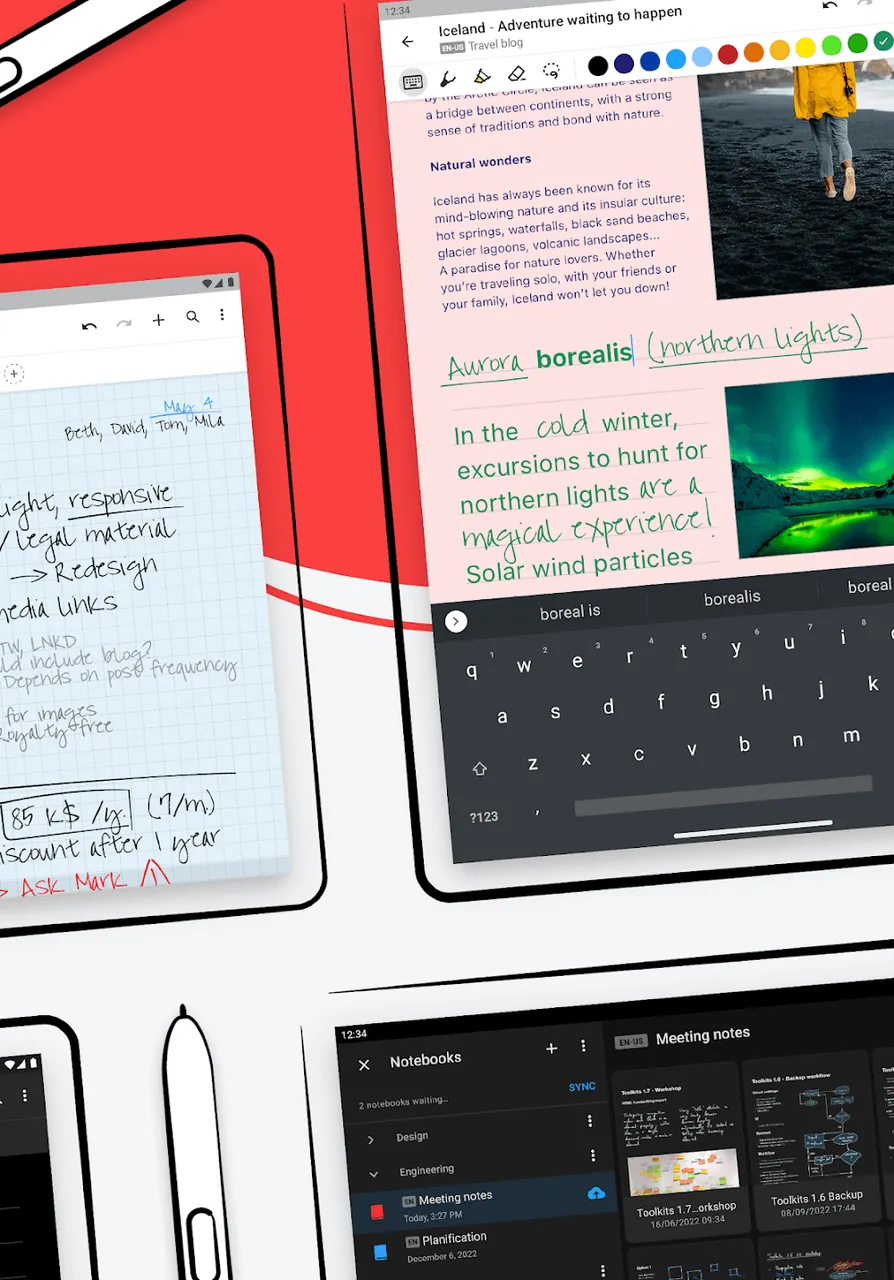
MyScript Notes for Students delivers an exceptional digital note-taking environment, blending the tactile feel of classic pen-on-paper with PaperLab’s versatile digital productivity tools. Driven by MyScript’s powerful, battery-friendly engine, the app ensures fluid, lag-free performance while capturing each stroke in real time. Designed around a 'Write Anywhere' philosophy, it empowers learners to jot down insights however they find most convenient. You can effortlessly sort your notes into dedicated subject-specific notebooks and customize each with distinctive covers and background patterns for a well-structured study setup.
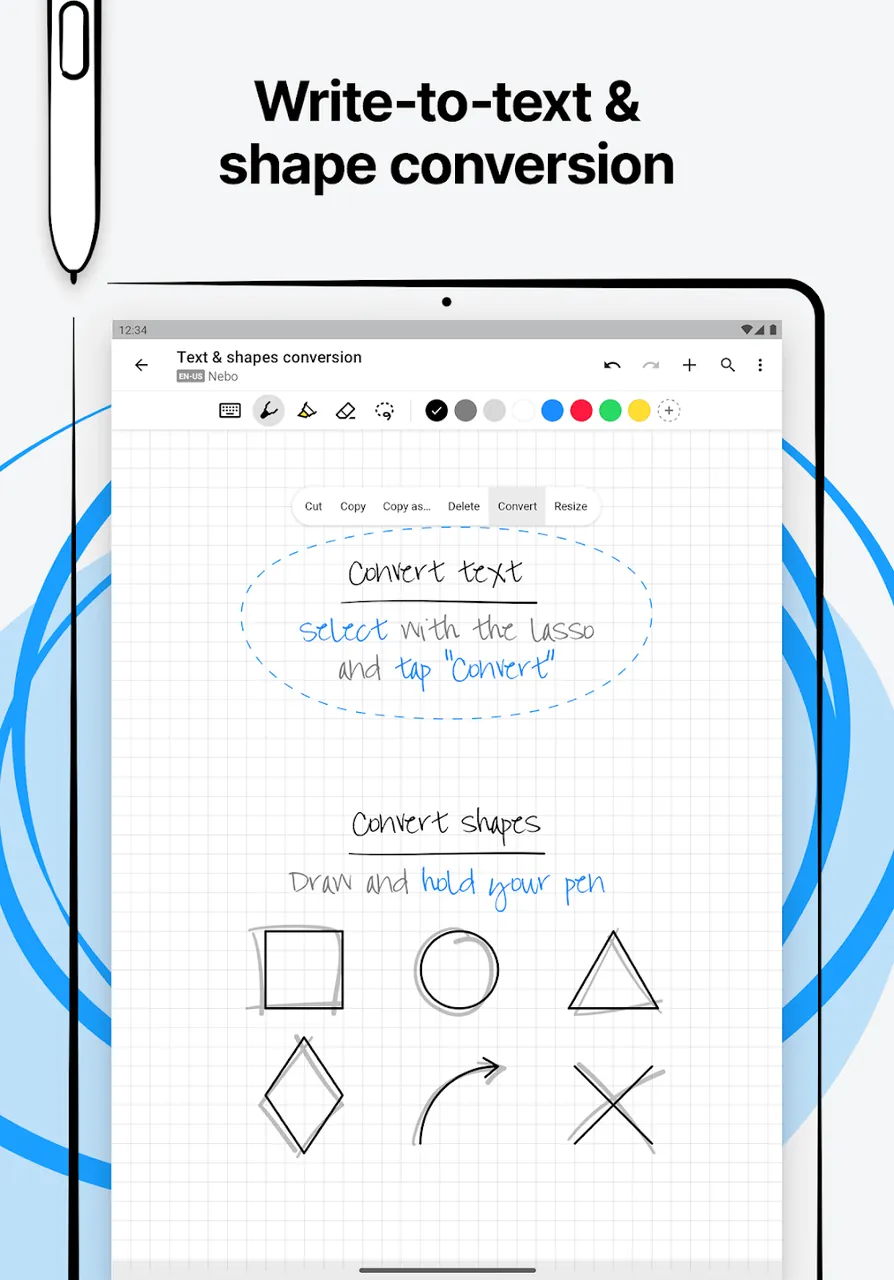
Leveraging cutting-edge optical character recognition, the app features Advanced Handwriting-to-Text that instantly turns your quick handwriting into clean, searchable digital text. This makes it effortless to tidy up quick lecture scribbles after class. You can also edit seamlessly on the fly using intuitive pen gestures—like striking through words to erase them immediately. By replacing cumbersome toolbars with natural gestures, the streamlined interface keeps distractions to a minimum so you can stay fully focused on understanding lectures and absorbing course content.
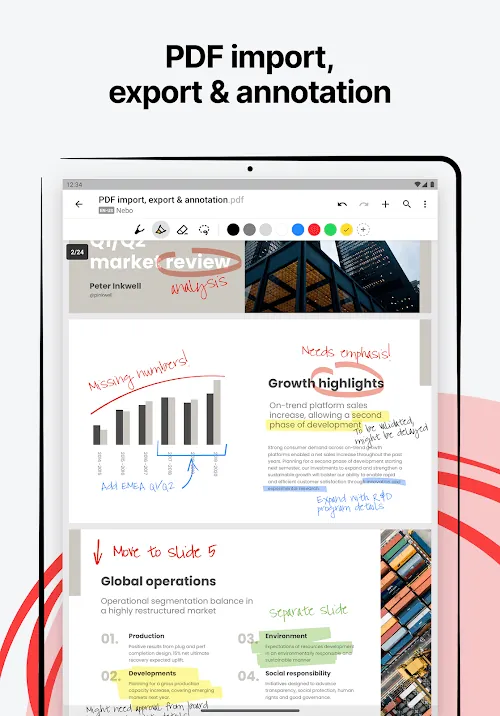
With Multi-Modal Input, you have the flexibility to combine handwriting, typing via keyboard, and voice recording to match any classroom scenario. During lengthy, dense lectures, you can record audio while continuing to handwrite your key takeaways. Furthermore, the built-in PDF Annotation toolkit allows you to import and mark up lecture slides and textbook chapters directly. By bringing your annotations, audio recordings, and study notes together in one central hub, preparing for upcoming exams becomes vastly more organized and efficient.
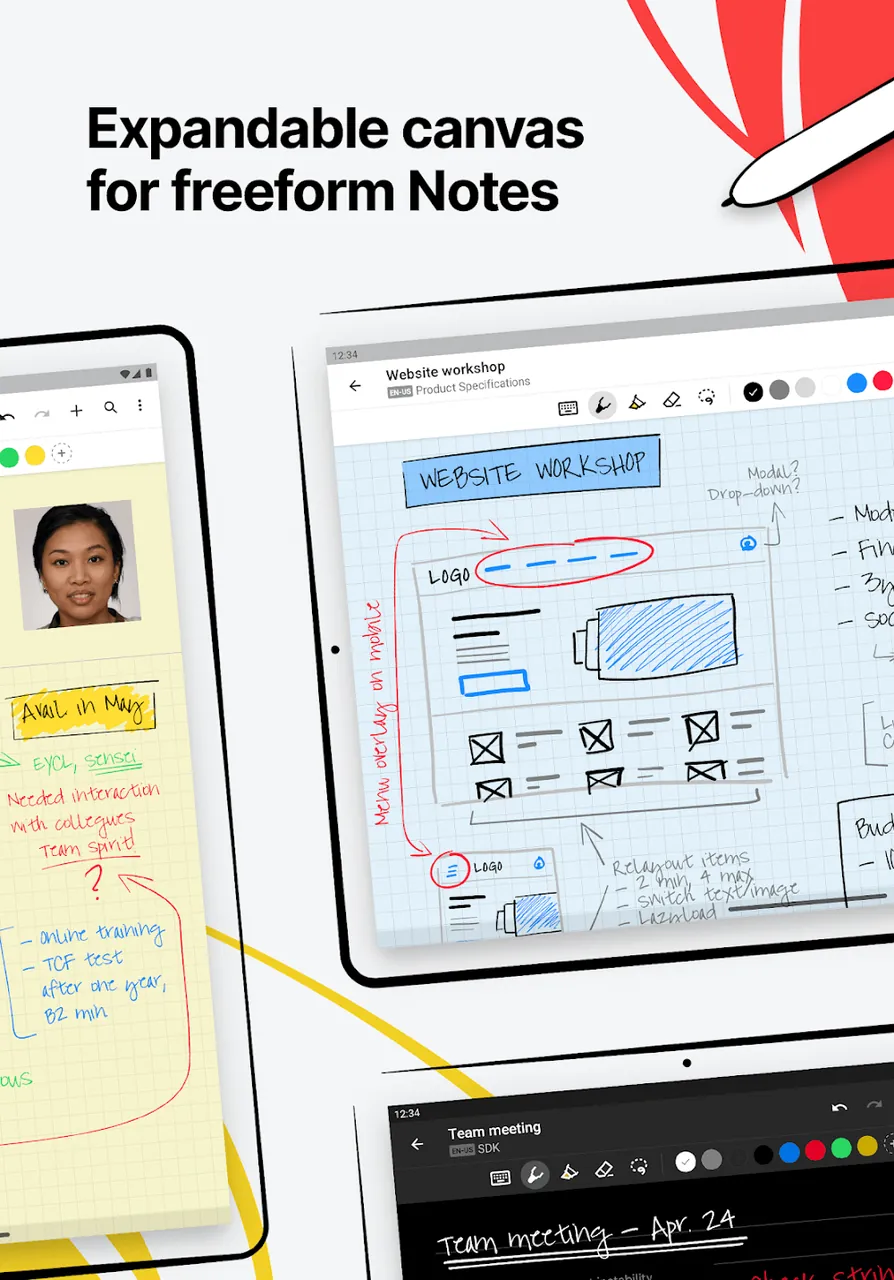
When brainstorming and planning complex projects, the Infinite Canvas offers an unbounded workspace free from page margins, making it ideal for freeform mind maps, diagrams, and flowcharts. To keep schematics neat, the Smart Shape Recognition feature automatically converts rough hand-drawn circles, triangles, or polygons into crisp geometric shapes—perfect for science reports and technical presentations. Because the canvas stretches infinitely in every direction, you can develop sprawling visual layouts while easily zooming and panning to examine fine details or view the broader concept.
STEM students will appreciate the Convert Flawlessly feature, which effortlessly decodes and formats intricate mathematical equations and scientific formulas into clear, digital notation. Even when professors write quickly or illegibly, this tool ensures your study notes remain perfectly readable and easy to share with peers. Natural editing gestures make writing completely fluid: simply scratch out words or equations to remove them, or draw a downward vertical slash to insert extra space for a missing symbol or term. With virtually no need to interrupt your thought process for menus, you can write freely and naturally throughout class.
On top of that, the application boasts a robust built-in search engine capable of indexing your handwriting directly. Even when dealing with hundreds of handwritten lecture pages, locating key concepts or specific terms takes just a quick keyword search. You can also reposition and scale any selected content with a simple tap, making it effortless to organize and build custom study guides from your notes. Seamless cross-device synchronization ensures your course materials are accessible anytime, anywhere. MyScript Notes for Students MOD APK proves that going digital does not mean sacrificing the benefits of writing by hand, providing students with the ultimate toolkit to boost their academic workflow.
Key Features
- Advanced Handwriting-to-Text OCR
- Intuitive Ink Gestures for Erasing and Formatting
- Multi-Modal Input: Handwriting, Typing, and Voice
- Effortless PDF Markup for Course Materials
- Endless Canvas for Mind Maps and Diagrams
- Smart Geometric Shape Recognition
- High-Precision, Responsive MyScript Engine
- Flawless Conversion for Math Equations and Chemical Formulas
- Instant Handwriting Indexing and Search Engine
- Personalized Notebook Covers and Paper Styles
Related MOD APKs
- Nebo: Notes & PDF Annotations
- MyScript Math: Solve & Plot
- Grok – AI Assistant
- ChatGPT
FAQ
What does MyScript Notes for Students MOD APK unlock?
This updated build of MyScript Notes for Students (v7.3.5) comes pre-activated with the Full Version. All core capabilities function just like the official MyScript release, with every premium perk ready to use immediately upon installation.
What is the latest version of MyScript Notes for Students MOD APK?
The current package is v7.3.5, matching MyScript's official release updated on June 11, 2026. Only the most up-to-date versions are hosted here on ApkUnlimit. To update, simply install this new APK file over your existing build; if you experience a signature conflict error, uninstall the previous build first.
Is MyScript Notes for Students MOD APK safe to download?
Yes, the MyScript Notes for Students MOD APK v7.3.5 provided on ApkUnlimit is based on the genuine MyScript application with only the Full Version unlocked. It holds a 3.6/5 rating from 120 users and does not require root access. Any Play Protect prompt during installation is standard for modded APKs, so you can safely proceed when downloading from our page.
Can I use MyScript Notes for Students MOD APK on PC or iPhone?
Since this is a dedicated Android APK file, it cannot be installed directly on an iPhone or iPad. However, Windows and macOS users can easily run the 82M APK via an Android emulator like BlueStacks or LDPlayer—just set up the emulator and drag-and-drop the APK inside.
How to install
- Download the APK file above to your phone.
- Allow “Install unknown apps” when prompted.
- Open the downloaded APK and tap Install.
- If the package includes OBB/XAPK data, follow the bundled instructions.
MOD APKs are modified builds, so Play Protect may show a warning. Install only if you trust the file; use at your own risk.