

Screenshots
Description
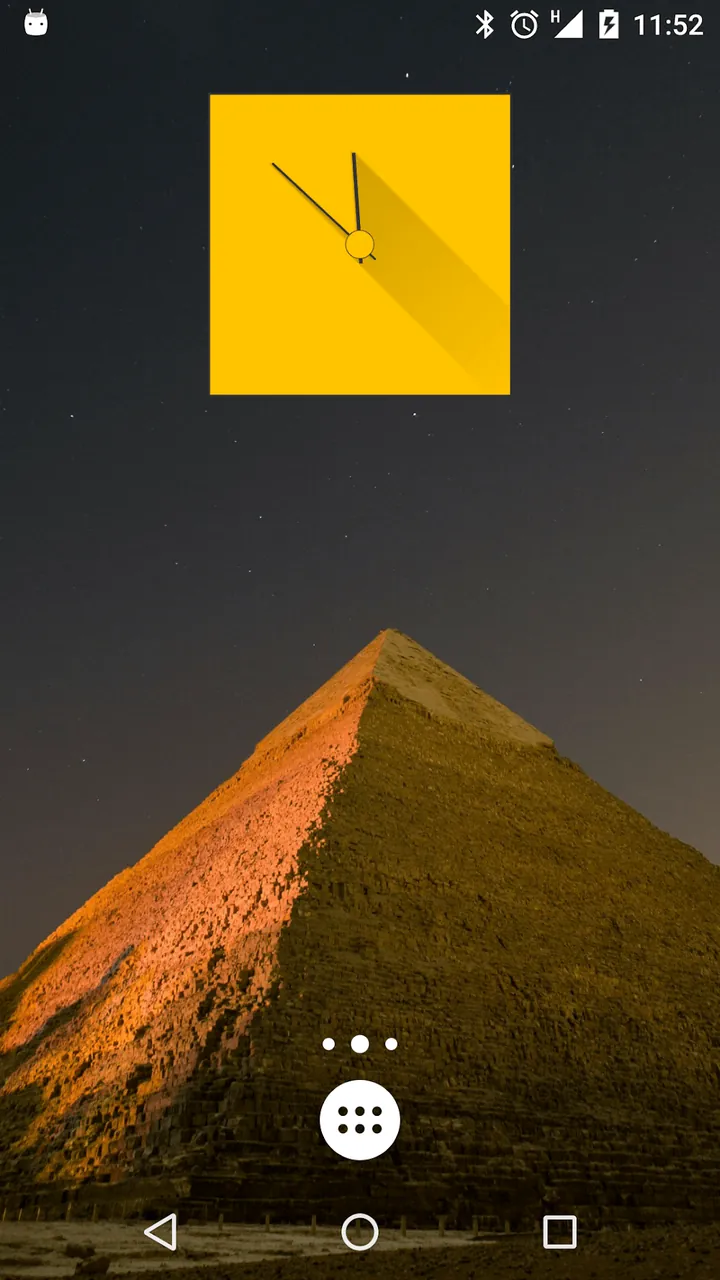
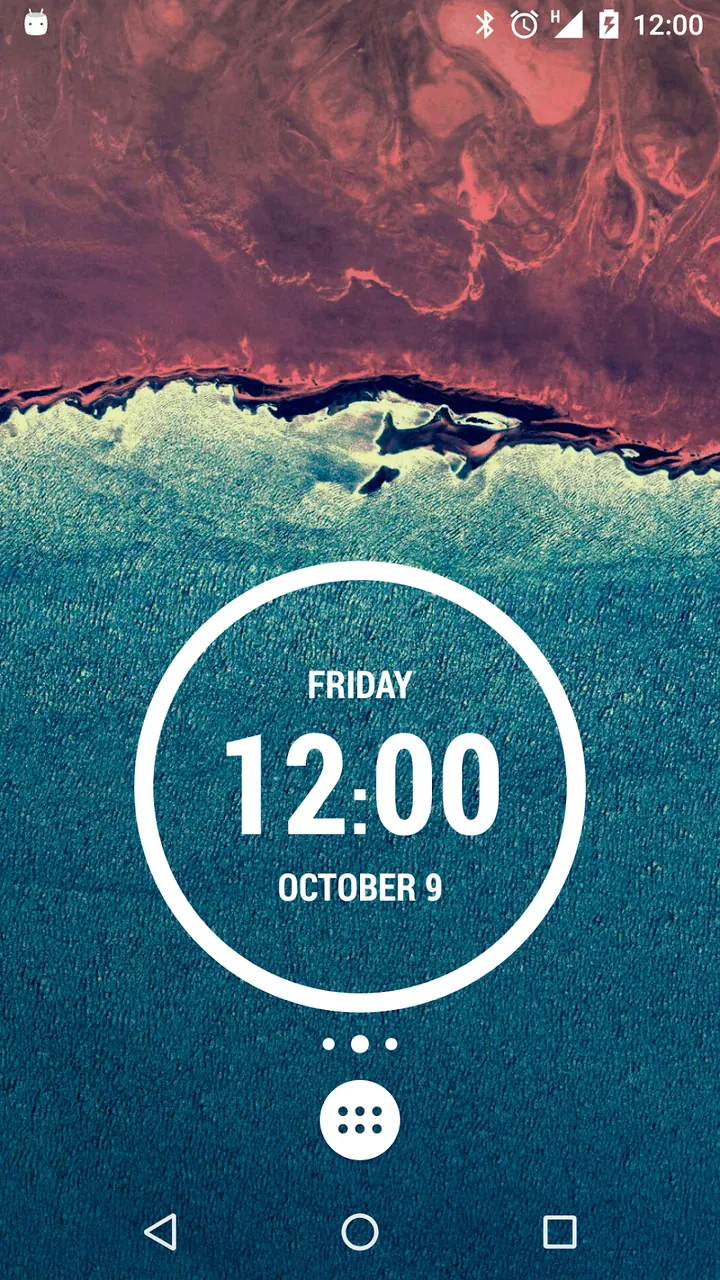
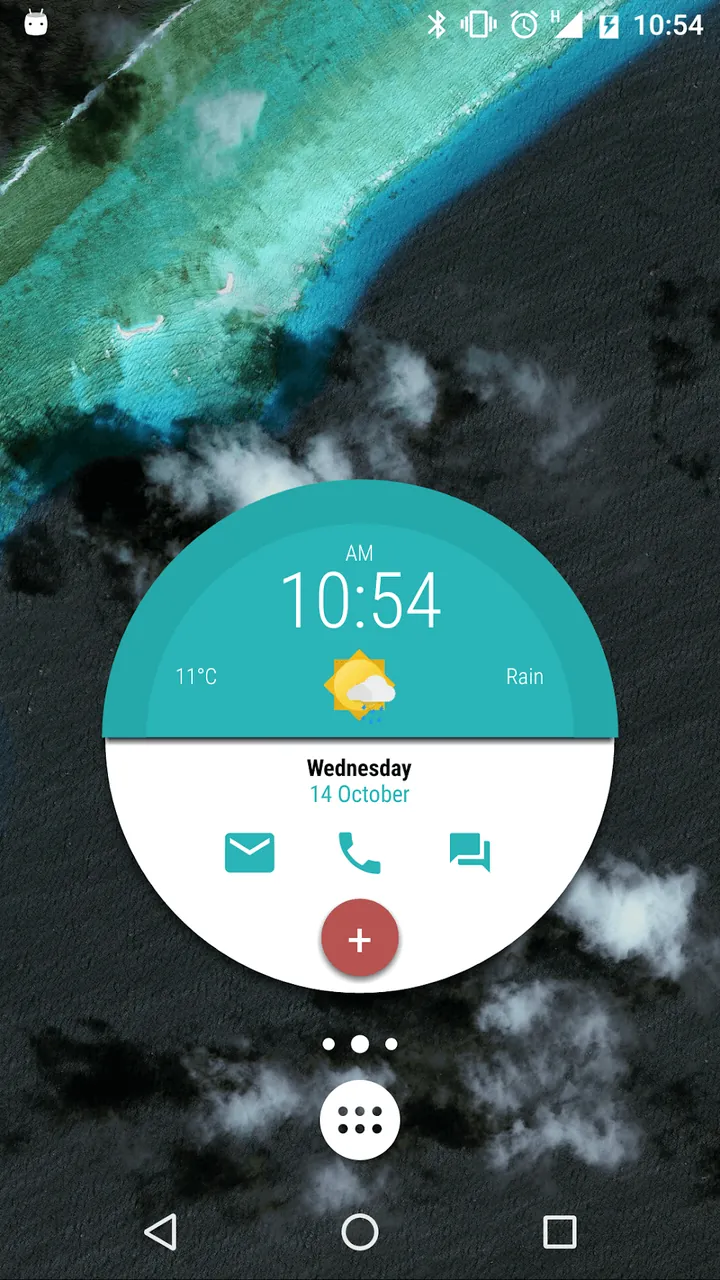
Transform your Android device into a truly personalized masterpiece with KWGT Kustom Widget Maker MOD APK! Easily design unique digital clocks, live weather forecasts, and stylish battery monitors directly on your home screen using an intuitive, battery-friendly visual editor.
This exclusive KWGT Kustom Widget Maker MOD APK gives you full access to all Pro features right out of the box. With the Pro edition unlocked, you can take advantage of premium customization capabilities and seamlessly import third-party presets and skins that are typically locked behind a paywall in the official release.
What’s Modified in KWGT Kustom Widget Maker
- All Pro features are fully unlocked, granting you ad-free navigation and the ability to import any external presets or widget packs without restrictions.
Version 3.82b614014aosp comes with an APK file size of 28M under the package name org.kustom.widget. Note that since this MOD package carries a custom signature, you must completely uninstall any existing official version before proceeding with the installation.
About KWGT Kustom Widget Maker
KWGT Kustom Widget Maker is the ultimate personalization suite designed to revamp your default Android interface with fully tailored, interactive widgets. Whether you want a clean minimalist aesthetic or a highly sophisticated dashboard loaded with live data feeds, this app empowers you to bring your creative vision to life. Its versatile toolkit gives you total control over layout arrangement, typography, graphics, and functional UI components to match your exact styling preferences.
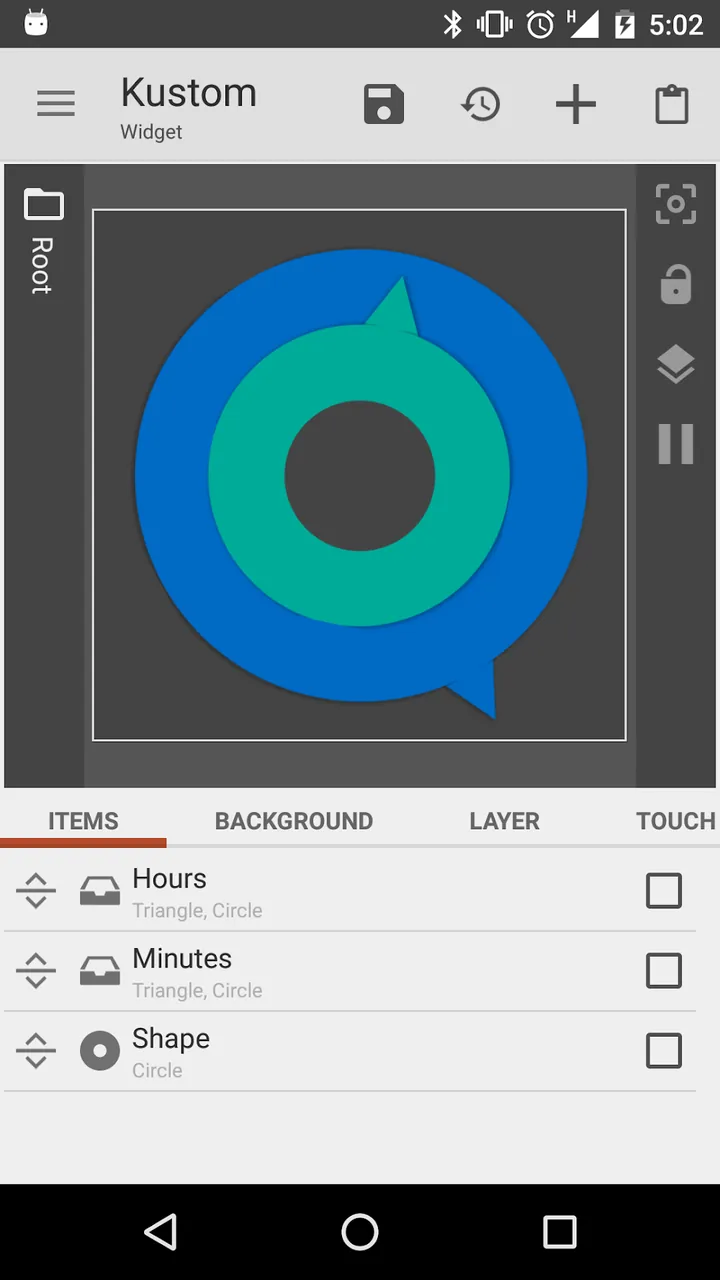
Designing is made effortless thanks to the built-in What-You-See-Is-What-You-Get (WYSIWYG) visual editor, which lets you preview every adjustment in real time as you build. Instead of guessing how elements will look on your home screen, you get instant visual feedback at every step. You can craft layouts using geometric shapes, rich typography, custom fonts, smooth color gradients, and impressive 3D tilt effects. With its dedicated elements editor, creating sophisticated widgets that tap straight into system-level functions—workflows traditionally reserved for desktop design software—is now achievable directly from your mobile device.
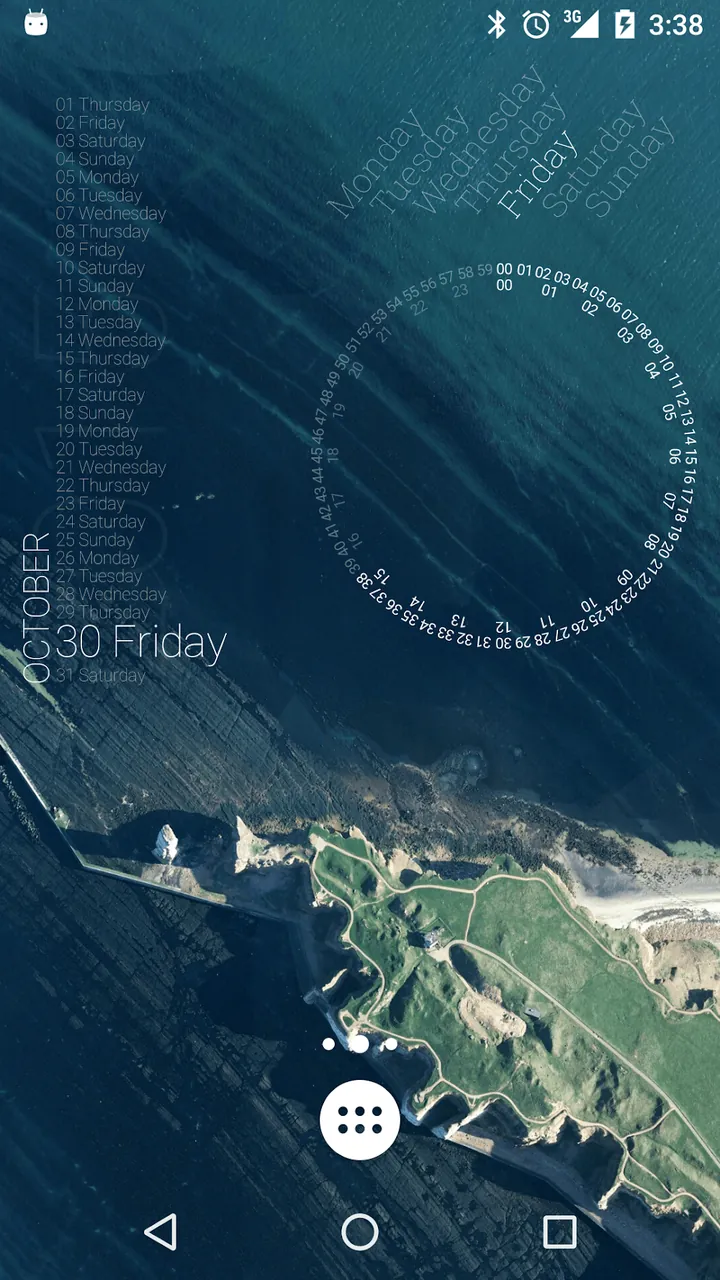
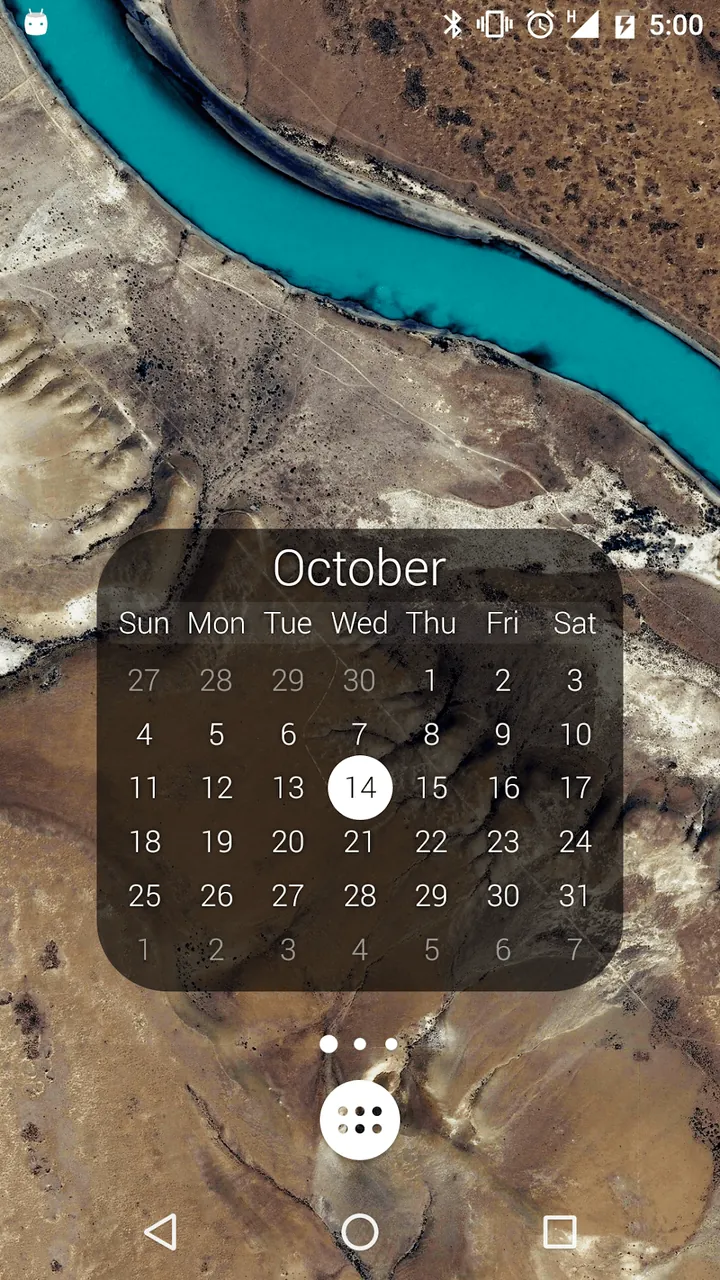
Dynamic Data Integration elevates KWGT beyond static graphics, turning every widget into a live, interactive command center. Rather than displaying plain pictures, your custom creations can stream real-time updates directly to your screen. Monitor worldwide time zones, check live weather conditions, track detailed battery metrics, or display synchronized calendar events to keep your upcoming schedule always visible at a glance.
Managing extensive setups is seamless thanks to Global Variables. By setting up global values for recurring attributes—such as color palettes, font styles, or dimensions—any edit you make automatically updates every linked element across your entire setup. This intelligent approach saves significant time and guarantees a cohesive, polished look across all your widgets.
Tailor-made music and playback controllers add another layer of customization to your device. You can construct personalized audio players right on your launcher, complete with dynamic album artwork and bespoke control buttons that interface smoothly with popular platforms like Spotify and YouTube. Beyond multimedia, deep system-level integration lets you assign custom touch actions to widgets—enabling you to toggle the flashlight, adjust system settings, or launch apps with a single tap. With this immense flexibility, your home screen becomes an all-in-one productivity hub.
At its core, the app utilizes a professional layer-based architecture reminiscent of desktop graphic design suites. This flexible framework empowers you to group, manipulate, and arrange visual elements into clean vertical or horizontal stacks. Every individual layer can be styled with customizable blur effects, color adjustments, and dynamic filters to elevate your overall aesthetic. Furthermore, advanced users can take full command of the layout via Kustom Scripting—a versatile formula language designed to automate visual behavior. These logic scripts range from simple tasks, like altering element colors based on battery status, to advanced routines managing thousands of components simultaneously through math calculations, string evaluations, and conditional logic.
A standout feature of Kustom is its massive repository of community-crafted BLOCKS and premade designs. Whether you prefer building tailored layouts from scratch or rapidly assembling sleek, functional widgets for your home screen, the built-in catalog provides instant options. Impressively, despite offering an exhaustive suite of tools to create complex, animated setups, the application is engineered for optimal efficiency and avoids draining battery life unlike similar customization utilities. With Kustom at your fingertips, you can assemble anything from a minimalist digital clock to a fully interactive multimedia dashboard equipped with custom controls, bringing nearly any interface concept to life on your Android device.
Key Features
- Intuitive Visual WYSIWYG Editor
- Advanced Typography & Vector Shapes
- Dynamic System Data Integration
- Global Variables & Custom Values
- Optimized Battery & Resource Management
- Interactive Music & Media Controls
- Layer-Based Design Architecture
- Deep Interface Customization Mechanics
- Advanced Kustom Scripting Engine
Related MOD APKs
- KWGT Kustom Widget Pro
- KLWP Live Wallpaper Pro
- KLCK Kustom Lock Screen Maker
- KLWP Live Wallpaper Maker
Frequently Asked Questions
Is Premium unlocked in KWGT Kustom Widget Maker MOD APK?
Yes, the KWGT Kustom Widget Maker 3.82b614014aosp installation file comes with full Pro Unlocked access. It offers the identical feature set of the official Kustom Industries release, with all premium capabilities ready to use immediately after installation.
What is the latest version of KWGT Kustom Widget Maker MOD APK?
The current 3.82b614014aosp build matches the official Kustom Industries release from August 14, 2026. We only provide the freshest versions on our platform. To upgrade, simply install this update on top of your current setup; if you encounter a signature conflict, perform a quick uninstall first.
Is KWGT Kustom Widget Maker MOD APK safe to download?
Downloading KWGT Kustom Widget Maker 3.82b614014aosp from ApkUnlimit is completely safe, providing the verified Kustom Industries software with Pro Unlocked privileges. With a solid 3.8 rating from 262 users, the package operates without root access. You can safely bypass any generic Play Protect alerts as long as you download directly from ApkUnlimit.
Can I use KWGT Kustom Widget Maker MOD APK on PC or iPhone?
Because this installer is built strictly for Android OS, it cannot run natively on an iPhone or iOS. Nonetheless, you can seamlessly run the 28M APK on a PC or Mac through Android emulators like BlueStacks or LDPlayer simply by opening or dragging the file into the emulator window.
How to install
- Download the APK file above to your phone.
- Allow “Install unknown apps” when prompted.
- Open the downloaded APK and tap Install.
- If the package includes OBB/XAPK data, follow the bundled instructions.
MOD APKs are modified builds, so Play Protect may show a warning. Install only if you trust the file; use at your own risk.