

Screenshots
Description
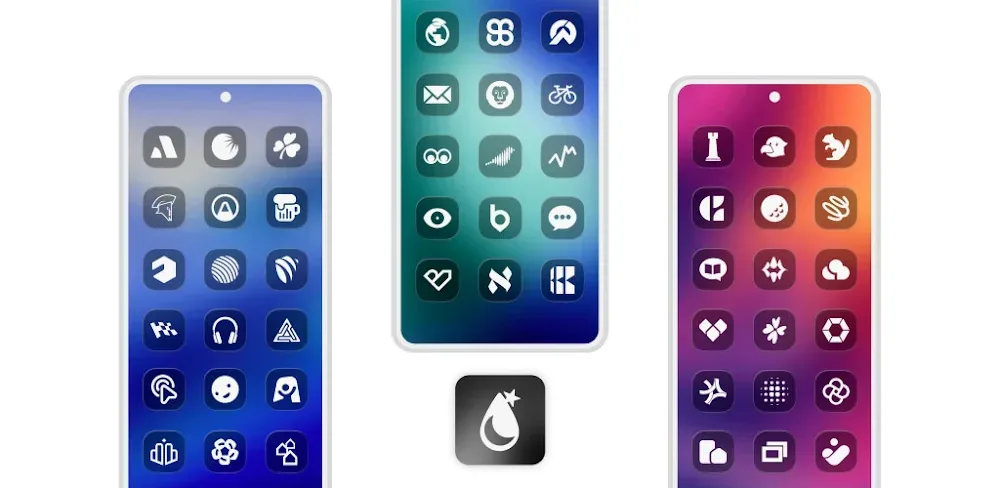
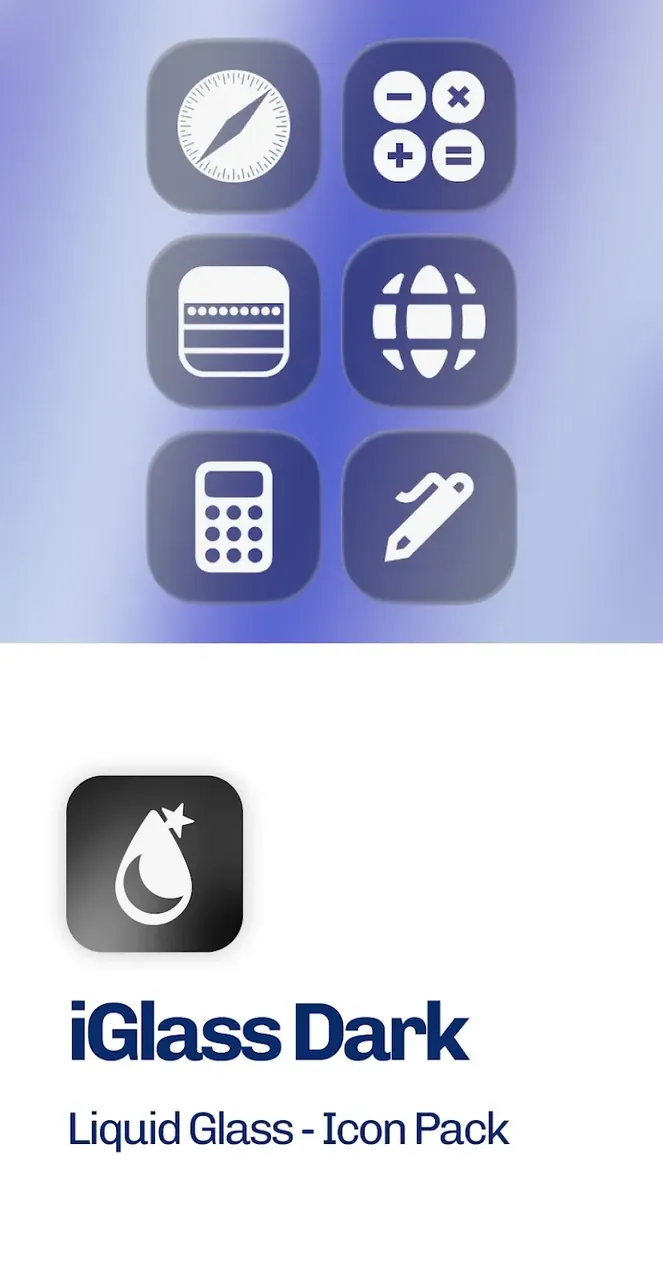
Experience a sleek, modern aesthetic with Dark OS 26 by iGlass, combining frosted translucent glass icons with deep black accents for an ultra-stylish mobile interface.
Get the iGlass Dark OS 26 Icon Pack MOD APK on ApkUnlimit to enjoy the Full Version completely unlocked. All standard restrictions have been eliminated, giving you unrestricted access to the entire premium icon catalog and advanced dashboard tools.
What’s Modified in iGlass Dark OS 26 Icon Pack
- Full Version Unlocked: Access the complete collection of premium icons and personalization tools without limitations.
Version 6.8 is provided as a 175M package under com.italiano.iglassdark. Due to a modified signature, it cannot be installed over the official store release.
About iGlass Dark OS 26 Icon Pack
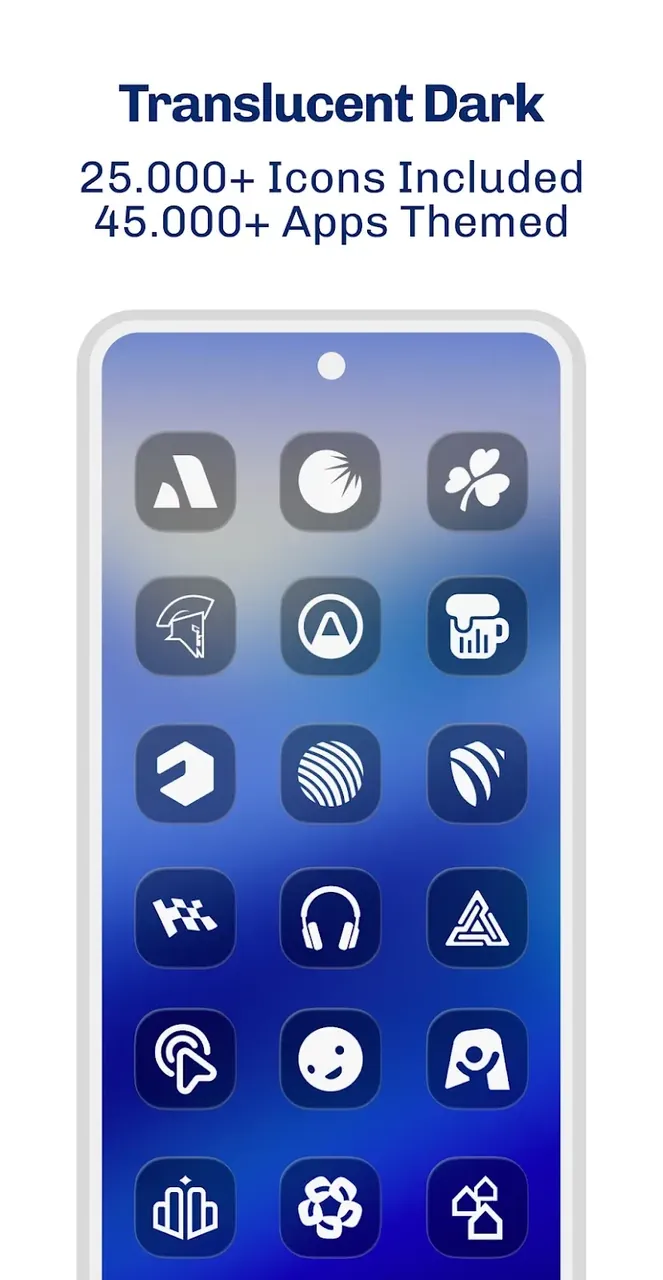
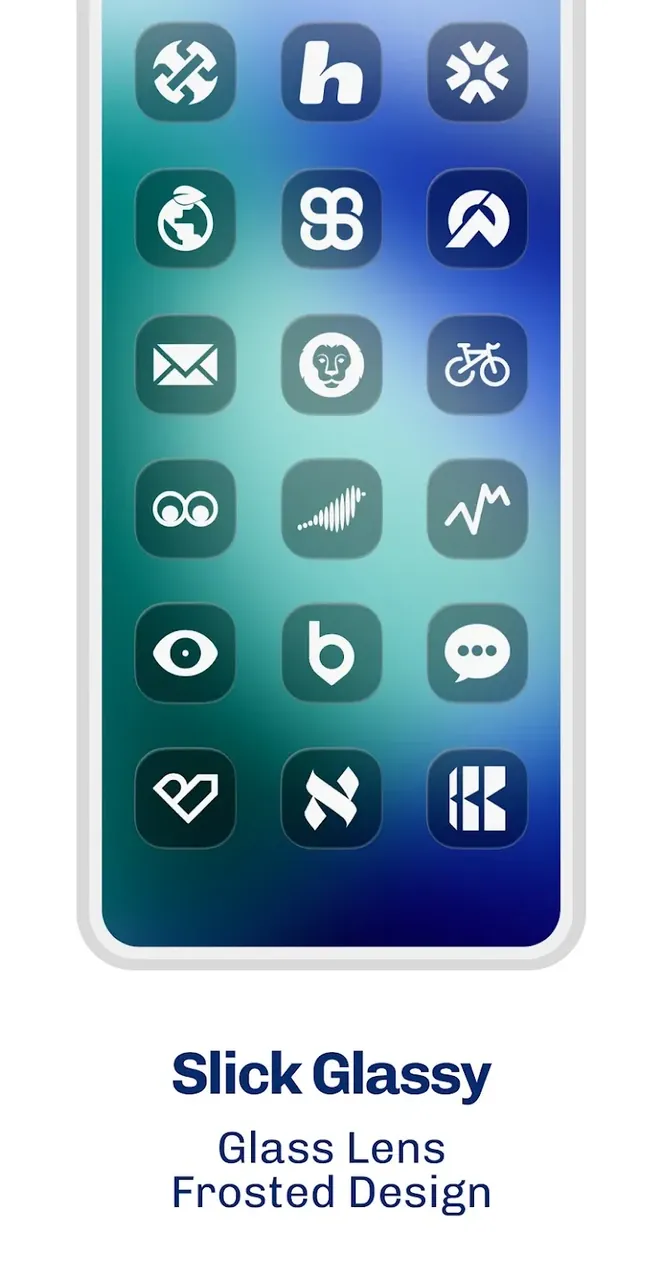
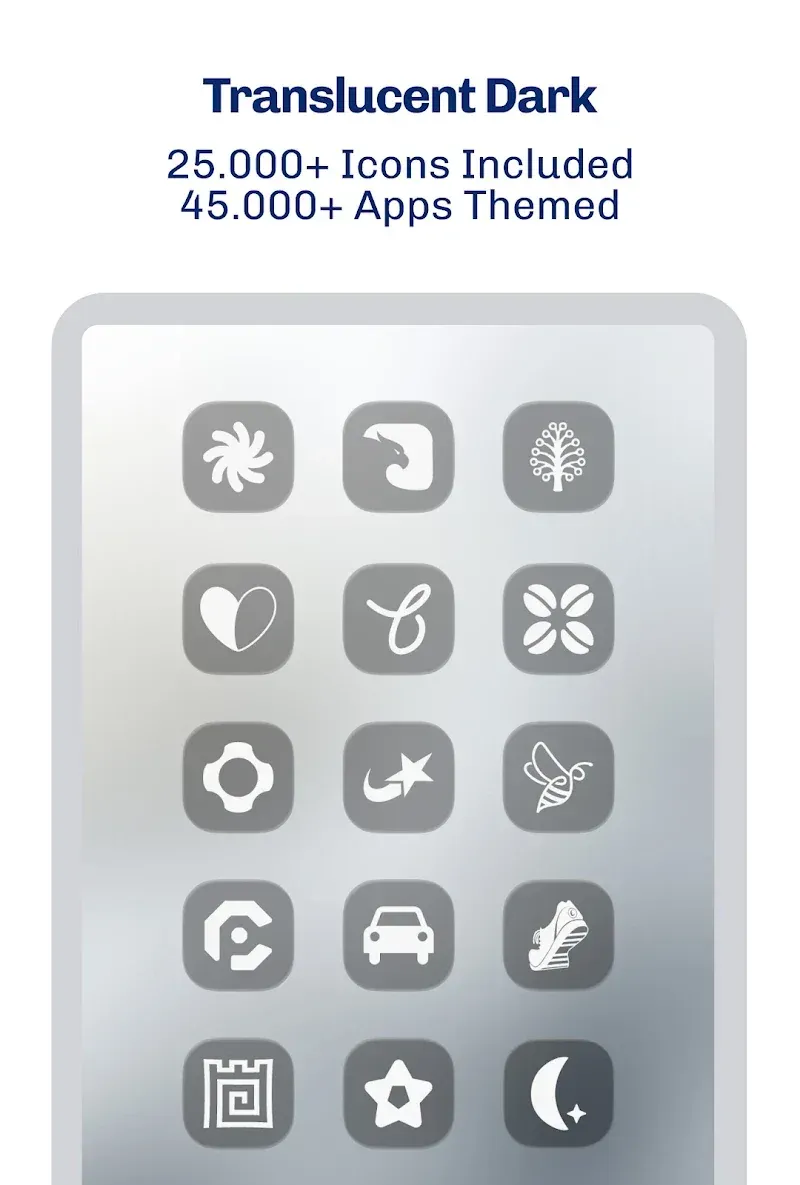
Created around the popular glassmorphism aesthetic, iGlass Dark OS 26 Icon Pack leaves flat 2D designs behind in favor of multi-layered visuals that create genuine depth on your screen. Each icon features a frosted, translucent texture that simulates light diffusing through tinted glass, offering an engaging pseudo-3D look on your home screen. Tailored for system dark mode users, the deep dark styling delivers bold contrast and a futuristic aesthetic, resulting in an organized, polished, and contemporary smartphone setup.
Featuring a vast collection of over 5,000 premium icons, this pack covers both system applications and a wide range of third-party apps and popular games. The well-structured categories allow you to style your device with a cohesive and uniform look. Designed with 2K resolution, each icon maintains remarkable clarity and sharpness without pixelation on high-density displays, accentuating subtle edge reflections and the intricate details of the glassmorphism effects.
Beyond static icons, the pack includes dynamic calendar support that refreshes daily on your home screen so you can check the current date at a glance without launching the calendar app. If you find any missing apps from the 5,000+ icon collection, the built-in Icon Request Tool lets you send direct requests to the team at PizzApp Design.
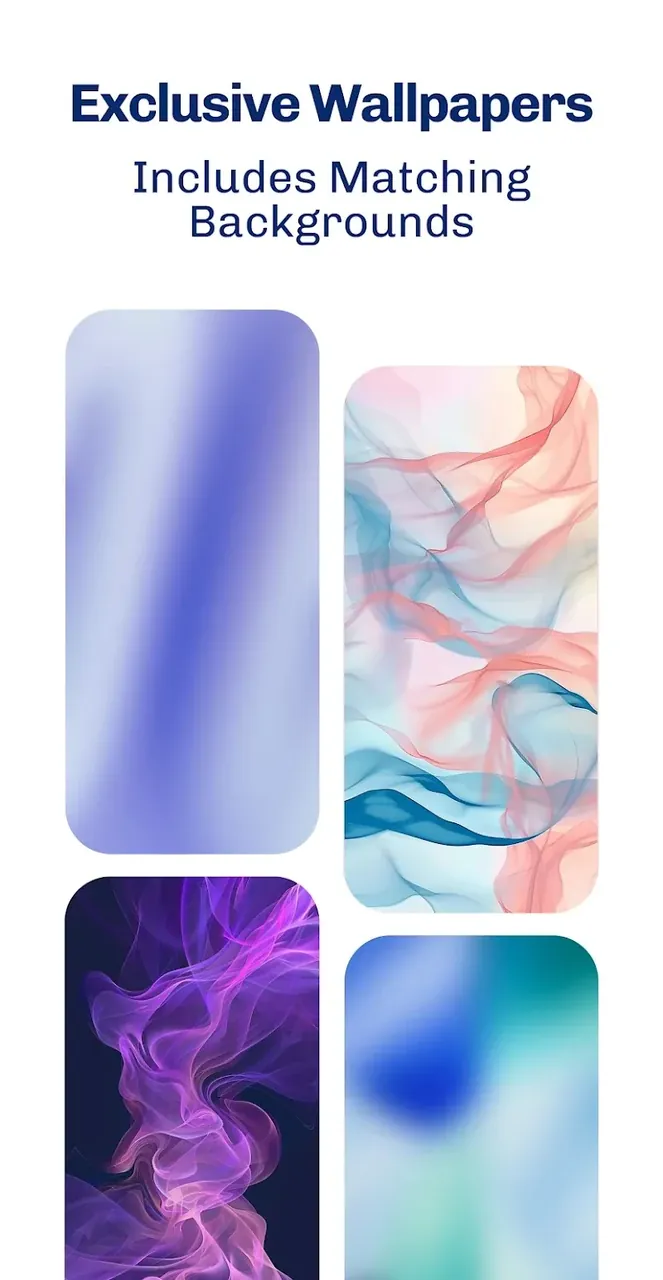
To complete your customization setup, the app includes a gallery of glassmorphism-inspired wallpapers carefully chosen to match the dark, translucent theme. Minimalist or dark wallpapers are recommended to let the transparent elements stand out with maximum clarity. For the cleanest visuals, disabling icon shadows in your launcher settings ensures the glassy borders and lighting accents stay crisp. The app also supports Muzei Live Wallpaper for seamless background syncing.
Applying your new theme is seamless via the central dashboard, which offers one-tap application for supported launchers as well as manual browsing by category for custom icon picking. The icon pack is compatible with a wide range of popular launchers, including Nova Launcher, Action Launcher, Apex Launcher, Smart Launcher, Lawnchair, Microsoft Launcher, and ADW Launcher, with Nova Launcher recommended by the developers for the best overall experience.
The iGlass Dark OS 26 Icon Pack is crafted to reinvent your Android interface with a sleek, futuristic glassmorphic aesthetic. Designed to bring next-generation styling to your smartphone, it features an extensive collection of ultra-clear HD icons alongside matching wallpapers and interactive elements. Unlike standard customization packs, its signature frosted-glass look provides genuine depth and translucency that harmonizes effortlessly with any wallpaper. Complete with a built-in dashboard and an icon request utility, this pack is a comprehensive design toolkit rather than just a basic icon set.
Key Features
- 5,000+ Premium iOS & Android App Icons
- Ultra-Crisp 2K Icon Resolution
- Matching Glassmorphism Aesthetic Wallpapers
- Dynamic Calendar Support
- Built-in Icon Request Tool
- Muzei Live Wallpaper Compatibility
- Integrated Dashboard for Easy Application
- Categorized Icon Browsing and Search
- Compatible with Nova, Action, Apex, Smart, Lawnchair, Microsoft, and ADW Launchers
Related MOD APKs
- iGlass OS 26 Icon Pack
- iWhite OS Icon Pack
- Simply Adaptive Icon Pack
- Glassy Round OS Icon Pack
FAQ
What does iGlass Dark OS 26 Icon Pack MOD APK unlock?
This version 6.8 of iGlass Dark OS 26 Icon Pack provides the complete Full Version. It delivers the exact same premium experience as the original PizzApp Design release, granting immediate access to all features right after installation.
What is the latest version of iGlass Dark OS 26 Icon Pack MOD APK?
The latest available release is version 6.8, matching the July 4, 2026 update by PizzApp Design. At ApkUnlimit, we host only the most current releases. To update, simply install this file directly over your existing app; if you run into a signature mismatch error, please uninstall the previous version before reinstalling.
Is iGlass Dark OS 26 Icon Pack MOD APK safe to download?
Yes, this 6.8 Full Version build of iGlass Dark OS 26 Icon Pack from PizzApp Design is completely secure and does not require root permissions. It currently boasts a 5/5 rating from 1 user. If Google Play Protect shows a cautionary notice, you can safely disregard it—just ensure you always download your files directly from ApkUnlimit.
Can I use iGlass Dark OS 26 Icon Pack MOD APK on PC or iPhone?
This APK is created strictly for Android and cannot be installed on iOS devices like the iPhone. If you want to use this 175M package on a desktop computer, run an Android emulator like LDPlayer or BlueStacks. Just install your preferred emulator and drag the APK into the emulator window to set it up.
How to install
- Download the APK file above to your phone.
- Allow “Install unknown apps” when prompted.
- Open the downloaded APK and tap Install.
- If the package includes OBB/XAPK data, follow the bundled instructions.
MOD APKs are modified builds, so Play Protect may show a warning. Install only if you trust the file; use at your own risk.