
Screenshots
Description
Get the ultimate Android TV experience with ATV Launcher Pro MOD APK from ApkUnlimit. This modified build delivers a fully patched release of the premium personalization tool, granting instant access to every advanced interface customization feature without having to purchase a store license.
What’s Modified in ATV Launcher Pro
- The application comes as a Paid / Patched edition, giving you unrestricted access to all premium features without requiring an official license.
This ATV Launcher Pro MOD APK build is version 0.1.36-pro b26396284, with a compact file size of 2.8M under package name ca.dstudio.atvlauncher.pro. Since this package has been re-signed, you cannot install it directly over an existing Play Store installation.
About ATV Launcher Pro
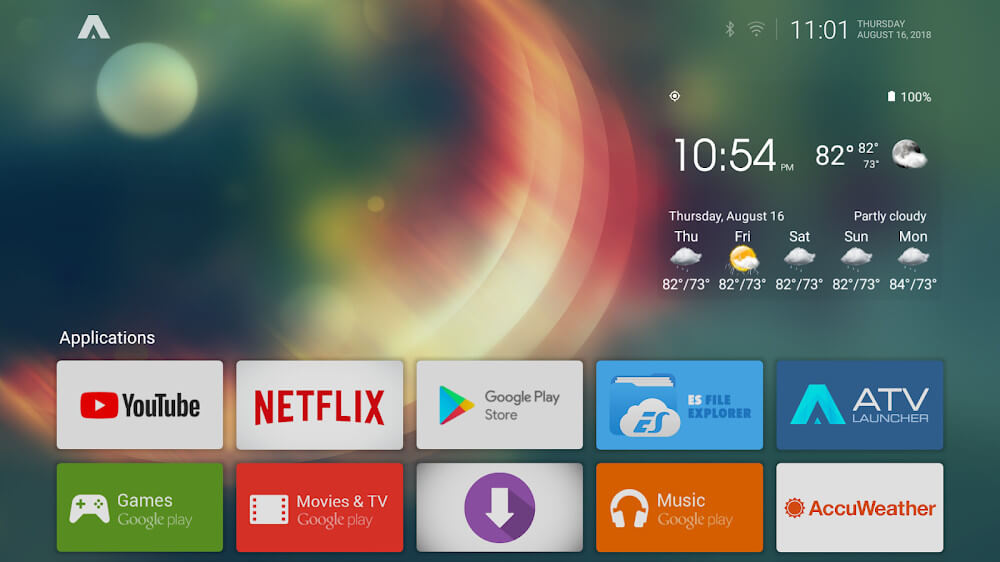
ATV Launcher Pro is an advanced, highly customizable launcher designed for Android TV and TV boxes, empowering users to tailor their home screen layout to their exact liking. Taking inspiration from the flexibility of smartphone interfaces, the app replaces the restrictive, rigid designs typical of stock smart TVs with a versatile layout manager. Users can effortlessly move shortcuts, resize tiles, and add or delete elements, making their most-used applications, games, and streaming tools accessible in a single click. It is an indispensable utility for anyone looking to personalize their Android streaming devices and streamline their overall viewing experience.
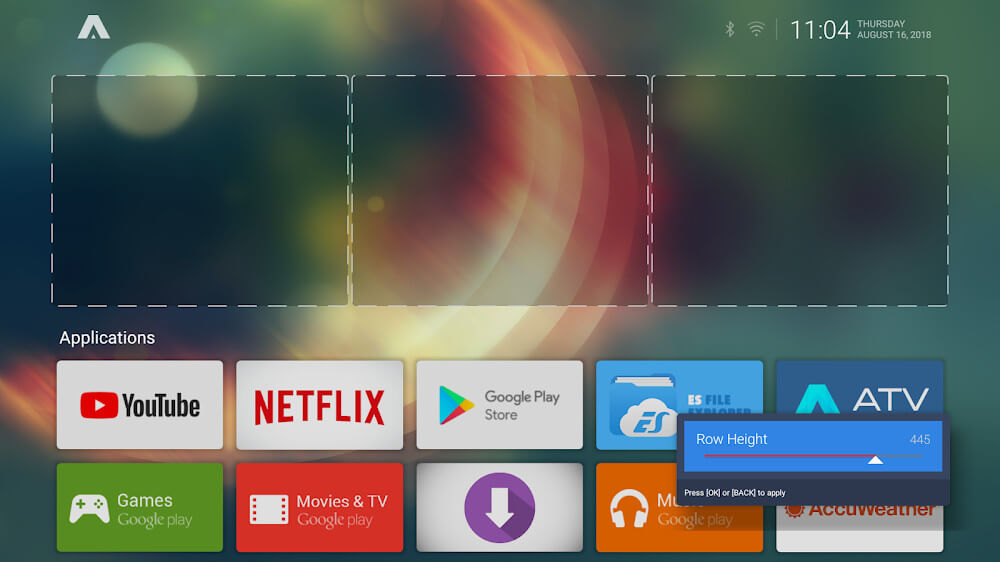
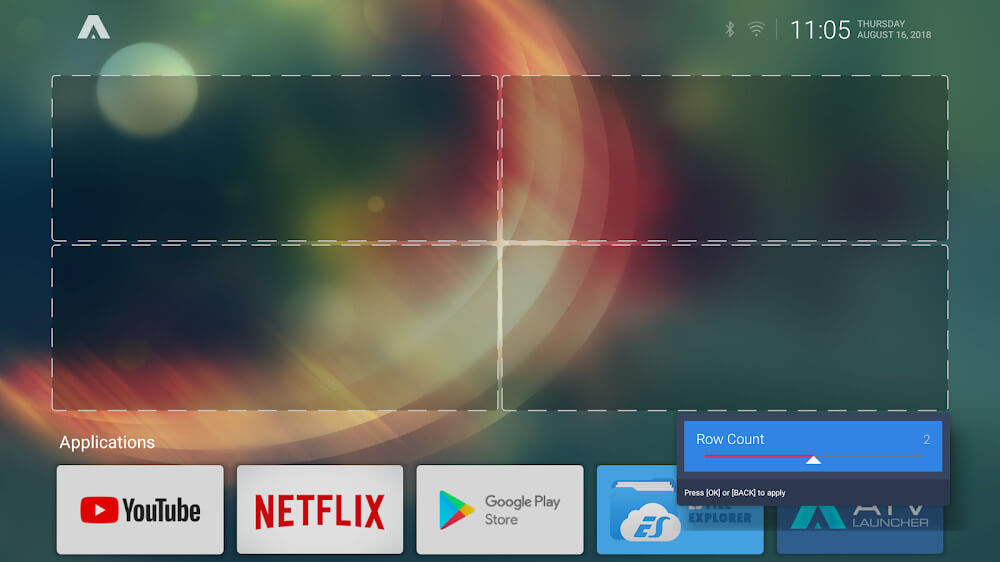
Navigation is built upon a modular structure of tiles and customizable sections, replacing the static banners of traditional TV systems with complete freedom of arrangement. You can configure individual tiles through the Widget sub-menu in the launcher settings, which also handles custom backgrounds and UI details. In addition, the Manage Section menu enables you to create, rename, and reorganize sections according to your media habits, ensuring your home screen stays intuitively mapped to your daily entertainment routine.
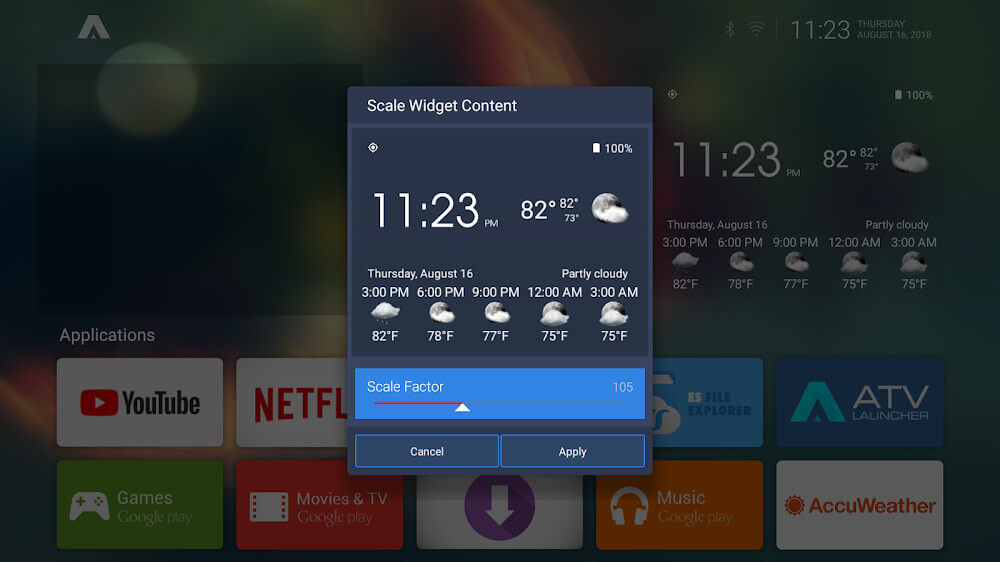
Enhance your home screen into a powerful dashboard by taking advantage of extensive widget integration. Widgets can function as quick shortcuts to frequent applications or show live weather forecasts and system metrics. ATV Launcher Pro supports placing more than three widgets on screen simultaneously, using intelligent scaling to keep all information crisp, readable, and properly aligned. Users maintain complete control over how much data is shown, making it easy to create anything from a minimalist layout to an information-dense control center.
Custom wallpaper support is one of the standout highlights of ATV Launcher Pro, allowing you to bypass restrictions imposed by TV manufacturers who lock down background customization. Head to the "Wallpaper" section in launcher settings to configure your backdrop. The app divides wallpapers into static and live options; static images use minimal RAM and CPU resources—making them ideal for budget TV boxes—while animated live wallpapers deliver striking visuals on more powerful devices. For the best stability and visual clarity across high-resolution TV displays, using crisp, high-quality images ensures a flawless look and smooth UI responsiveness.
ATV Launcher gives you full control over your apps and game collection. One of its standout highlights is the intuitive folder-based organization, functioning much like smartphone directories so you can group several titles together neatly. For added privacy, you can assign a custom password to any folder to restrict unauthorized access. This feature effectively solves the security shortcomings often found on TV boxes and large screens, while smooth navigation makes finding your favorite apps effortless.
Key Features
- Customizable dynamic tiles for neat app grouping
- Dedicated widget menu for quick home screen shortcuts
- Manage Sections tool to set up personalized categories
- Wallpaper customizer for devices lacking native background support
- Support for both static wallpapers and animated live backgrounds
- Flexible widget display count, adjustable from 3 to 5 slots
- Fast alphabetical sorting and filtering for all applications
- Password-protected folders to safeguard private apps
Related MOD APKs
- Glassify – Widgets & Themes
- Niagara Launcher
- ZEDGE
- Material You Widgets
FAQ
What does ATV Launcher Pro MOD APK unlock?
This ATV Launcher Pro (0.1.36-pro b26396284) package comes pre-activated with PAID and Patched modifications. It delivers the complete functionality of the official DStudio Canada release, with all premium features unlocked and ready to use right after installation.
What is the latest version of ATV Launcher Pro MOD APK?
The 0.1.36-pro b26396284 build corresponds to the DStudio Canada release dated April 16, 2026. ApkUnlimit hosts only the freshest builds, so to update, simply install this APK over your existing setup. If you run into a signature conflict, remove the previous version first.
Is ATV Launcher Pro MOD APK safe to download?
Yes, this ATV Launcher Pro 0.1.36-pro b26396284 package from DStudio Canada includes tested PAID and Patched features. Rated 3.1 stars across 70 user reviews, it runs smoothly without root access. You may encounter a routine Play Protect prompt during setup, so always grab the verified package from ApkUnlimit.
Can I use ATV Launcher Pro MOD APK on PC or iPhone?
Because this is an Android APK package, it is incompatible with iOS devices like iPhones. However, you can easily run this compact 2.8M installer on a PC using an Android emulator such as BlueStacks or LDPlayer by simply dragging the file into the virtual player.
How to install
- Download the APK file above to your phone.
- Allow “Install unknown apps” when prompted.
- Open the downloaded APK and tap Install.
- If the package includes OBB/XAPK data, follow the bundled instructions.
MOD APKs are modified builds, so Play Protect may show a warning. Install only if you trust the file; use at your own risk.