

Screenshots
Description
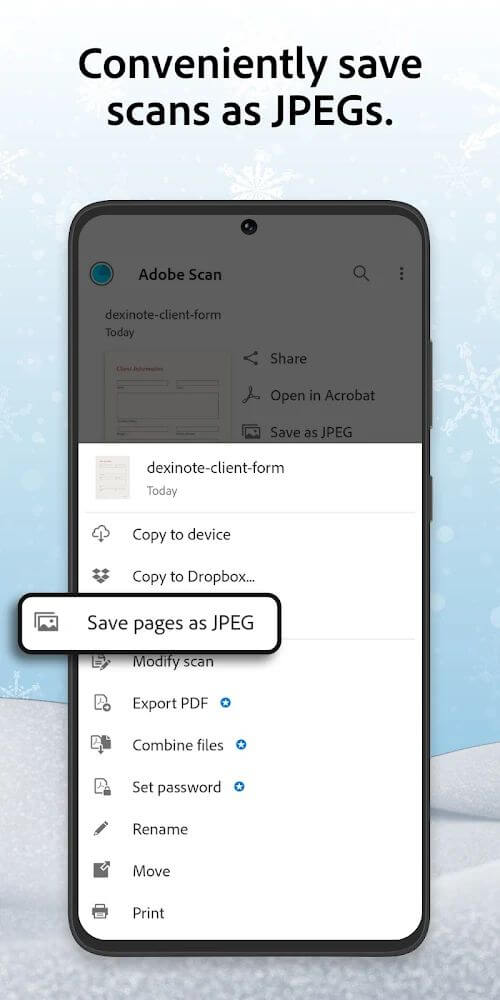
Adobe Scan Mod APK transforms your mobile device into a versatile digital scanner, allowing you to capture various printed materials with ease. The app makes it simple to export your scans into PDF or JPEG formats while providing practical tools to organize and modify your digitized files.
Adobe Scan MOD APK delivers unrestricted access to all premium features of this mobile scanning utility, eliminating the barriers found in the free edition. With this unlocked release, you can process high-volume document batches and take advantage of advanced document management tools without paying for a subscription.
What’s Modified in Adobe Scan
- Premium Unlocked: All subscription-based features are fully accessible, giving you higher page capacity and advanced file processing capabilities.
- Expanded Page Limits: Scan sessions are no longer restricted to 25 pages, letting you scan up to 100 pages in a single uninterrupted project.
- File Compression: Built-in compression tools are completely unlocked, allowing you to reduce the file size of your scanned PDFs and JPEGs for quick, effortless sharing.
This release is version 25.04.24_google_dynamic, comes with a 91M file size, and carries the package name com.adobe.scan.android. Because this Adobe Scan MOD APK has a modified signature, it cannot be installed directly over the official Play Store version.
About Adobe Scan
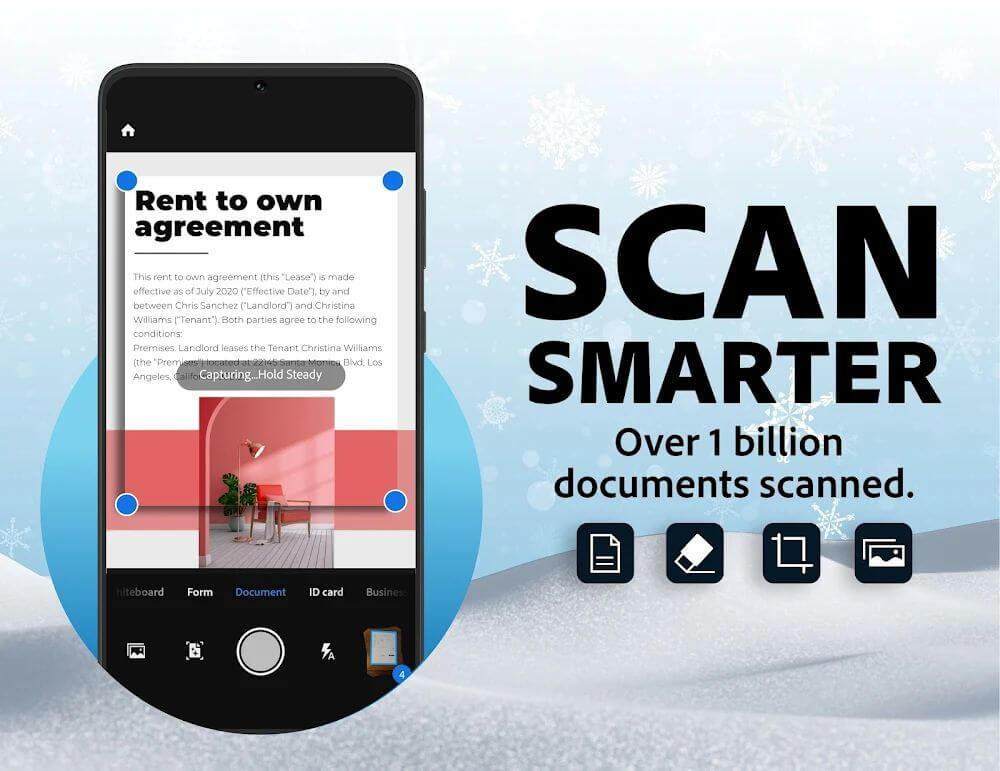
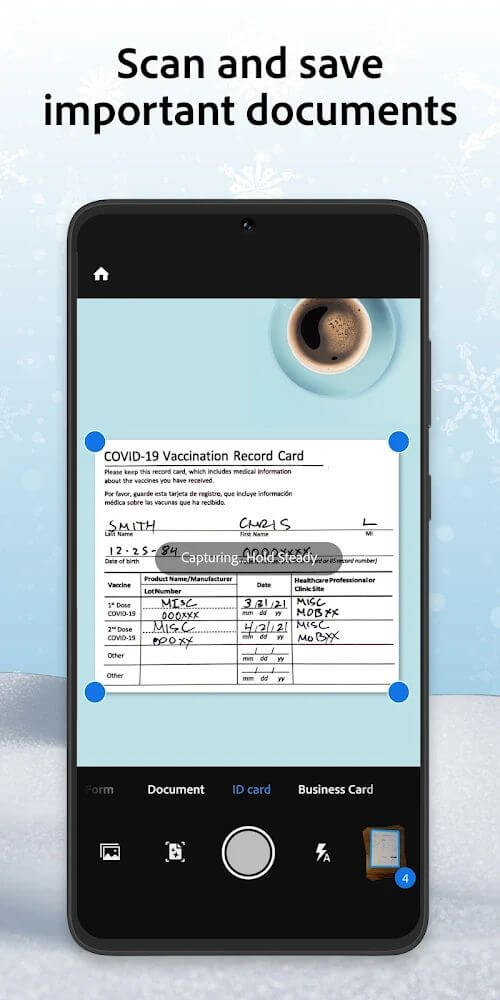
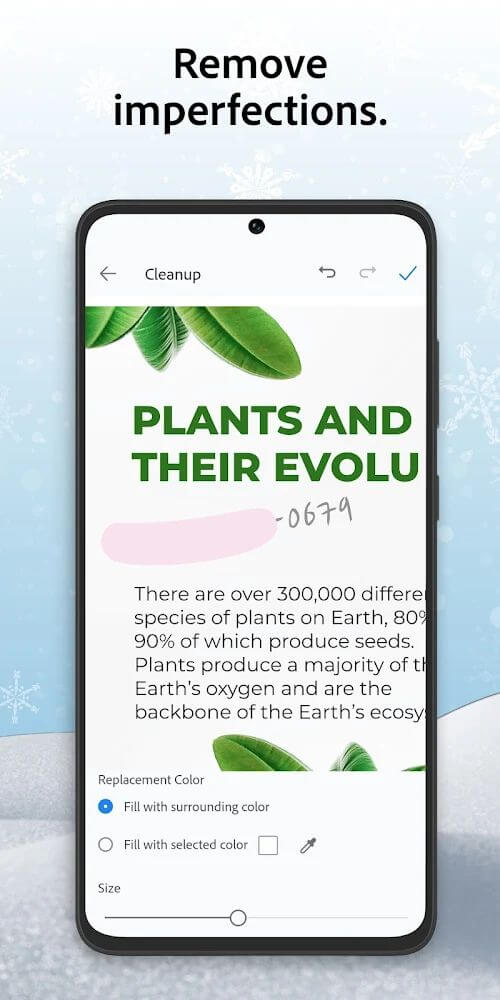
Adobe Scan enables you to digitize any paper document using your device's camera. The app excels at capturing physical sheets and applying smart enhancements that detect borders and crop away messy backgrounds. Whether you are snapping a receipt, invoice, or contract in a cluttered workspace, the software automatically trims the edges, enhances contrast, and sharpens text for maximum legibility. Backed by Adobe's reliable ecosystem, saving, editing, and organizing your scans takes just a couple of taps.
Book Mode is specifically designed to streamline the scanning of multi-page books. While digitizing two facing pages (bi-folios) is notoriously difficult in conventional apps, Adobe Scan automatically identifies and separates them into distinct single pages. This automated splitting saves considerable time, making it an essential utility for researchers, students, and anyone scanning voluminous books.
Business Card Mode simplifies managing business contacts collected during conferences or client meetings. The application reads contact info directly from the card using optical character recognition, letting you save the extracted details straight into your device's contacts or export them to third-party address book apps. This seamless workflow ensures you never misplace important business connections again.
Handling multi-page projects is fast and convenient thanks to continuous batch scanning. Rather than capturing individual documents one by one, you can scan consecutive pages and merge them into a single PDF document. You can also edit large collections simultaneously, including bulk page rotation, reordering, and deleting unnecessary sheets in seconds.
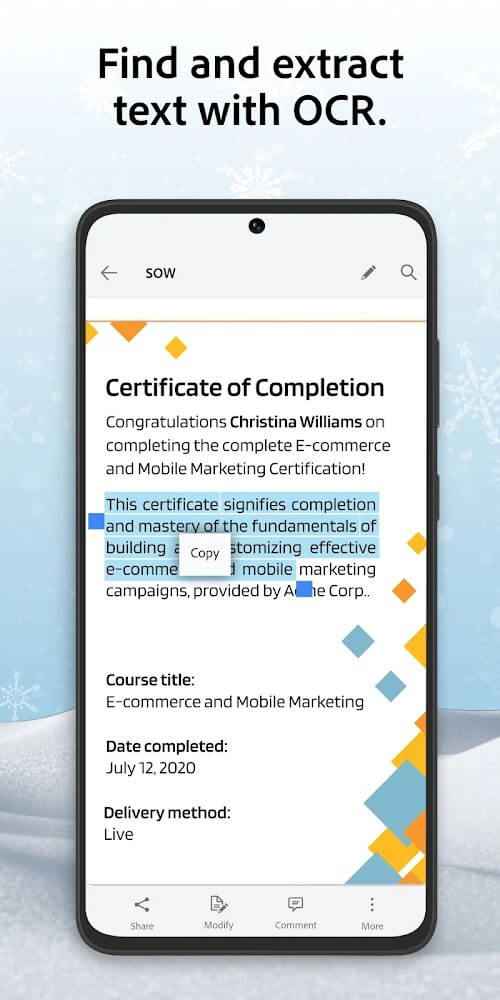
The standard version caps single scan sessions at 25 pages, whereas the premium version raises the ceiling to 100 pages per scan. Users can also sign contracts digitally, extract text via OCR to paste into other applications, and compress bulky documents for quick sharing across messaging apps and email.
Seamless cloud integration unlocks the app's full potential, allowing you to instantly save your edited files online. Thanks to synchronized cloud storage, your paperwork is accessible anytime, anywhere, and from virtually any device. Sharing files with colleagues or clients is equally effortless. Whether digitizing tiny sales receipts or handling lengthy multi-page reports, the application delivers robust scanning, digital editing, and sharing tools to transform your physical paper records into manageable digital files with ease.
Key Features
- Export to PDF and JPEG
- Book Mode with Auto Page Splitting
- Business Card Scanning & Instant Data Extraction
- Multi-Page Document Scanning and Merging
- Batch Editing for Scanned Pages
- Seamless Cloud Storage Integration
- Built-in File Compression
- Digital Document Signing & OCR Text Copying
Related MOD APKs
- Adobe Lightroom
- Adobe Acrobat
- Lightroom Photo & Video Editor
- Photoshop Express
FAQ
Is Premium Unlocked in Adobe Scan MOD APK?
Yes, this Adobe Scan 25.04.24_google_dynamic build comes with Premium Unlocked. It operates just like the official Adobe release, giving you instant access to all advanced capabilities right after installation without extra setup.
What is the latest version of Adobe Scan MOD APK?
The current release is version 25.04.24_google_dynamic, based on the official Adobe update from August 11, 2026. At ApkUnlimit, we only provide the newest build. Simply install this package over your existing build to update; if you encounter a signature conflict, uninstall the previous version first and then reinstall.
Is Adobe Scan MOD APK safe to download?
Absolutely. The Adobe Scan 25.04.24_google_dynamic package provides the full Adobe experience with Premium Unlocked. It has earned a 3.6-star rating from 179 users and runs smoothly without needing root access. You can safely bypass any standard Play Protect warnings during setup, provided you grab your file directly from ApkUnlimit.
Can I run Adobe Scan MOD APK on PC or iPhone?
Because this package is tailored for Android, it cannot run on iOS devices like the iPhone. However, to enjoy this 91M application on your PC, simply launch an Android emulator such as BlueStacks or LDPlayer and install the file directly through it.
How to install
- Download the APK file above to your phone.
- Allow “Install unknown apps” when prompted.
- Open the downloaded APK and tap Install.
- If the package includes OBB/XAPK data, follow the bundled instructions.
MOD APKs are modified builds, so Play Protect may show a warning. Install only if you trust the file; use at your own risk.